PowerPoint2007如何插入矩形

 时间:2026-02-12 11:47:23

1、点击打开“PowerPoint2007”。

PowerPoint2007如何插入矩形

2、点击PowerPoint2007左上角“插入”。

PowerPoint2007如何插入矩形

3、点击“形状”。

PowerPoint2007如何插入矩形

4、点击“矩形”图案。

PowerPoint2007如何插入矩形

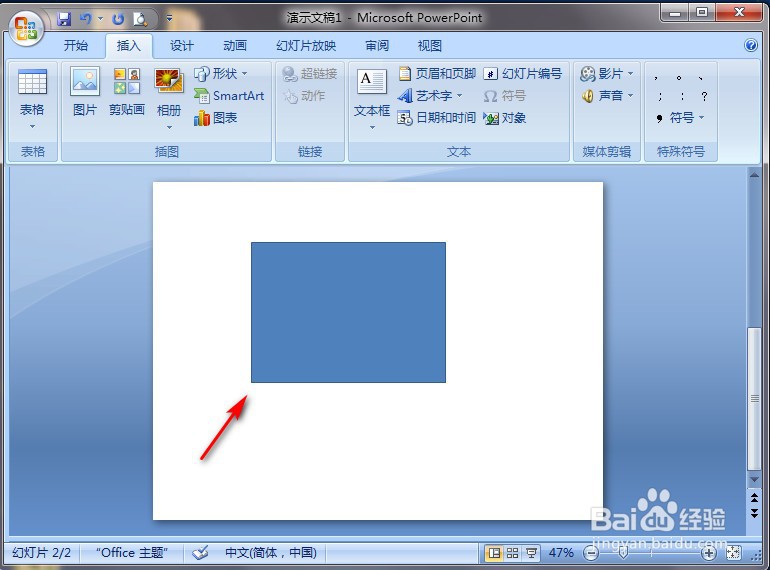
5、在PowerPoint2007空白处长按鼠标左键进行划拉,就完成了。

PowerPoint2007如何插入矩形

  • PowerPoint2007如何插入剪去单角的矩形
  • PowerPoint2007如何插入圆角矩形
  • PowerPoint2007如何插入单圆角矩形
  • PowerPoint2007如何插入曲线箭头连接符
  • PowerPoint2007如何插入曲线双箭头连接符
  • 热门搜索
    日本旅游签证 西藏旅游路线 漳州旅游 北京旅游攻略 上海旅游 旅游业 都江堰旅游攻略 江门旅游 上海旅游集散中心 北京周边旅游