PowerPoint2007如何插入单圆角矩形

 时间:2024-11-13 01:00:23

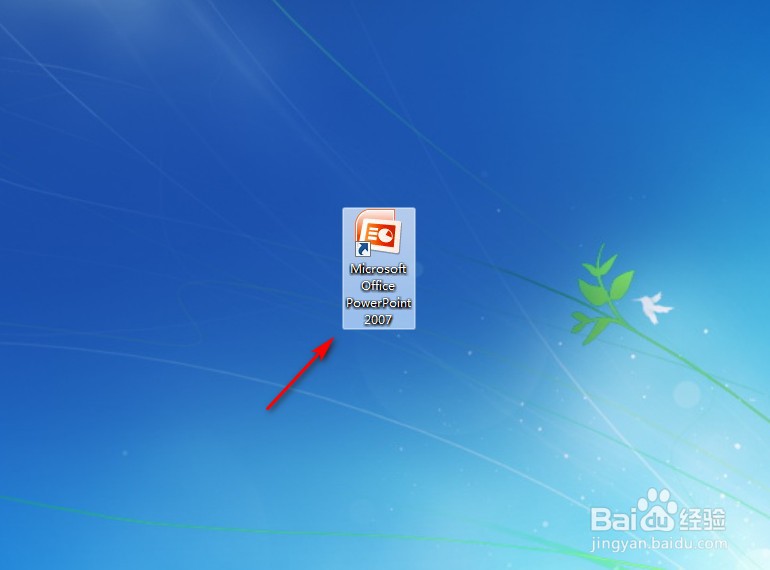
1、点击打开“PowerPoint2007”。

PowerPoint2007如何插入单圆角矩形

2、点击PowerPoint2007左上角“插入”。

PowerPoint2007如何插入单圆角矩形

3、点击“形状”。

PowerPoint2007如何插入单圆角矩形

4、点击“单圆角矩形”图案。

PowerPoint2007如何插入单圆角矩形

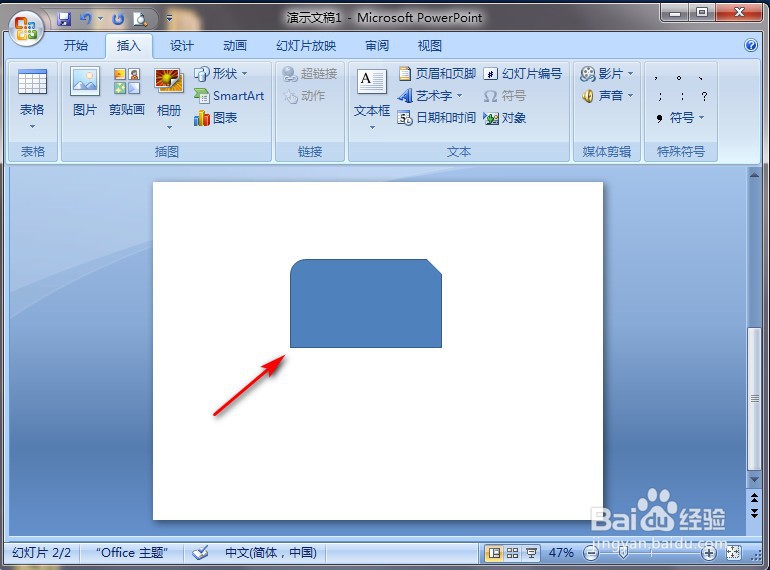
5、在PowerPoint2007空白处长按鼠标左键进行划拉,就完成了。

PowerPoint2007如何插入单圆角矩形
  • PowerPoint2007如何插入曲线连接符
  • PowerPoint2007如何插入直线
  • PowerPoint2007如何插入自由曲线
  • PowerPoint2007如何插入肘形箭头连接符
  • PowerPoint2007如何插入曲线双箭头连接符
  • 热门搜索
    旅游搜索 京津冀旅游年卡 重庆旅游团 洛阳旅游网 福州 旅游 旅游风光 去丽江旅游要多少钱 山东省旅游职业学院 大连旅游网 深圳免费旅游景点大全