PowerPoint2007如何插入自由曲线

 时间:2026-02-14 18:04:52

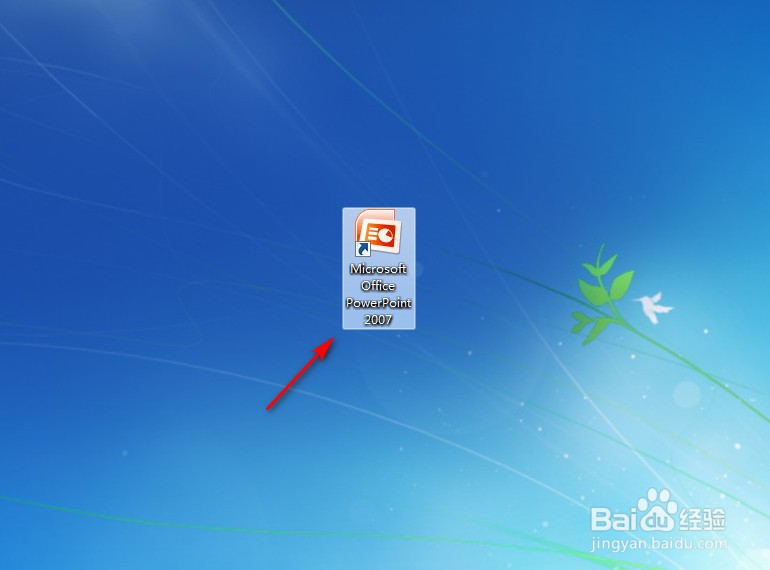
1、点击打开“PowerPoint2007”。

PowerPoint2007如何插入自由曲线

2、点击PowerPoint2007左上角“插入”。

PowerPoint2007如何插入自由曲线

3、点击“形状”。

PowerPoint2007如何插入自由曲线

4、点击“自由曲线”图案。

PowerPoint2007如何插入自由曲线

5、在PowerPoint2007空白处长按鼠标左键进行划拉,就完成了。

PowerPoint2007如何插入自由曲线

  • PowerPoint2007如何插入双箭头
  • PowerPoint2007如何插入曲线连接符
  • PowerPoint2007如何插入曲线箭头连接符
  • PowerPoint2007如何插入曲线
  • PowerPoint2007如何插入直线
  • 热门搜索
    苏州市旅游景点 辽宁旅游地图 2人被列入全国旅游市场黑名单 10月份去哪旅游最好 夏季旅游鞋 集体旅游 水泊梁山旅游网 荣县大佛文化旅游节 三亚旅游费用 运城旅游网