PowerPoint2007如何插入曲线

 时间:2026-02-13 21:46:38

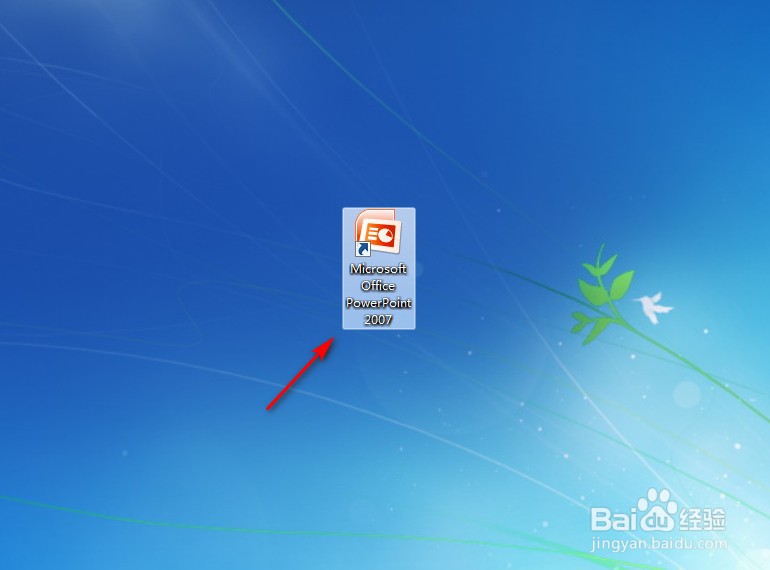
1、点击打开“PowerPoint2007”。

PowerPoint2007如何插入曲线

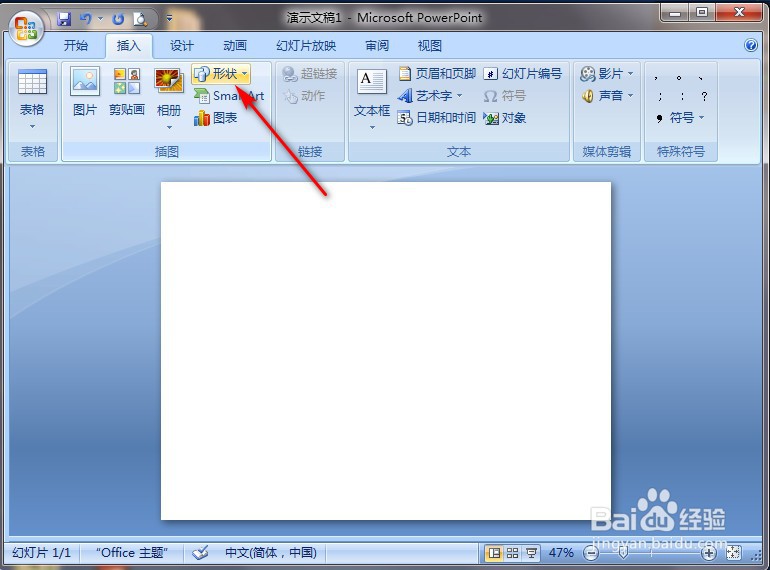
2、点击PowerPoint2007左上角“插入”。

PowerPoint2007如何插入曲线

3、点击“形状”。

PowerPoint2007如何插入曲线

4、点击“曲线”图案。

PowerPoint2007如何插入曲线

5、在PowerPoint2007空白处长按鼠标左键进行划拉,就完成了。
PowerPoint2007如何插入曲线

  • PowerPoint2007如何插入肘形连接符
  • PowerPoint2007如何插入双箭头
  • PowerPoint2007 增加自定义母版
  • 如何设置powerpoint2007自动保存时间
  • 如何显示powerpoint2007开发工具项
  • 热门搜索
    适合春节旅游的地方 山西运城旅游 旅游报 乡村旅游调研报告 美国西海岸旅游攻略 山东蓬莱旅游 东三省旅游景点 新加坡旅游地图 旅游去哪里好玩 旅游特价