IOS9.3.5开启Assistivetouch(小圆点、虚拟键)

 时间:2024-10-14 03:44:56

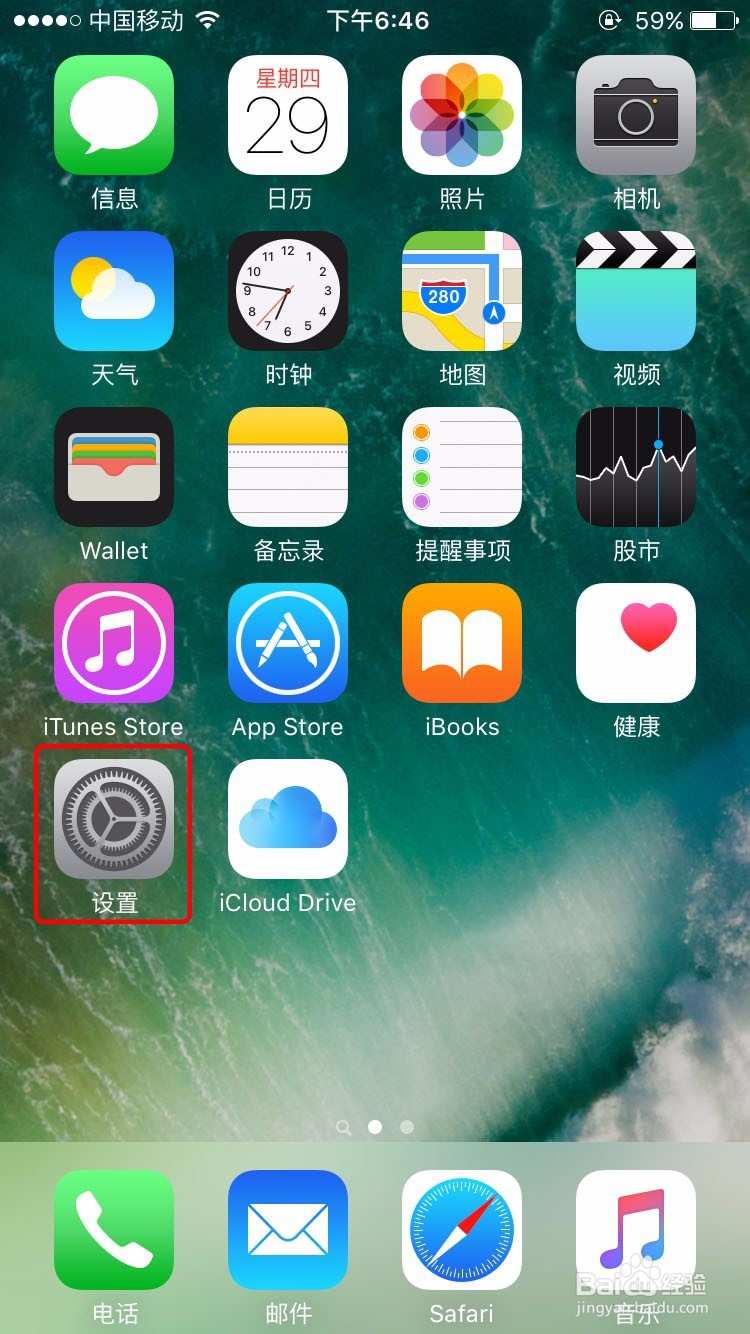
1、解锁你的iPhone回到主屏幕

IOS9.3.5开启Assistivetouch(小圆点、虚拟键)

2、打开【设置】应用

IOS9.3.5开启Assistivetouch(小圆点、虚拟键)

3、打开【通用】

IOS9.3.5开启Assistivetouch(小圆点、虚拟键)

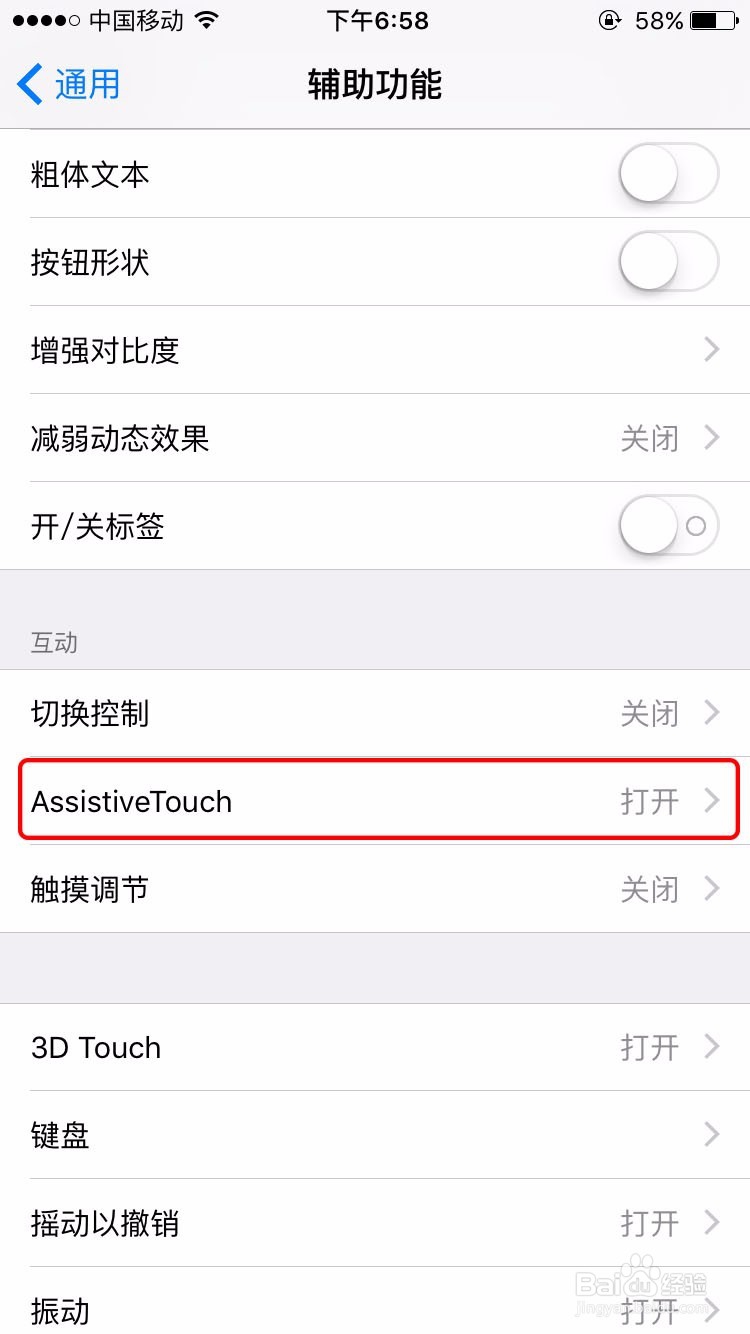
4、打开【辅助功能】

IOS9.3.5开启Assistivetouch(小圆点、虚拟键)

5、打开【Assistivetouch】

IOS9.3.5开启Assistivetouch(小圆点、虚拟键)

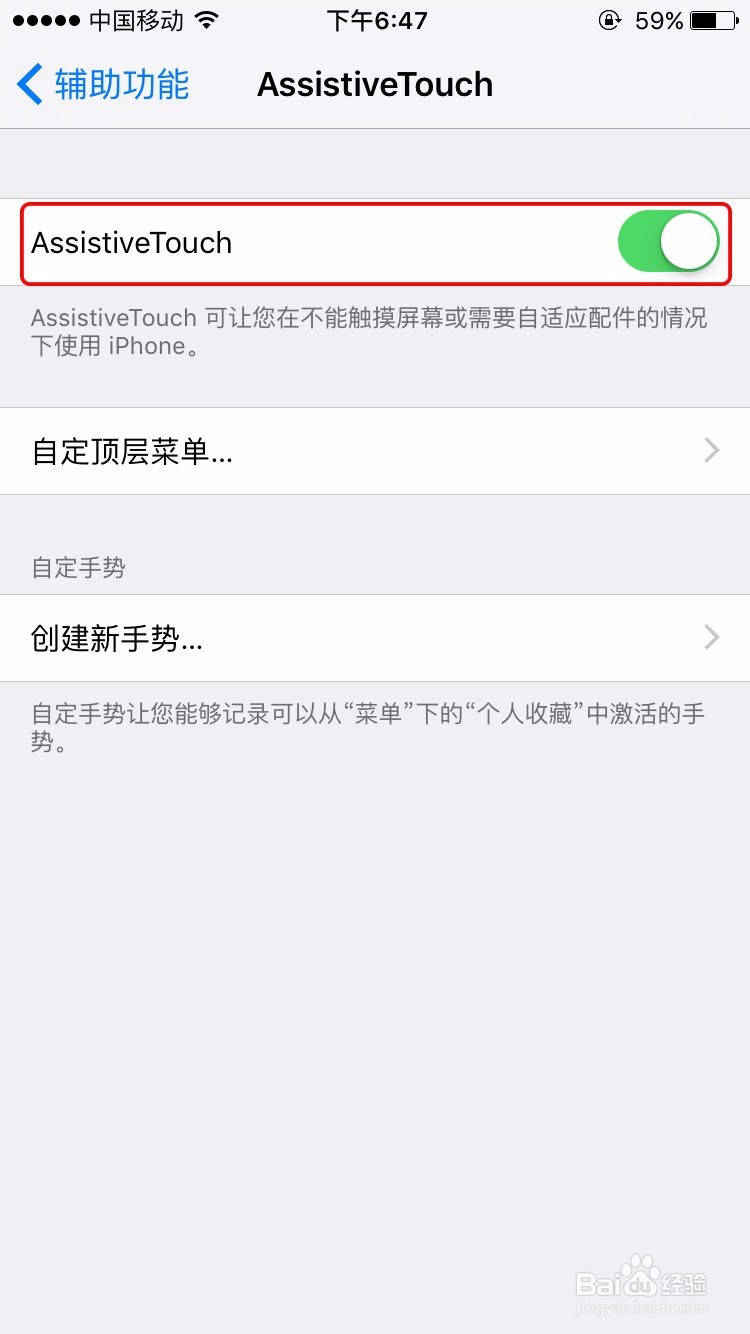
6、开启【Assistivetouch】在这里你也可以自定义Assistivetouch的功能
IOS9.3.5开启Assistivetouch(小圆点、虚拟键)IOS9.3.5开启Assistivetouch(小圆点、虚拟键)

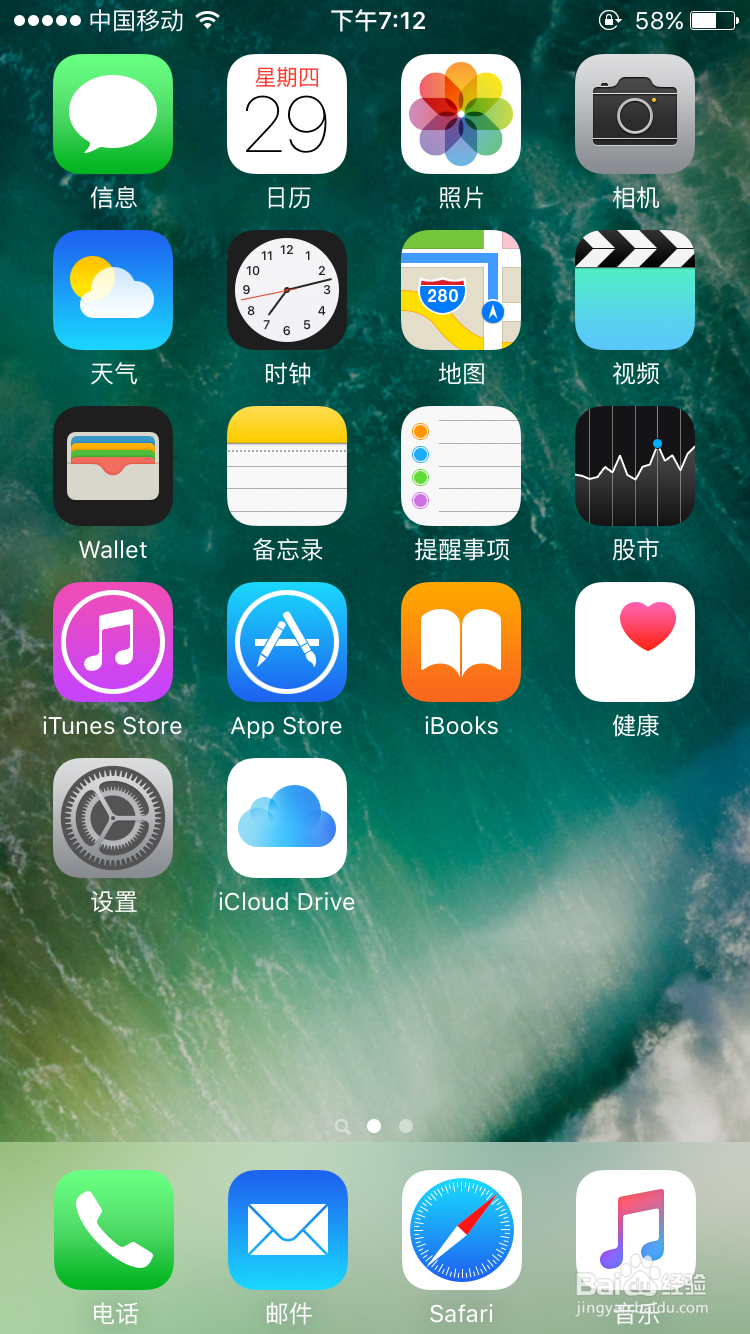
7、设置好了你就可以使用Assistivetouch

IOS9.3.5开启Assistivetouch(小圆点、虚拟键)
  • iphone6 plus怎么查看版本,苹果6版本查询教程
  • 美版有锁机怎么激活
  • 苹果home键在哪里设置
  • 苹果下架“如何检查激活锁ID状态”怎么办?
  • MG843CH/A什么版本
  • 热门搜索
    西安有哪些旅游景点 贵州最佳旅游景点 春节 旅游 石狮旅游景点大全 马来西亚旅游签证 哈尔滨 旅游 旅游产品营销方案 旅游的英文 文明旅游手抄报 日本旅游指南