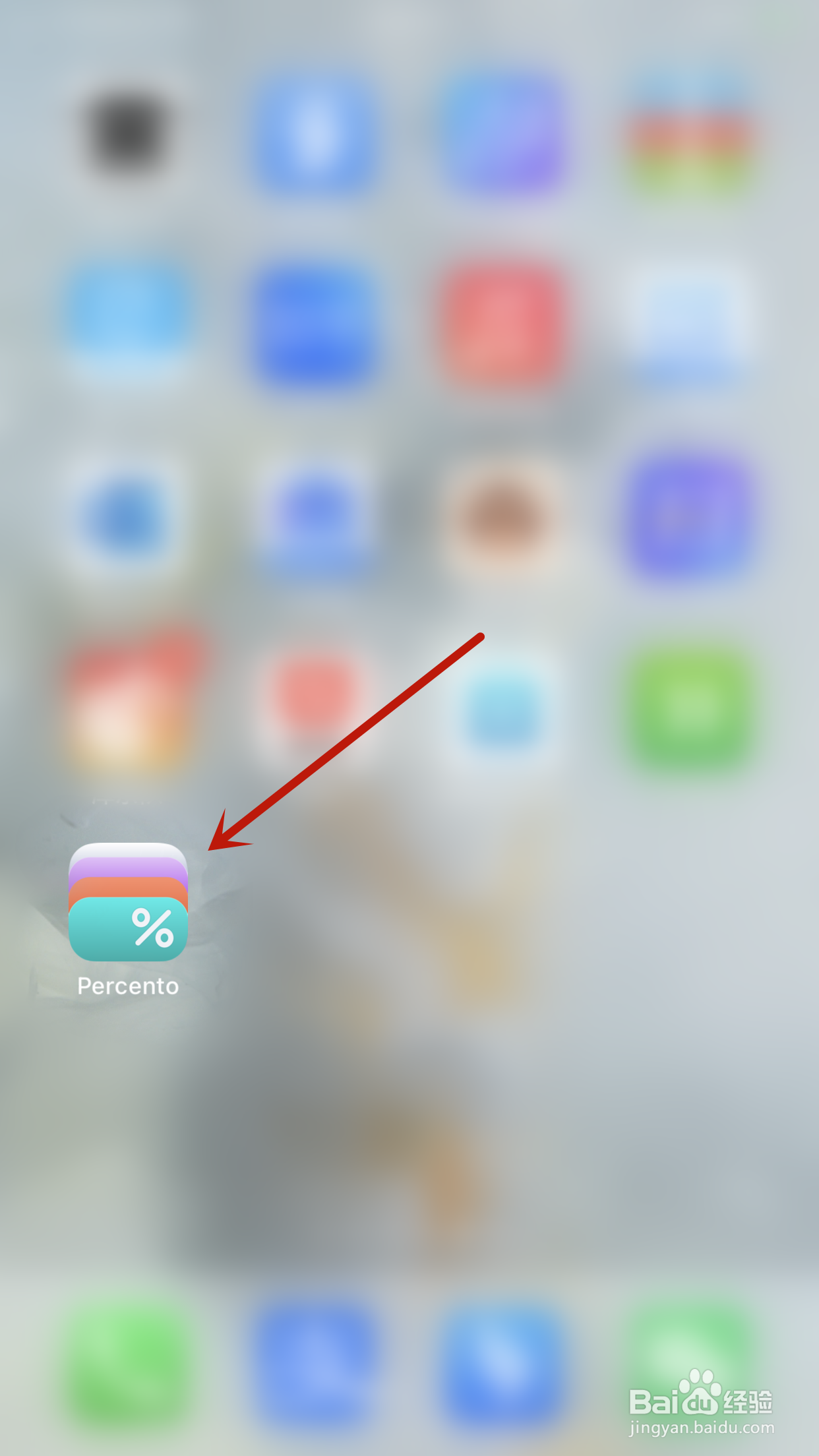
1、手机桌面点击Percento图标打开“Percento”App
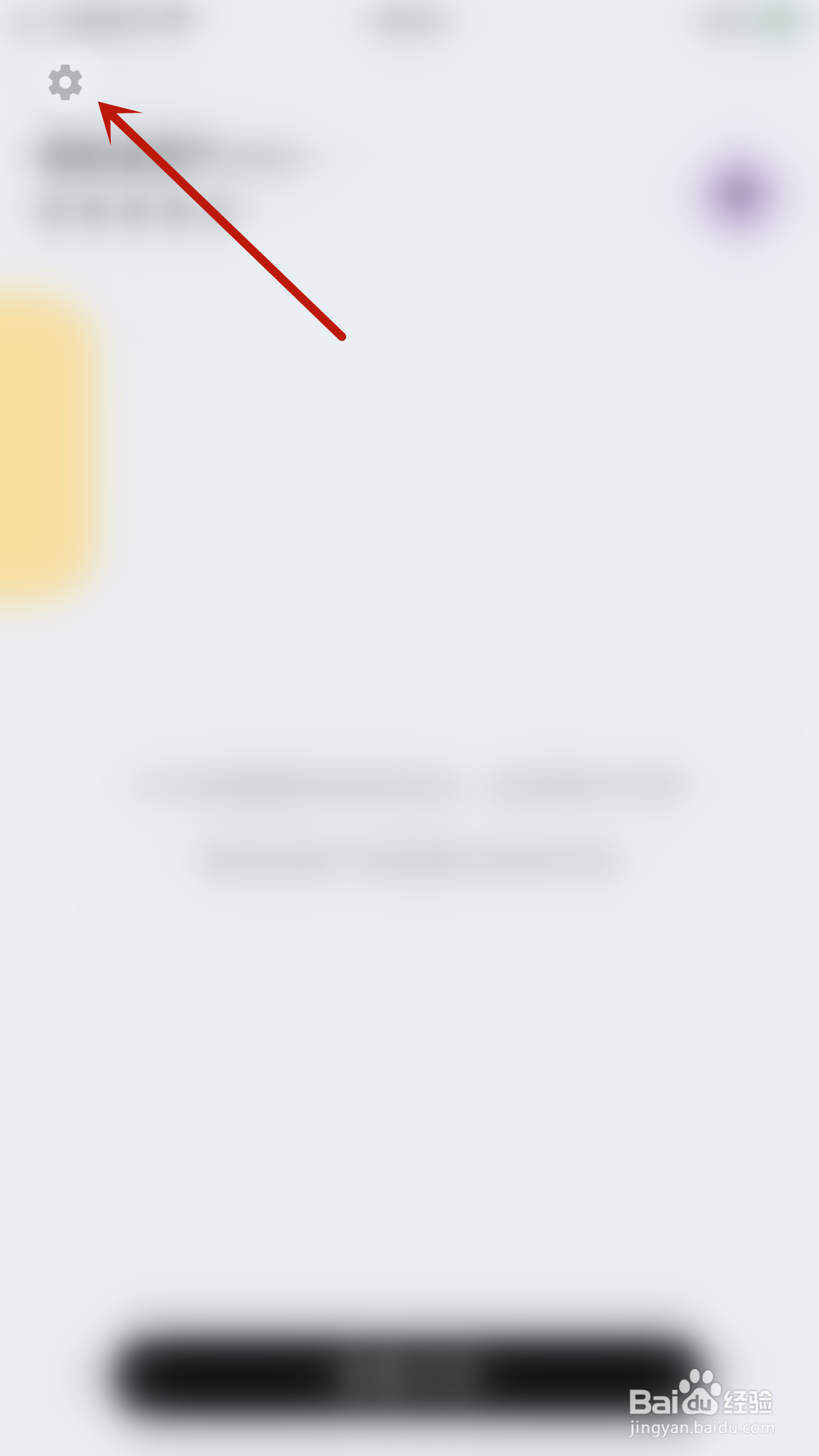
2、Percento主界面点击左上角的“齿轮”图标打开设置界面
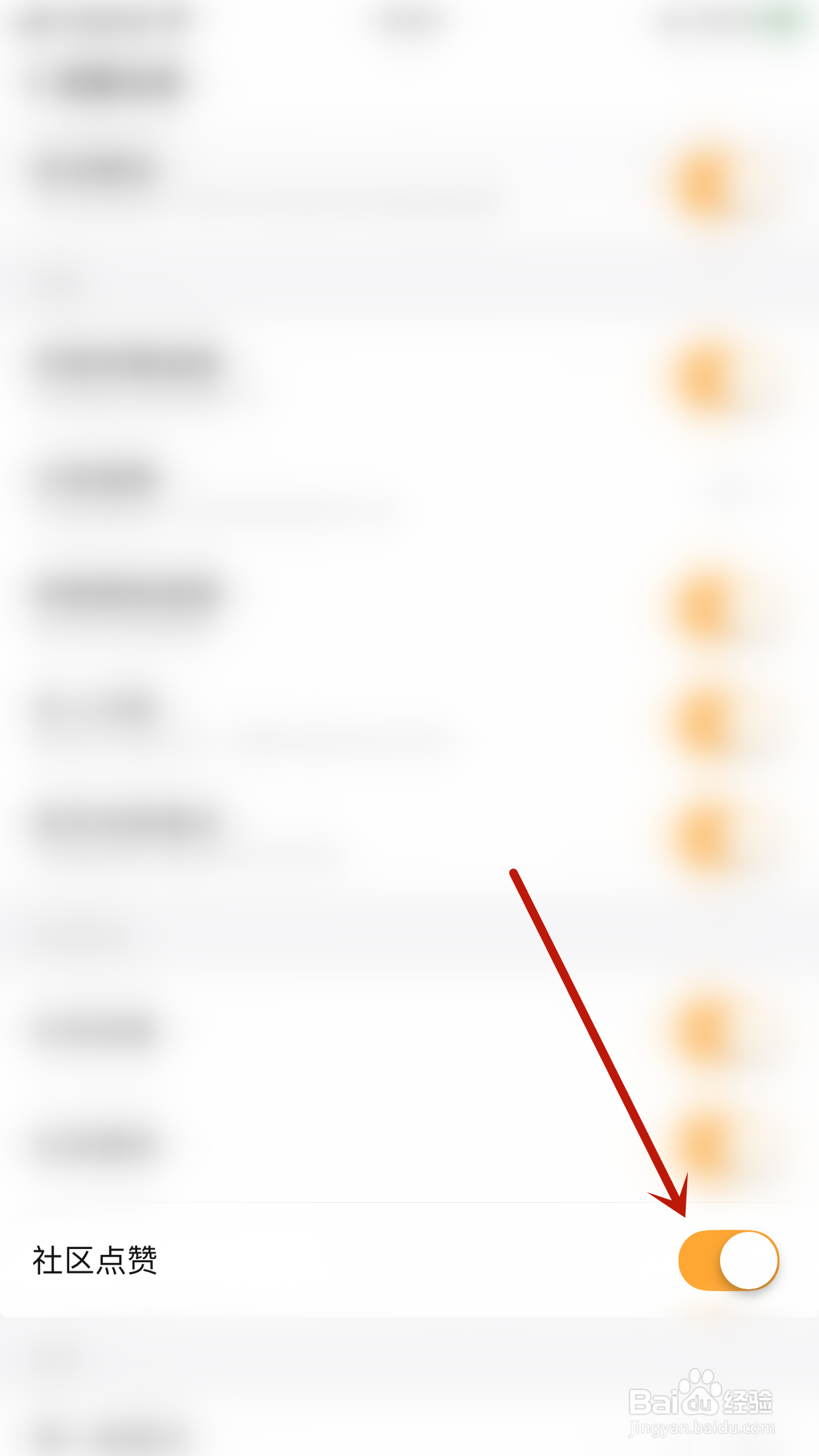
3、设置界面点击“社区点赞”后面的圆点

4、“社区点赞”后面的圆点变为橙色即表示启用Percento社区点赞成功
时间:2026-04-22 18:43:23
1、手机桌面点击Percento图标打开“Percento”App
2、Percento主界面点击左上角的“齿轮”图标打开设置界面
3、设置界面点击“社区点赞”后面的圆点
4、“社区点赞”后面的圆点变为橙色即表示启用Percento社区点赞成功
