1、RangeAttribute:Attribute used to make a float or int variable in a script be restricted to a specific range.
When this attribute is used, the float or int will be shown as a slider in the Inspector instead of the default number field.
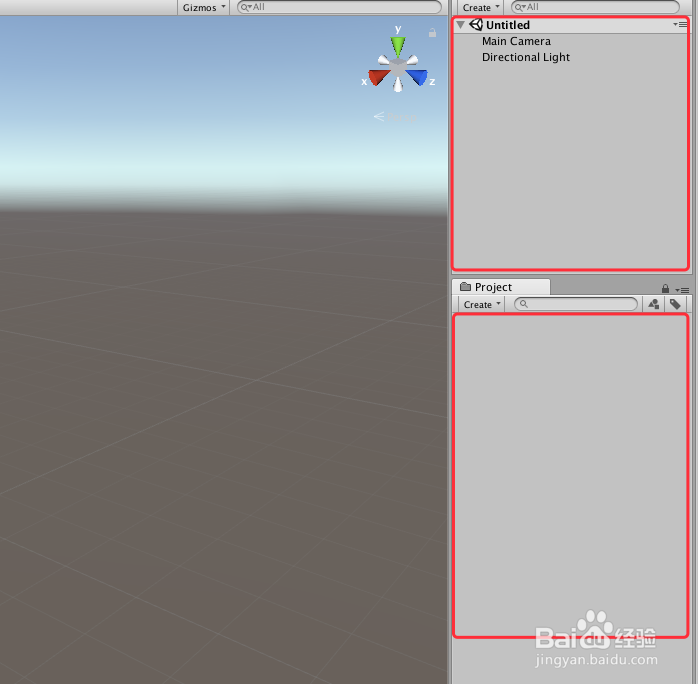
1、打开Unity,新建一个空工程,Unity界面如下图
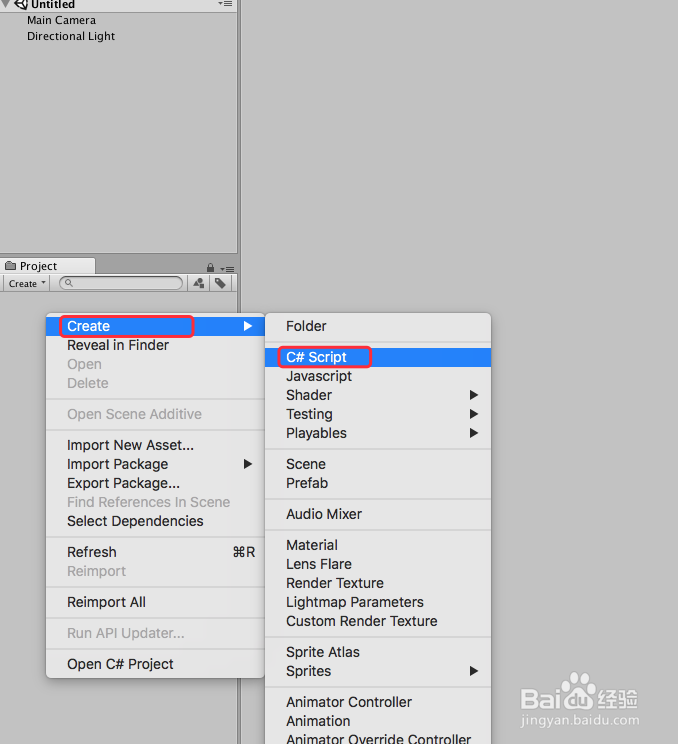
2、在工程里面新建一个脚本,可以命名为“RangeTest”,具体如下图
3、选中脚本“RangeTest”,双击脚本或者右键“Open C# Project”打开脚本,具体如下图

4、在打开的脚本上进行代码编辑,用“Range”来限定一个变量的取值范围,具体代码如下图

5、脚本编译正确后,回到Unity界面,新建一个“GameObject”,然后把“RangeTest”赋给“GameObject”,即可看到脚本中对“age”的数值限定,具体如下图

6、到此,《Unity 经典教程 Editor扩展之RangeAttribute的使用》讲解结束,更多资料可参见 Unity Manul 手册,谢谢
