1、//程序运行状态截图,以及源码。
using namespace std;
#include "iostream"
#include "conio.h"
#include "string"
int cout_password(string password)
{
cout<<endl<<"测试模块:输入的密码:"<<password<<endl<<endl;
}
int main()
{
string user_user,password,if_user_password;
char user_password[0XFF];
user_user="Administered";
password="admin";
cout<<"用户名:"<<user_user<<endl<<"密码:";
for(int sum=0;(user_password[sum]=getch())!='\r';sum++,cout<<"*");
cout<<endl;
if_user_password=user_password;
if(if_user_password.compare(password)==true)
cout<<"验证状态:成功!"<<endl;
else
cout<<"验证状态:失败!"<<endl;
cout_password(if_user_password);
return 0;
}

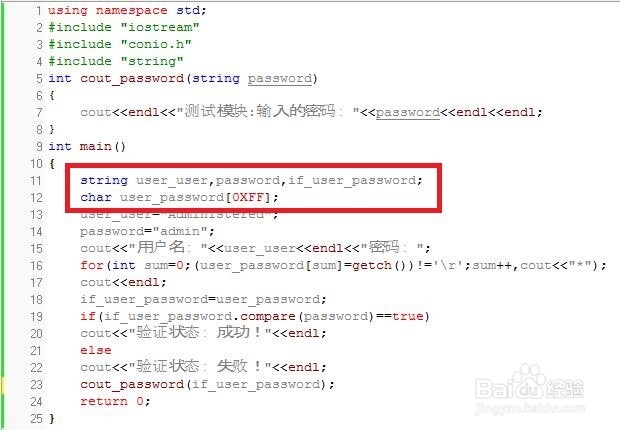
2、string user_user,password,if_user_password;
char user_password[0XFF];
定义string变量的字符串用来对比或者储存。
char变量用于接收键盘输入的数据。
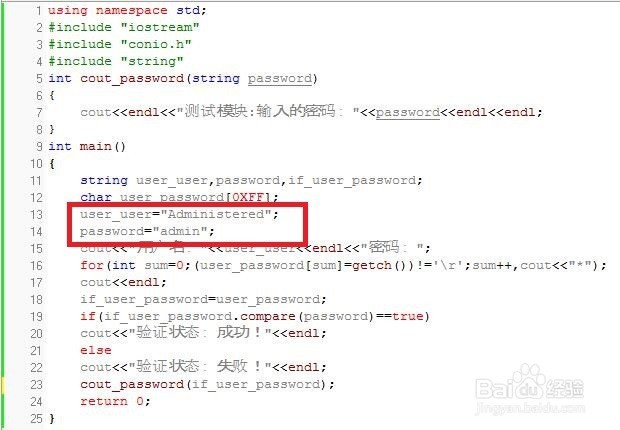
3、user_user="Administered";
password="admin";
string变量初始化(可以中文)。
4、 cout<<"字符串"<<endl;
cout输出字符串。

5、for(int sum=0;(user_password[sum]=getch())!='\r';sum++,cout<<"*");
cout<<endl;
使用char类型接收键盘输入的按键消息。并储存到数组中。每输入一次则输出“*”,结束条件是遇到回车。
cout<<endl;作用输出换行,也是为了美观。

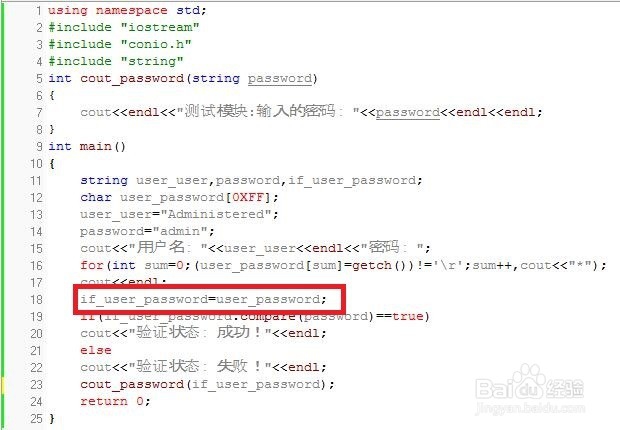
6、if_user_password=user_password;
user_password(char数组变量)接收到的按键消息转换为if_user_password(sring)变量。
7、if(if_user_password.compare(password)==true)
cout<<"验证状态:成功!"<<endl;
else
cout<<"验证状态:失败!"<<endl;
将if_user_password和password的string变量做字符串对比。字符串全部一致执行cout<<"验证状态:成功!"<<endl;语句,不一致执行cout<<"验证状态:失败!"<<endl; 语句。

8、cout_password(if_user_password);、
调用int cout_password(if_user_password);模块,作为测试模块使用。主要验证程序的完整性,有没有BUG或者不是我们想要的运行状态。

