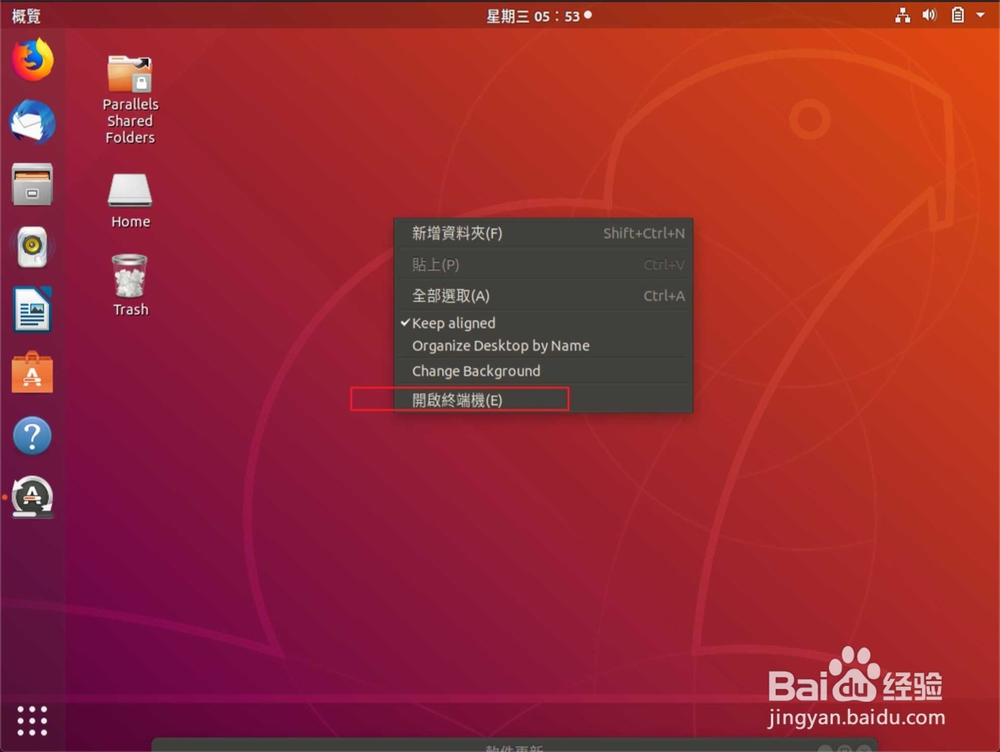
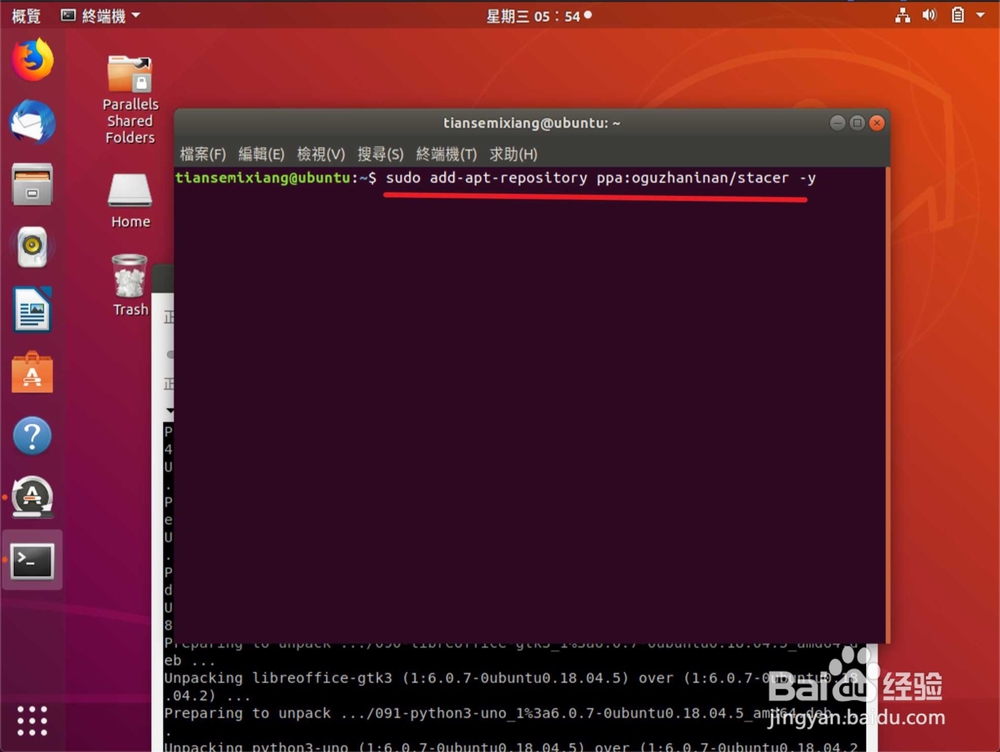
1、右键打开终端了,输入命令:【sudo add-apt-repository ppa:oguzhaninan/stacer -y】。
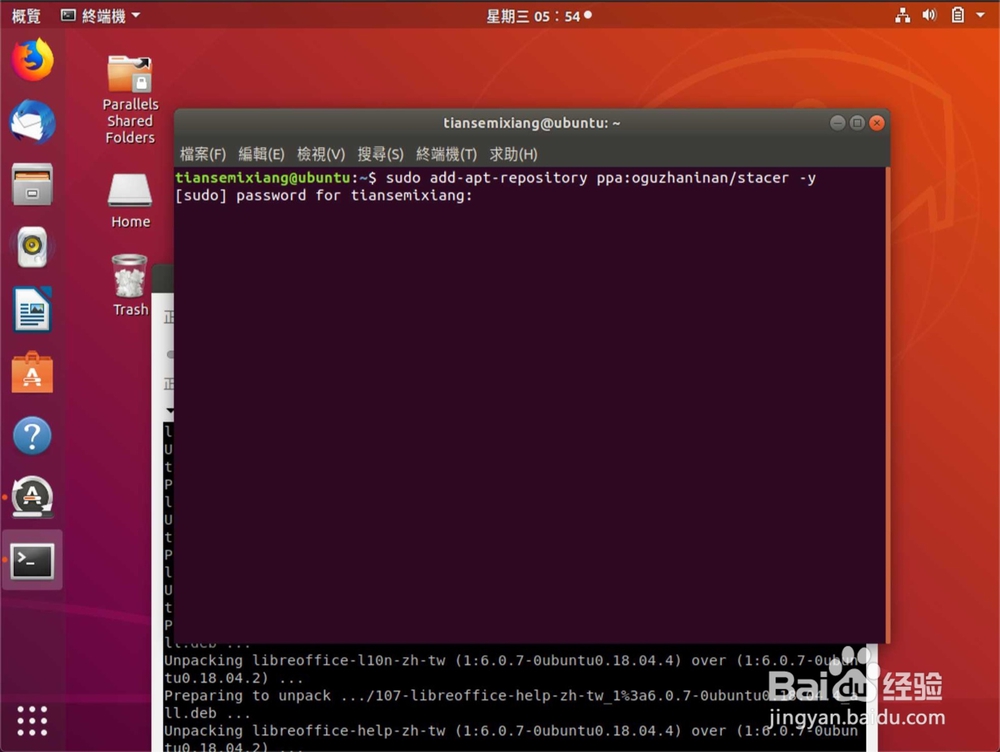
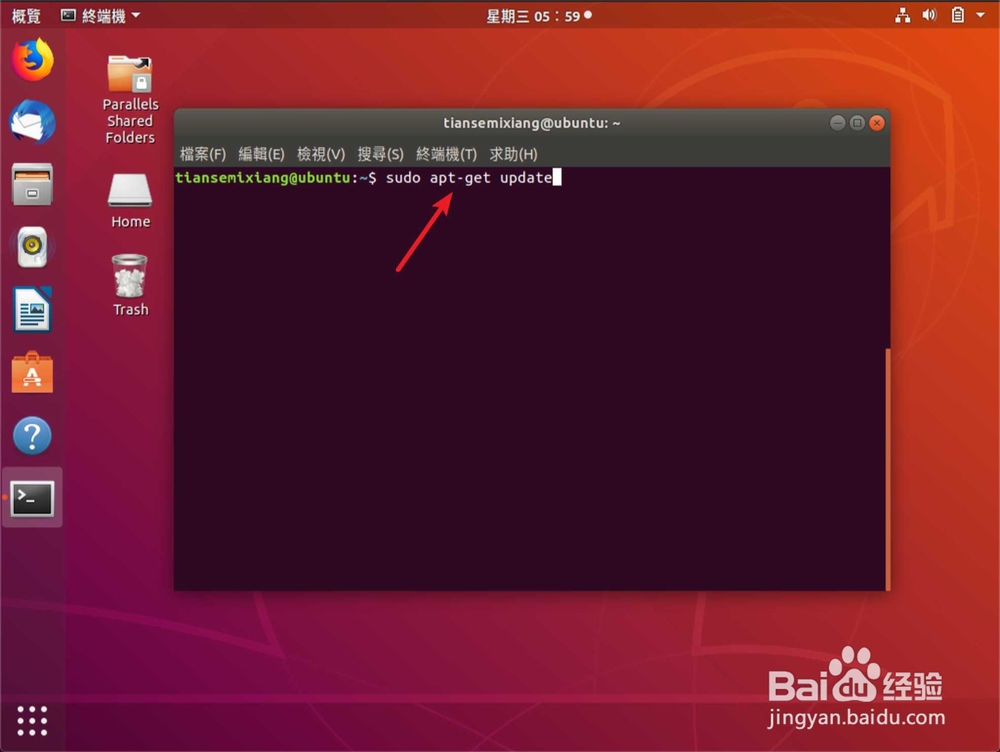
2、输入密码,然后输入更新命令:【sudo apt-get update】。
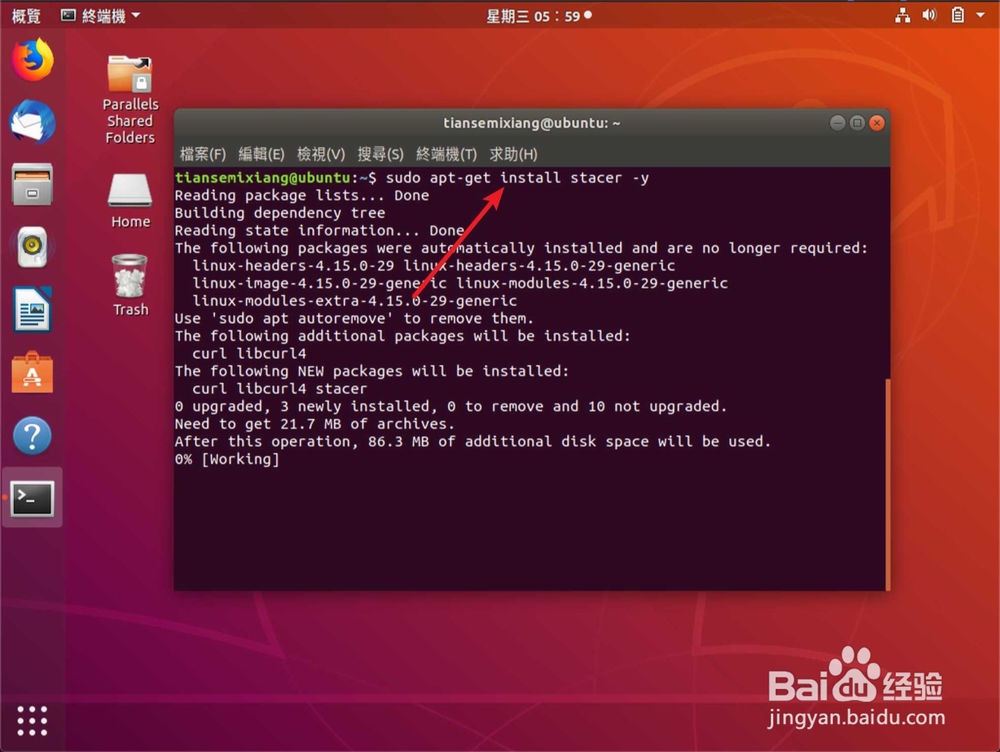
3、输入安装命令:【sudo apt-get install stacer -y】。
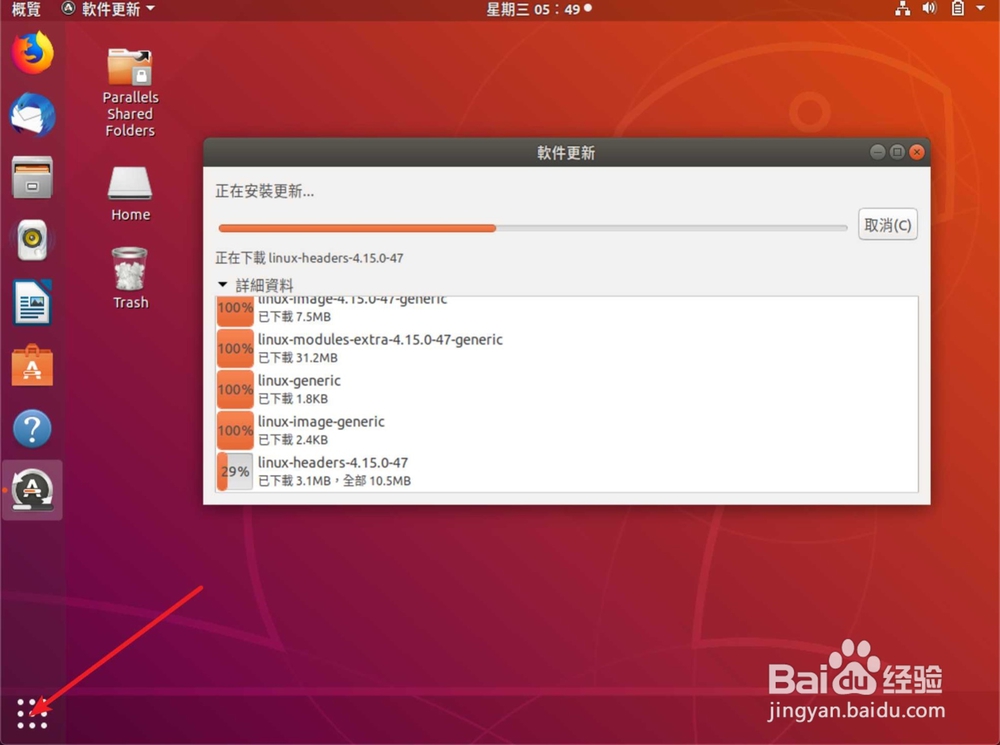
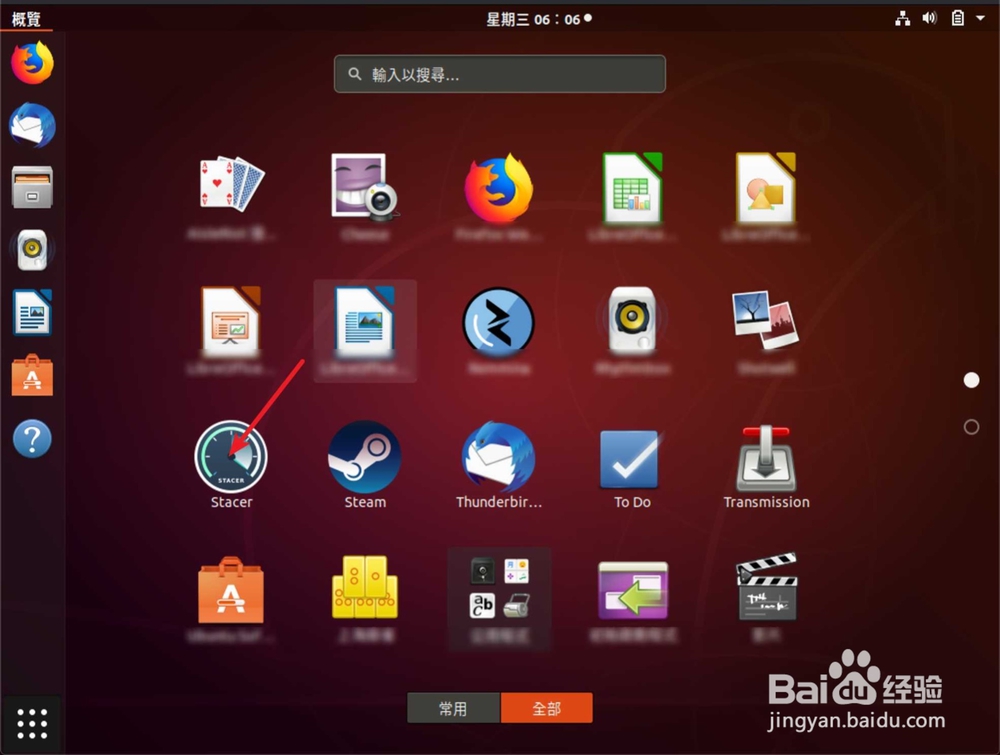
4、然后点击安装的工具,点击卸载符号。
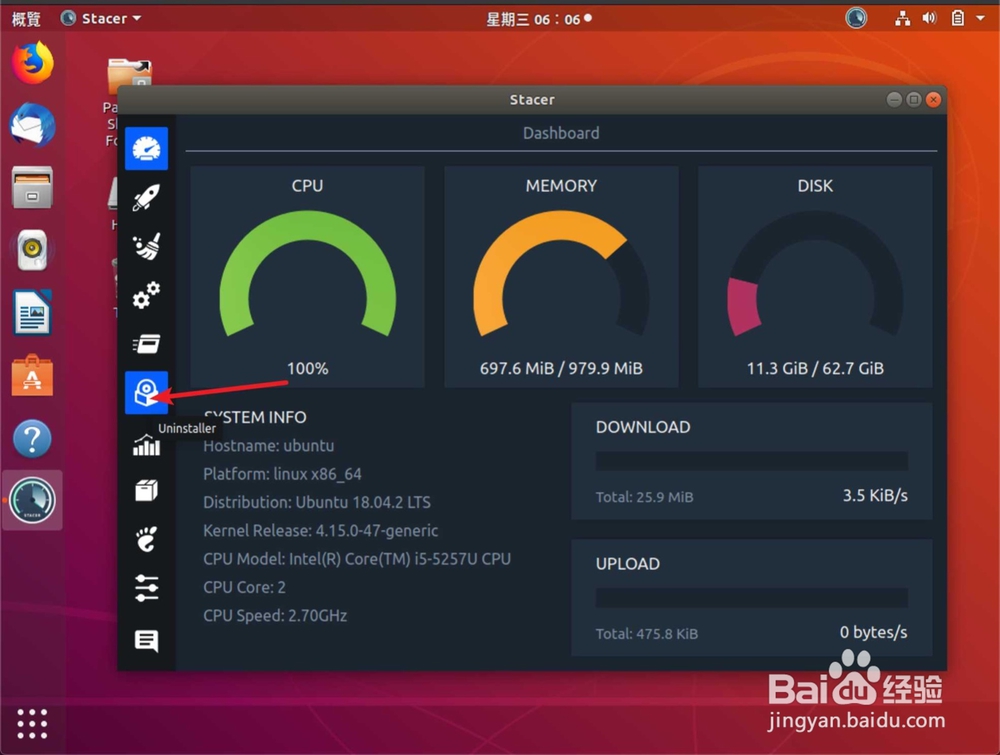
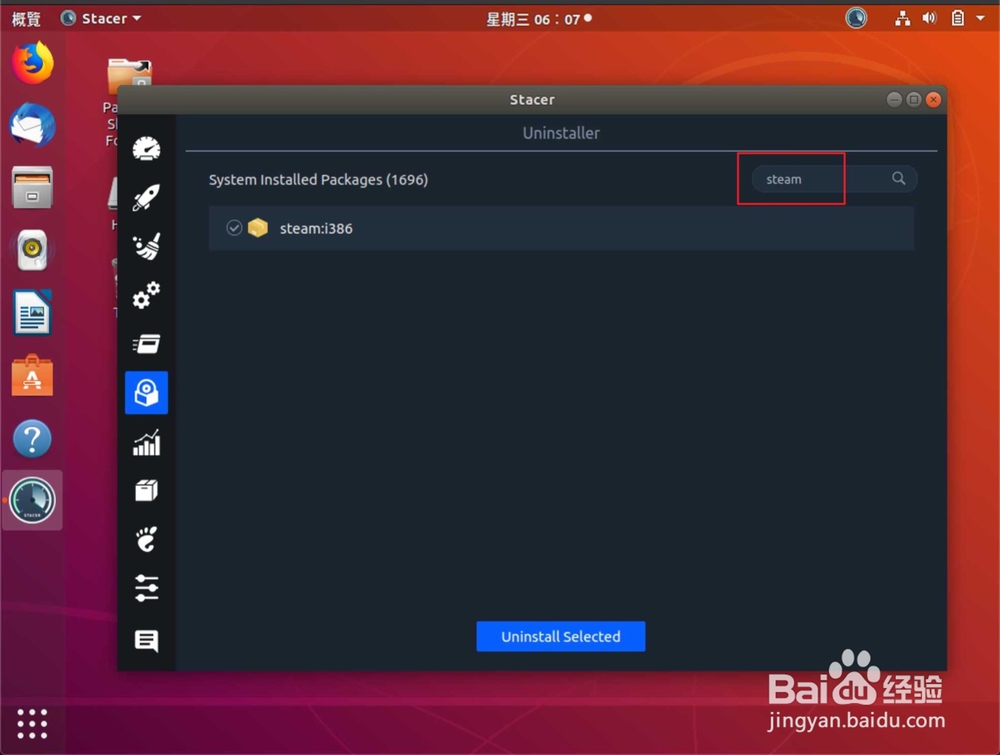
5、搜索蒸汽,点击蒸汽选卸载。
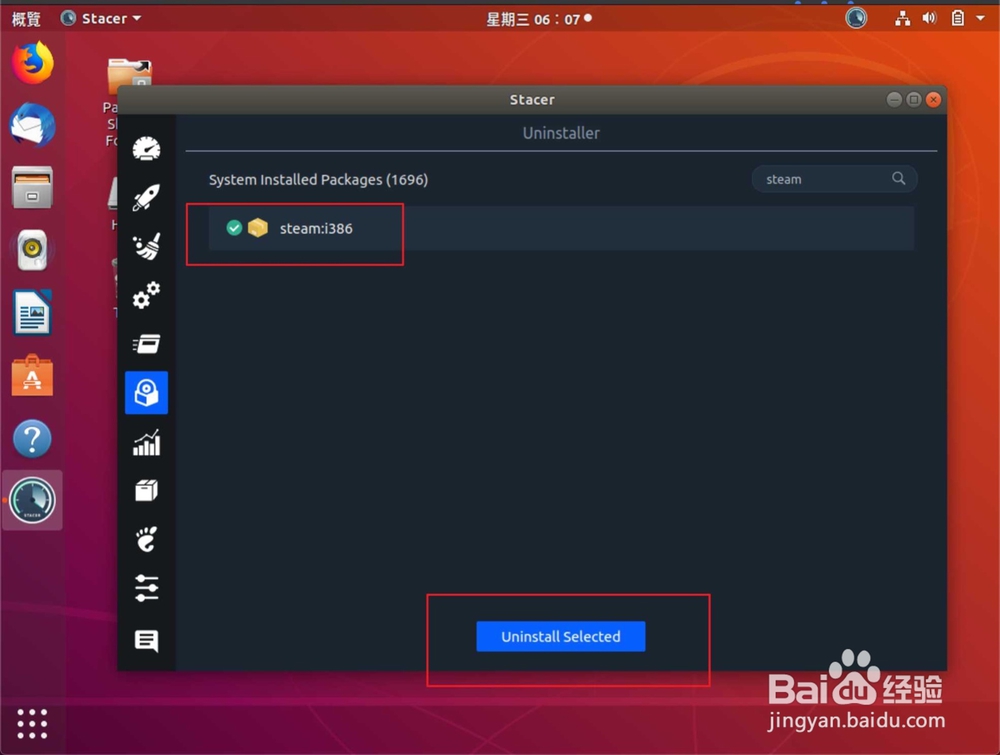
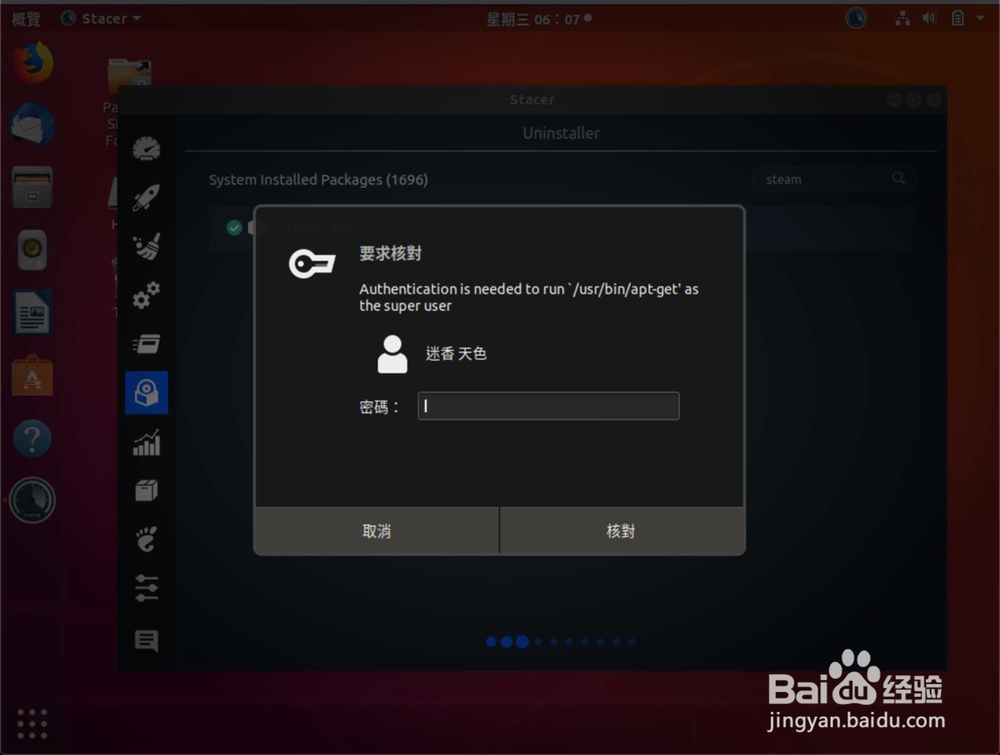
6、输入密码,即可卸载。
时间:2026-04-23 20:29:50
1、右键打开终端了,输入命令:【sudo add-apt-repository ppa:oguzhaninan/stacer -y】。
2、输入密码,然后输入更新命令:【sudo apt-get update】。
3、输入安装命令:【sudo apt-get install stacer -y】。
4、然后点击安装的工具,点击卸载符号。
5、搜索蒸汽,点击蒸汽选卸载。
6、输入密码,即可卸载。
