1、首先需要创建一个文本文件,使用命令:vim user

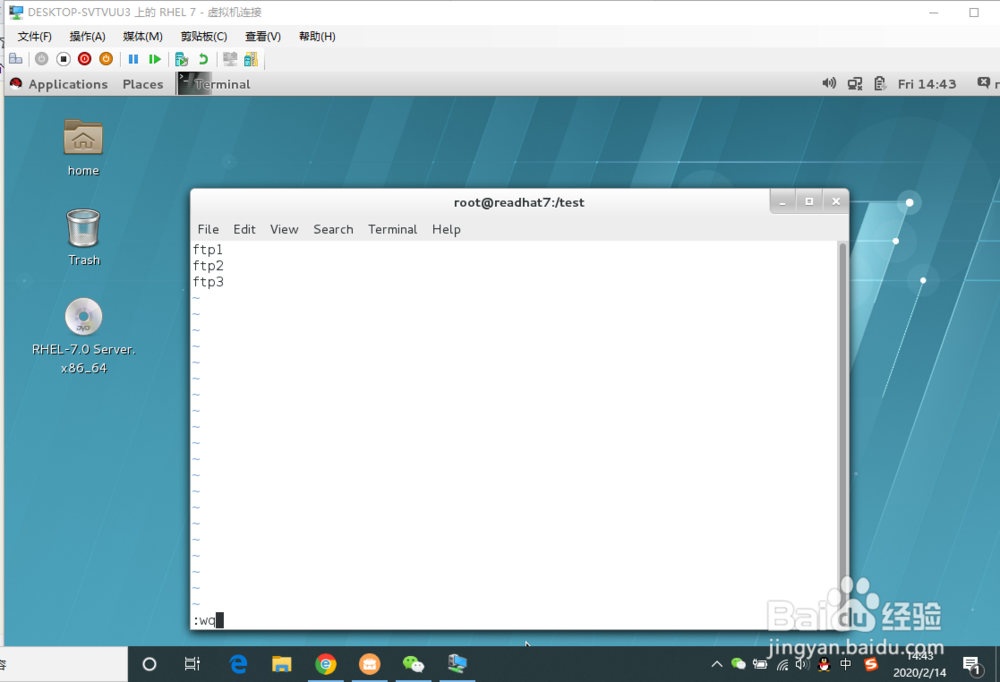
2、输入需要创建的用户

3、完成后按下esc退出编辑,输入“:wq"保存并退出编辑
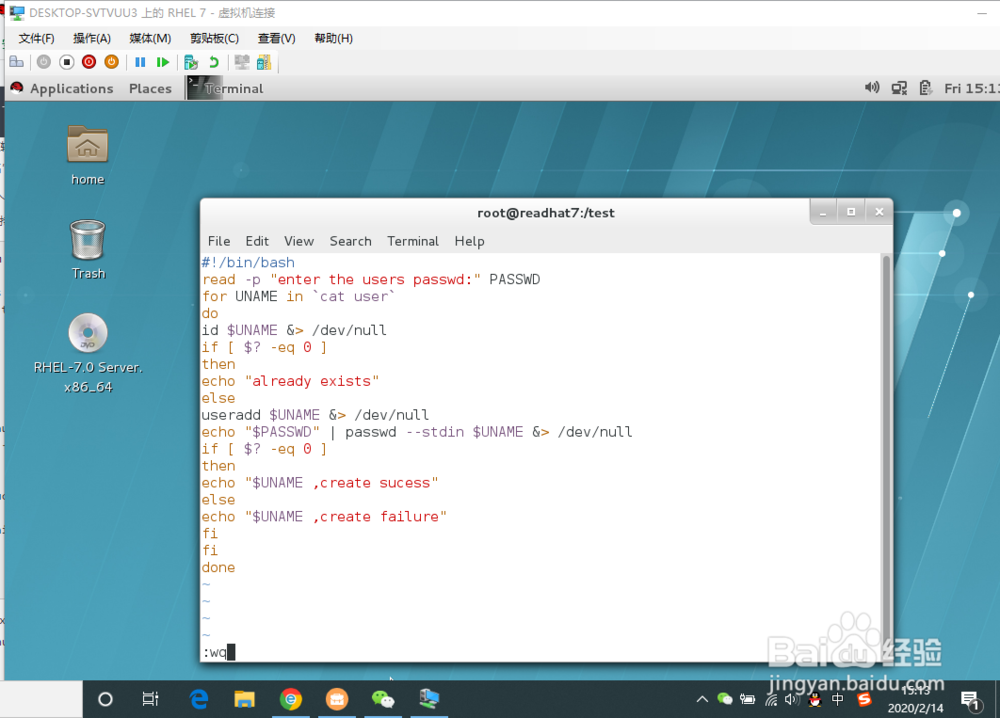
4、然后我们输入命令:vim cu.sh,编辑内容如下:
#!/bin/bash
read -p "Enter The Users Password : " PASSWD
for UNAME in `cat user`
doid $UNAME &> /dev/null
if [ $? -eq 0 ]
then
echo "Already exists"
elseuseradd $UNAME &> /dev/null
echo "$PASSWD" | passwd --stdin $UNAME &> /dev/null
if [ $? -eq 0 ]
then
echo "$UNAME , Create success"
else
echo "$UNAME , Create failure"
fi
fi
done

5、编辑完成后按下esc,输入“:wq”保存并退出
6、执行命令:sh cu.sh,输入密码

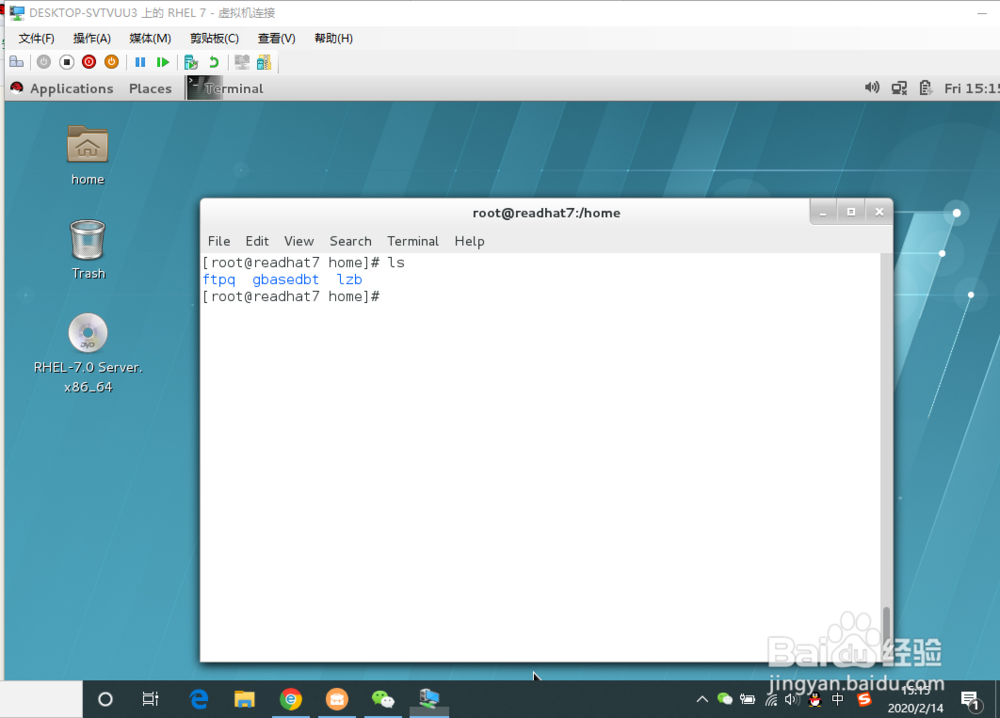
7、执行后,我们可以看到ftpq的用户已经自动创建了

8、在/home的根目录已经自动创建了ftpq的目录