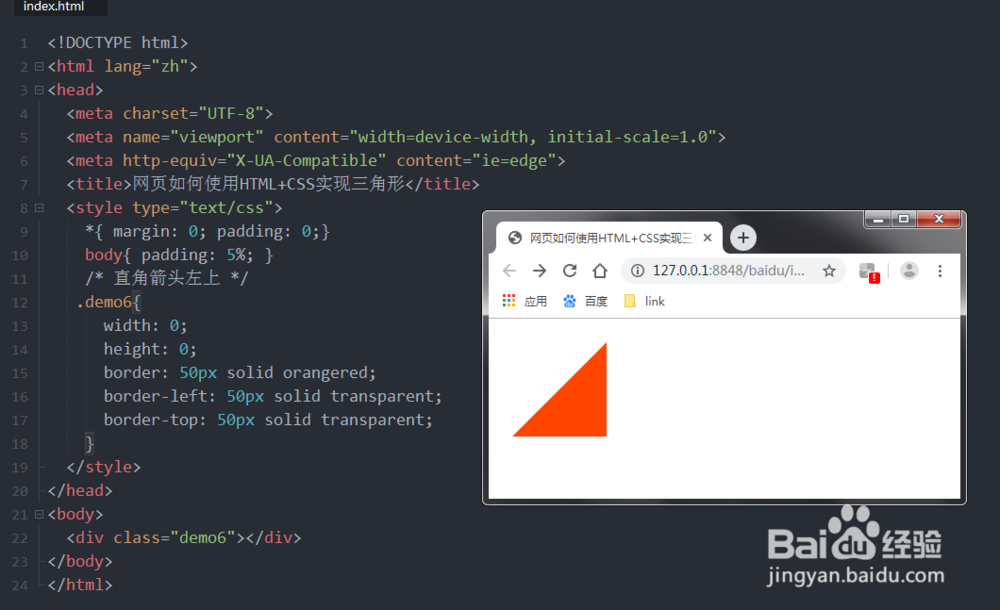
1、实现代码:
width: 0; height: 0;
border-bottom: 100px solid orangered;
border-left: 50px solid transparent;
border-right: 50px solid transparent;
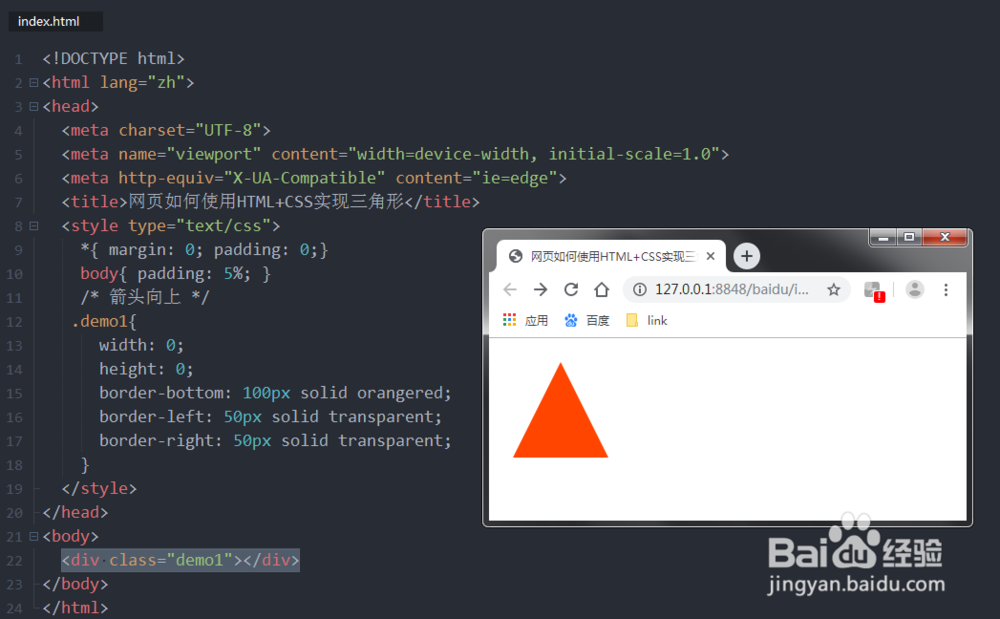
1、实现代码:
width: 0;
height: 0;
border-top: 100px solid orangered;
border-left: 50px solid transparent;
border-right: 50px solid transparent;
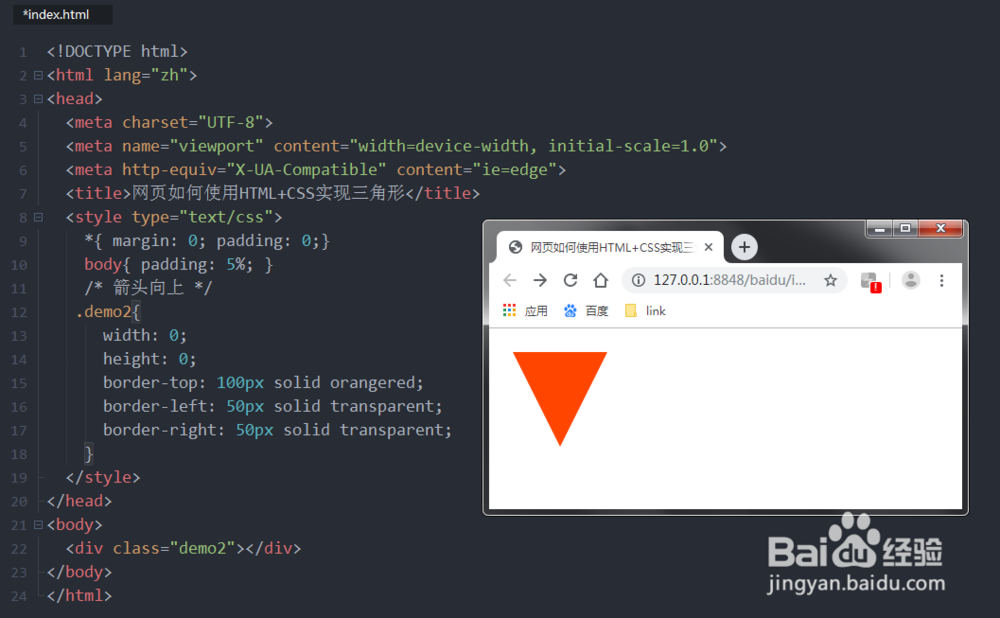
1、实现代码:
width: 0; height: 0;
border-right: 100px solid orangered;
border-top: 50px solid transparent;
border-bottom: 50px solid transparent;
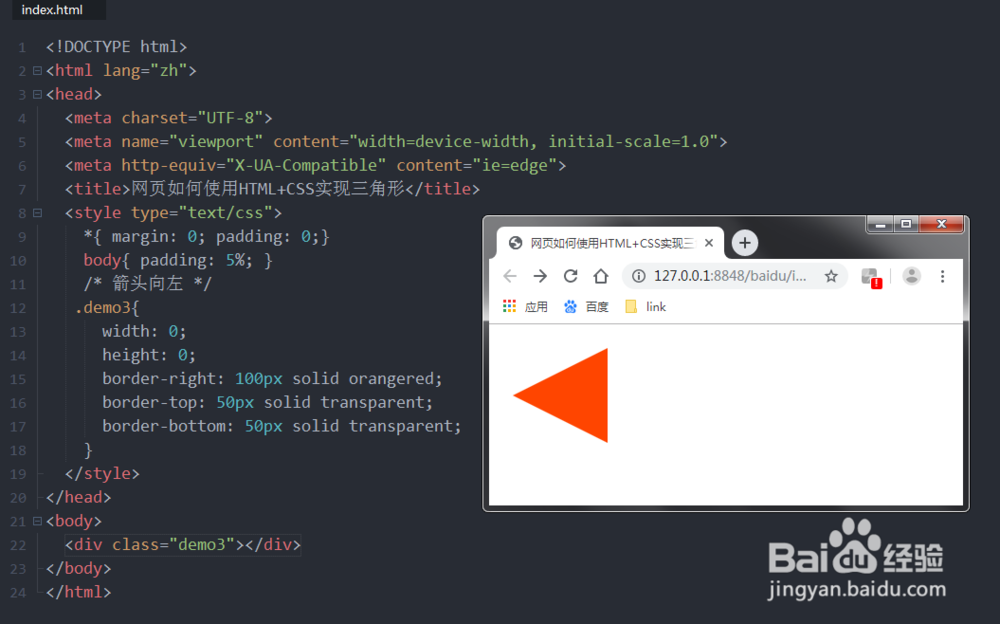
1、实现代码:
width: 0; height: 0;
border-left: 100px solid orangered;
border-top: 50px solid transparent;
border-bottom: 50px solid transparent;

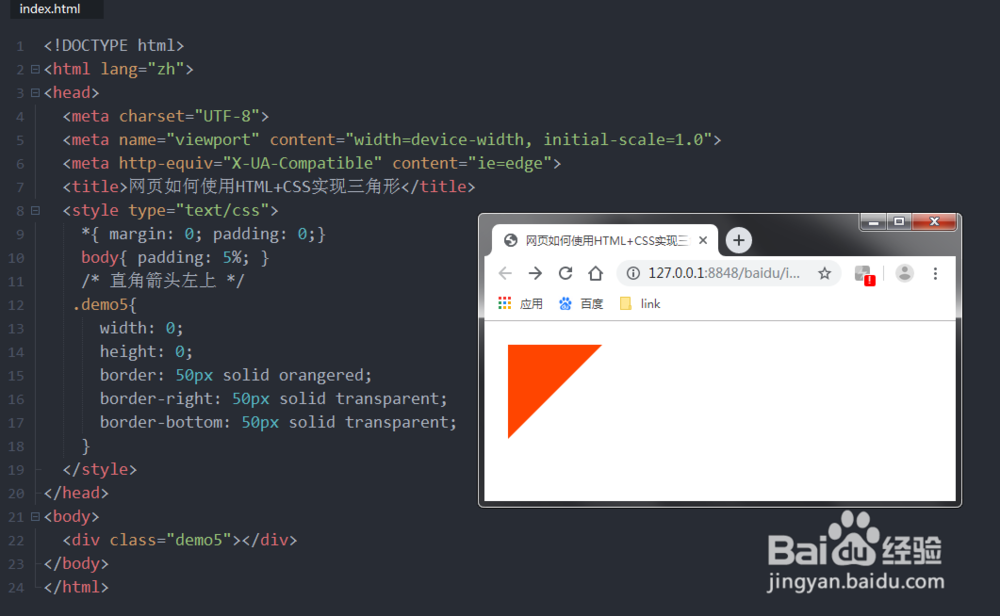
1、箭头左上
代码:
width: 0;
height: 0;
border: 50px solid orangered;
border-right: 50px solid transparent;
border-bottom: 50px solid transparent;
2、箭头右下
代码:
width: 0;
height: 0;
border: 50px solid orangered;
border-right: 50px solid transparent;
border-bottom: 50px solid transparent;