1、Animation:
class in UnityEngine
The animation component is used to play back animations.
You can assign animation clips to the animation component and control playback from your script. The animation system in Unity is weight-based and supports Animation Blending, Additive animations, Animation Mixing, Layers and full control over all aspects of playback.
2、方法提要:
1)方法一
timeRecd = anim ["Run"].time;
anim.Stop ()
anim ["Run"].time = timeRecd;
anim.Play ("Run");
2)方法二
anim ["Run"].speed = 0;
anim ["Run"].speed = 1;
3)方法三
Time.timeScale = 0
Time.timeScale = 1;
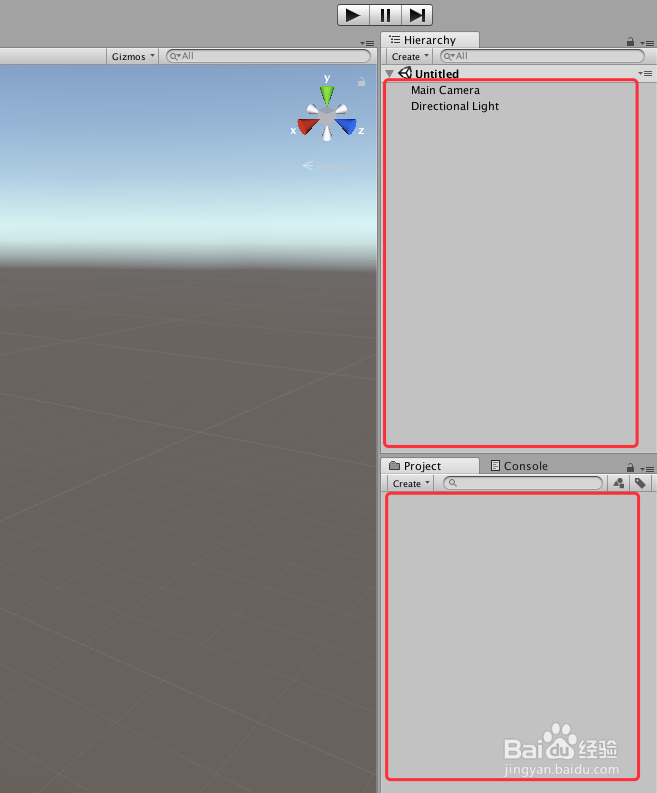
1、打开Unity,新建一个空工程,具体如下
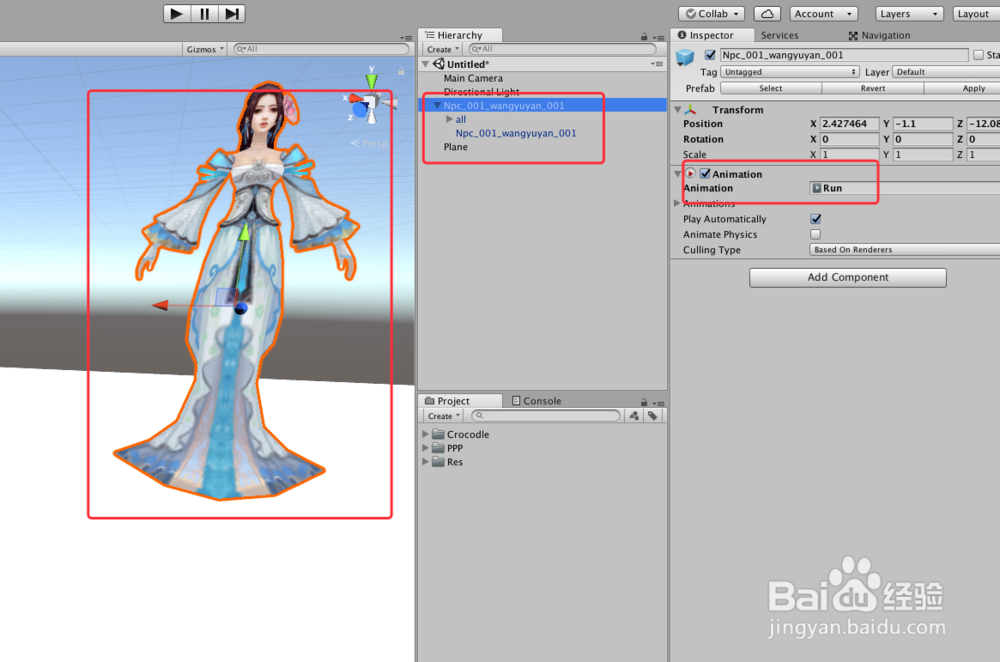
2、导入一个带动画的游戏模型,并把游戏模型拖到场景中,并添加动画,具体如下图
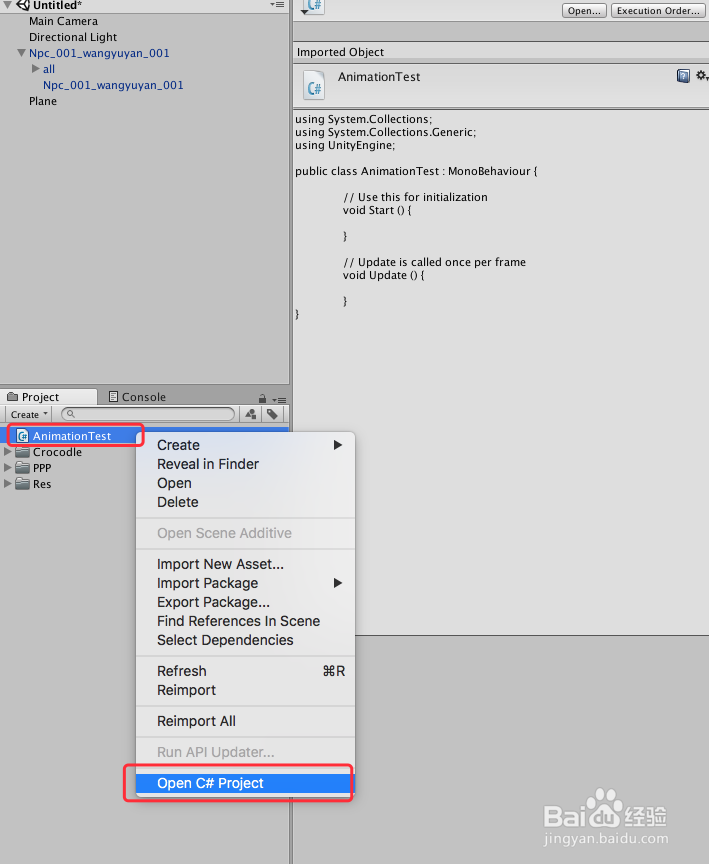
3、新建一个脚本“AnimationTest”,双击脚本或者右键“Open C# Project”打开脚本,具体如下图
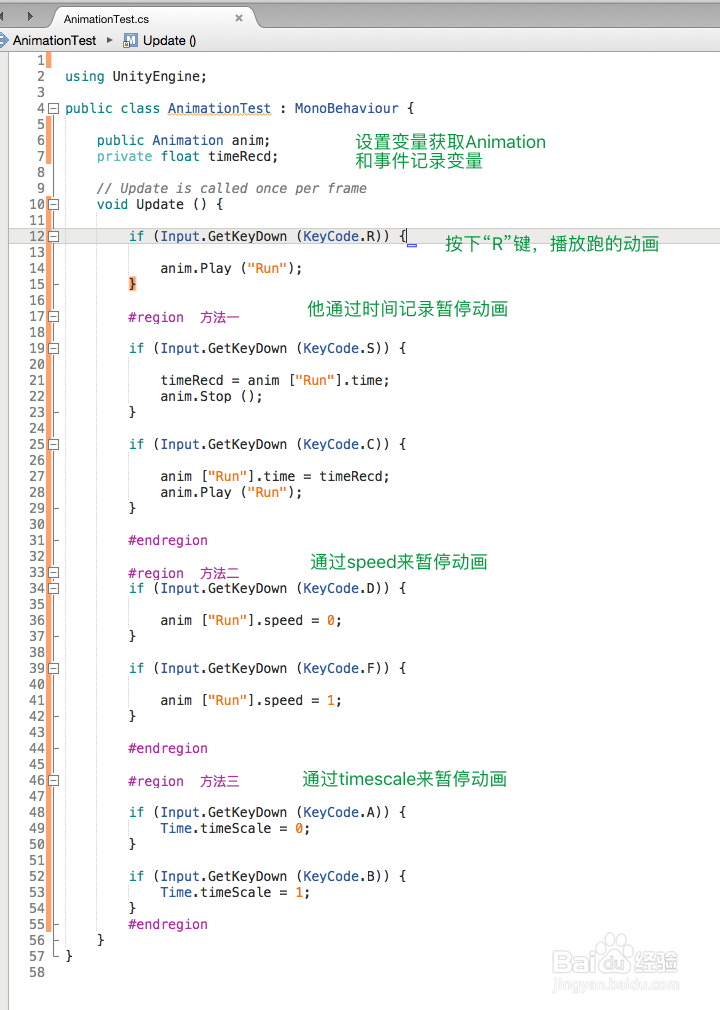
4、在打开的“AnimationTest”脚本上编写代码,首先设置来哥哥变量,一个获得“Animation”组件,一个记录时间,然后设置按下“R”把动画切换到跑的状态,接着三种方法实现动画暂停,代码及代码说明如下图
5、“AnimationTest”脚本具体了内容如下:
using UnityEngine;
public class AnimationTest : MonoBehaviour {
public Animation anim;
private float timeRecd;
// Update is called once per frame
void Update () {
if (Input.GetKeyDown (KeyCode.R)) {
anim.Play ("Run");
}
#region 方法一
if (Input.GetKeyDown (KeyCode.S)) {
timeRecd = anim ["Run"].time;
anim.Stop ();
}
if (Input.GetKeyDown (KeyCode.C)) {
anim ["Run"].time = timeRecd;
anim.Play ("Run");
}
#endregion
#region 方法二
if (Input.GetKeyDown (KeyCode.D)) {
anim ["Run"].speed = 0;
}
if (Input.GetKeyDown (KeyCode.F)) {
anim ["Run"].speed = 1;
}
#endregion
#region 方法三
if (Input.GetKeyDown (KeyCode.A)) {
Time.timeScale = 0;
}
if (Input.GetKeyDown (KeyCode.B)) {
Time.timeScale = 1;
}
#endregion
}
}
6、脚本编译正确,回到Unity界面,在场景中新建一个“GameObject”,把脚本“AnimationTest”赋给“GameObject”,并把模型的“Animation”赋给脚本,具体如下图

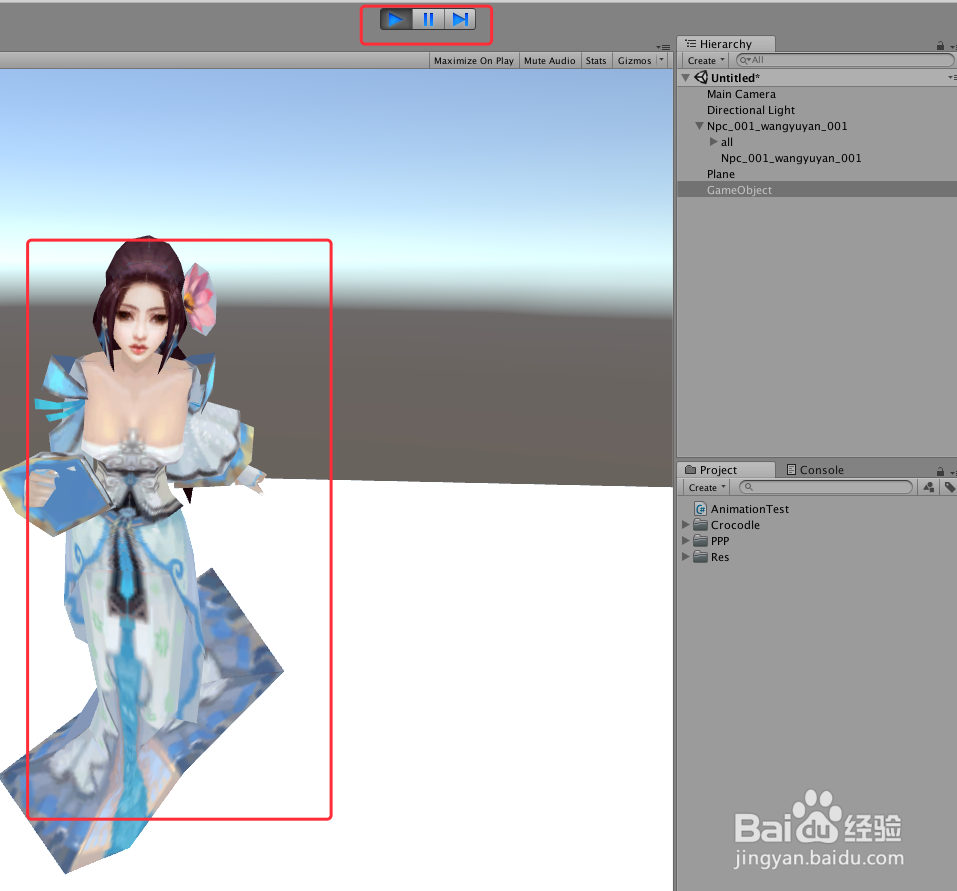
7、运行场景,通过不同的三种方法,实现了动画的暂停播放,具体如下图
8、到此,《Unity Animation 之 三种方法暂停正在播放动画》讲解结束,谢谢
