怎么打开Windows Powershell ISE

 时间:2024-10-13 11:23:38

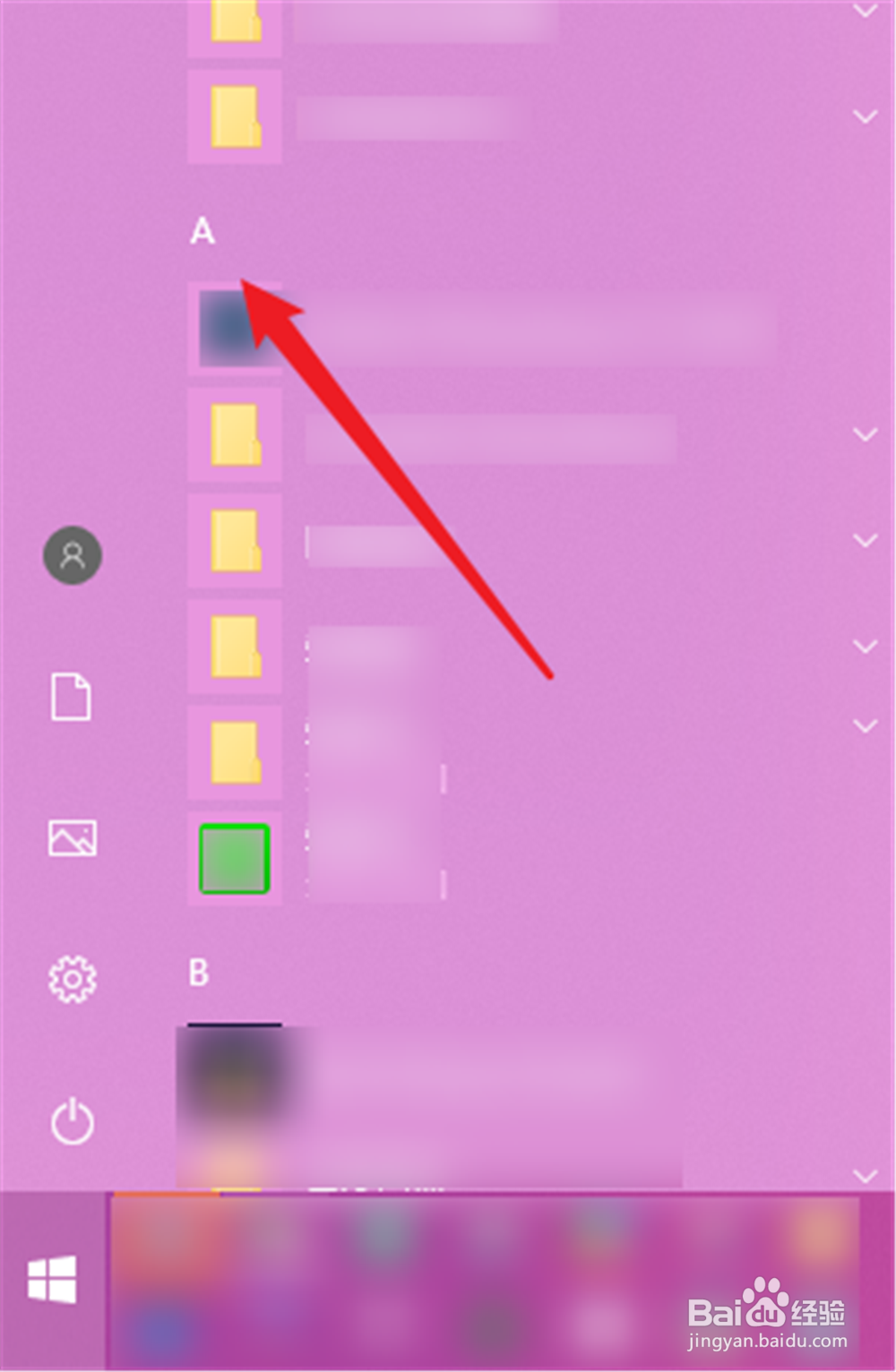
1、点开电脑开始菜单。

怎么打开Windows Powershell ISE

2、点击任意一个列表中的字母。

怎么打开Windows Powershell ISE

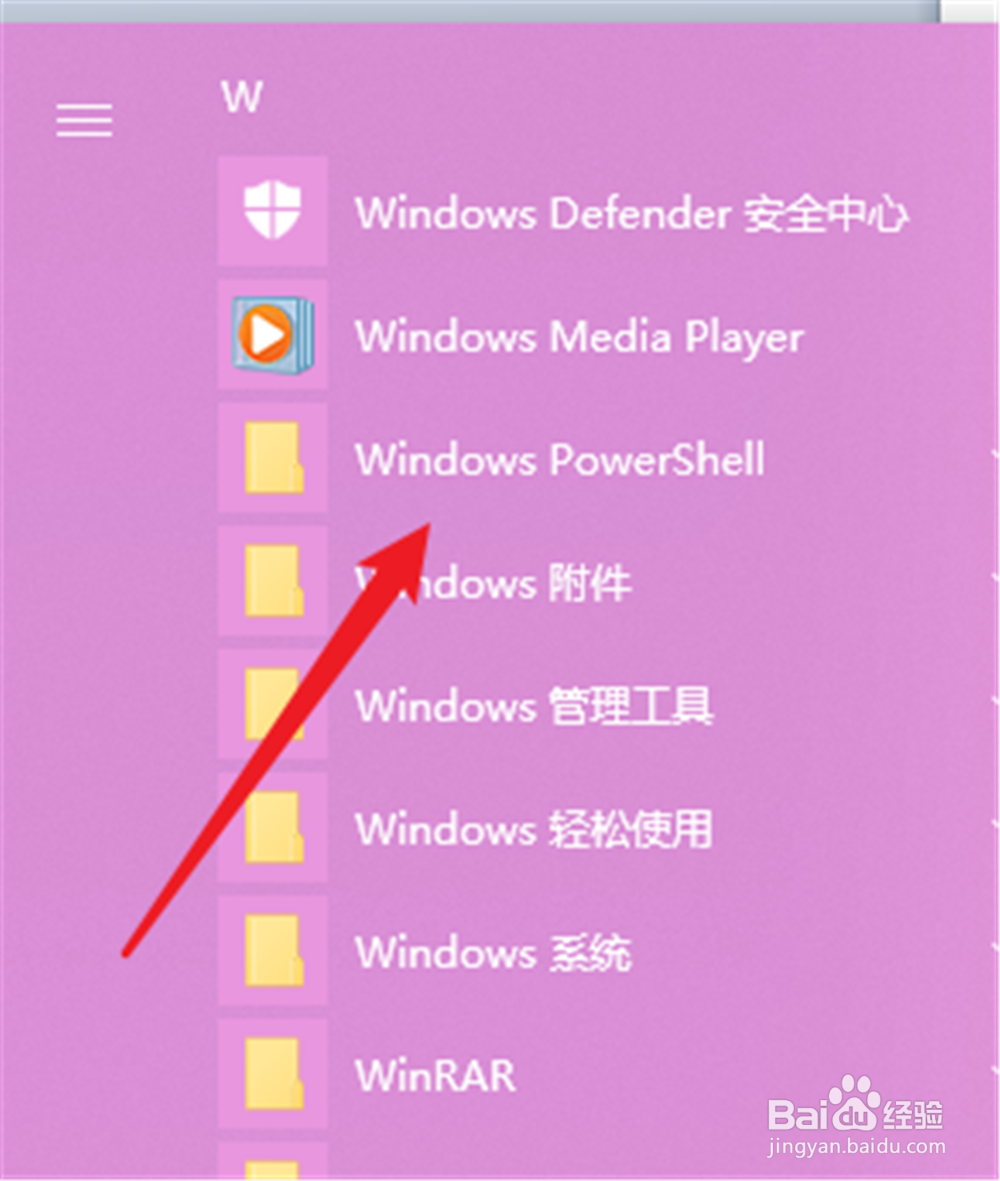
3、然后选择“W”打开该字母开头的项目。

怎么打开Windows Powershell ISE

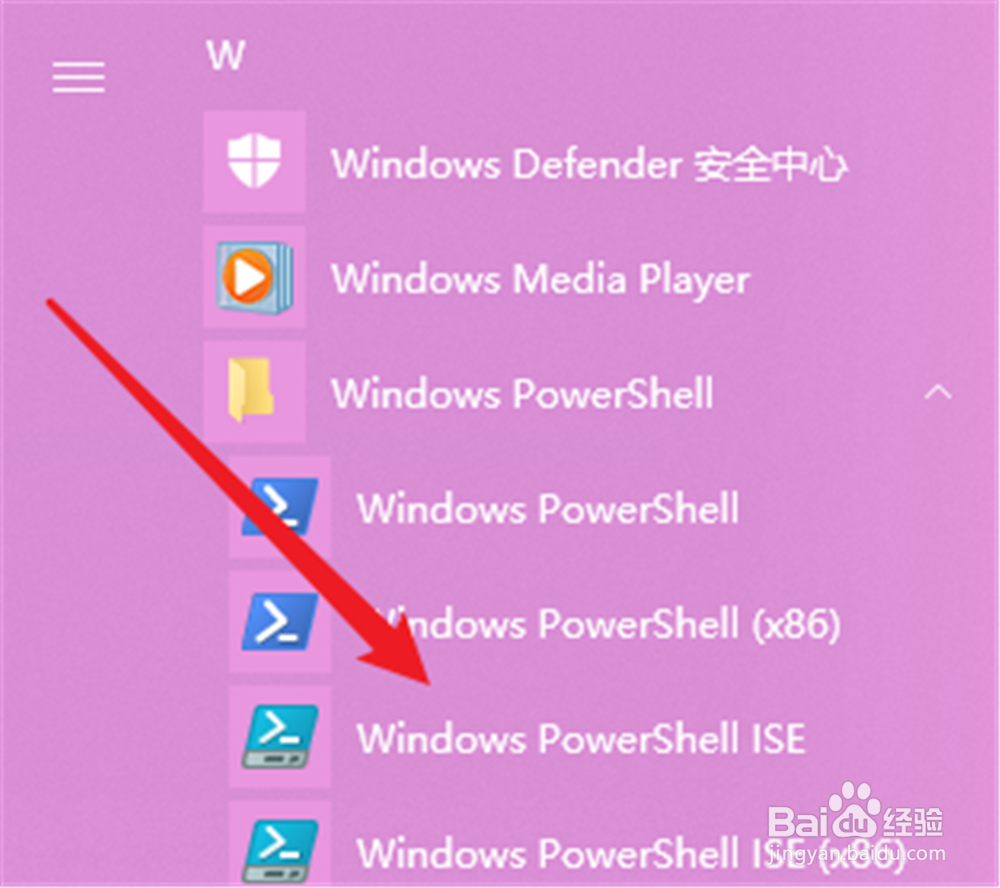
4、把其中的“Windows Powershell ”展开。

怎么打开Windows Powershell ISE

5、就能看到“Windows Powershell ISE”,打开。

怎么打开Windows Powershell ISE

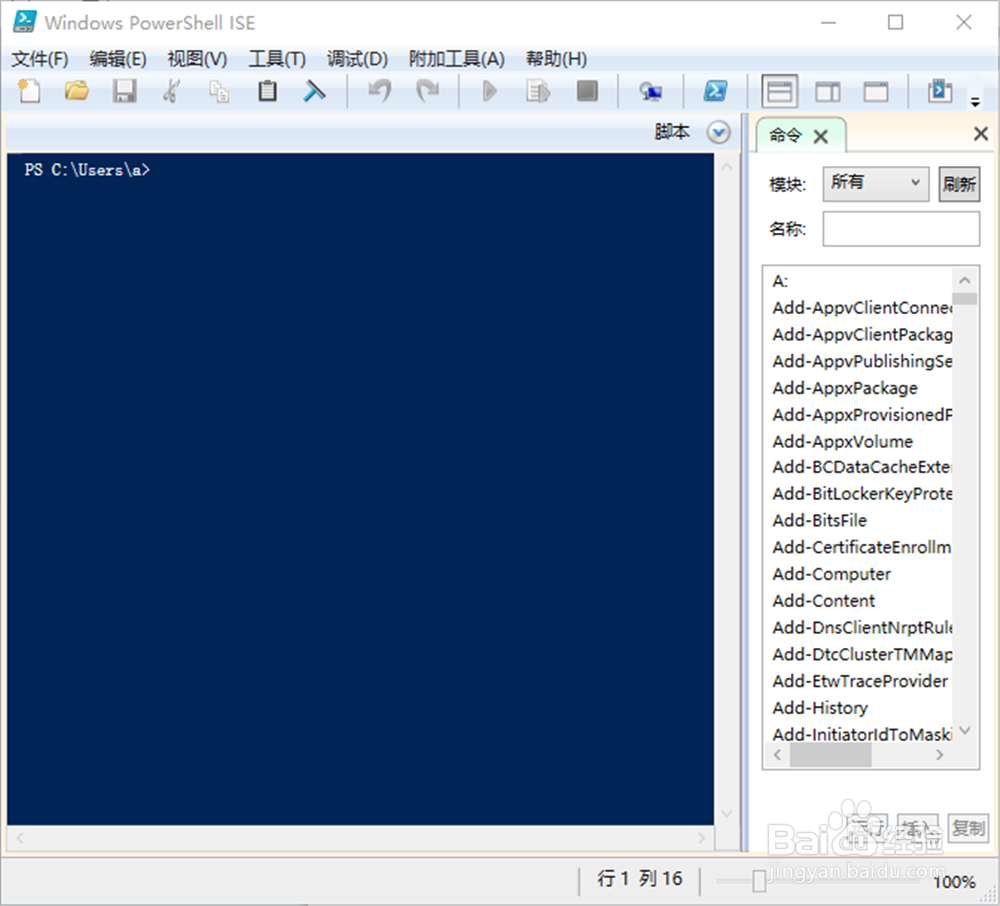
6、即可打开Windows Powershell ISE界面。

怎么打开Windows Powershell ISE
  • virtualbox怎么安装系统?VirtualBox怎么用?
  • 关于电脑中的注册表垃圾要如何清理
  • Win10中怎么设置视频播放器
  • 百度云云服务器手动安装rdesktop1.8.4
  • win10如何开启删除文件提示
  • 热门搜索
    内蒙古旅游攻略 微山湖旅游 盐城旅游 湖北恩施旅游 毕棚沟旅游攻略 春季旅游 张家界自由行旅游攻略 厦门旅游攻略自助游 山东旅游景点排行 密云旅游景点大全