1、打开IDLE,即Python shell界面;
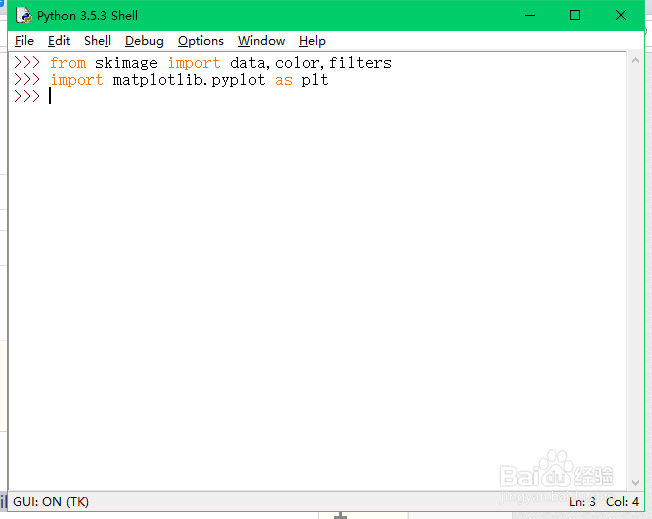
载入相关的库文件:
from skimage import data,color,filters
import matplotlib.pyplot as plt
2、读取一个图片,这里读取包内的图片文件,并将其灰度化处理:
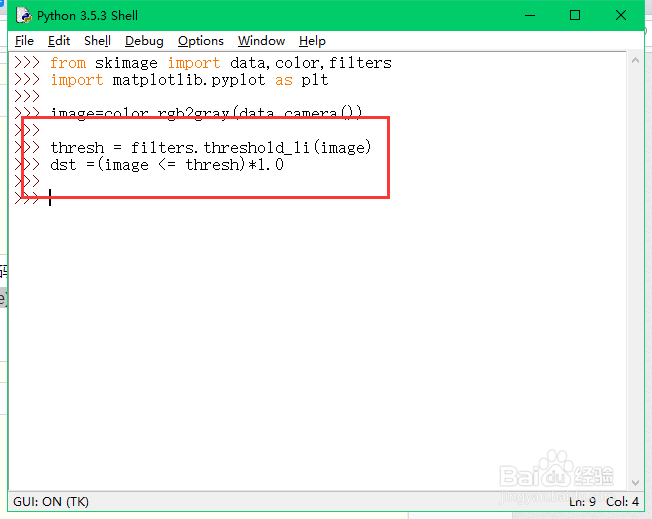
image=color.rgb2gray(data.camera())

3、对图片进行li算法运算,采用以下代码:
thresh = filters.threshold_li(image)
dst =(image <= thresh)*1.0
4、采用下面的代码查看,二值化以后的图片:
plt.imshow(dst,plt.cm.gray)
plt.show()
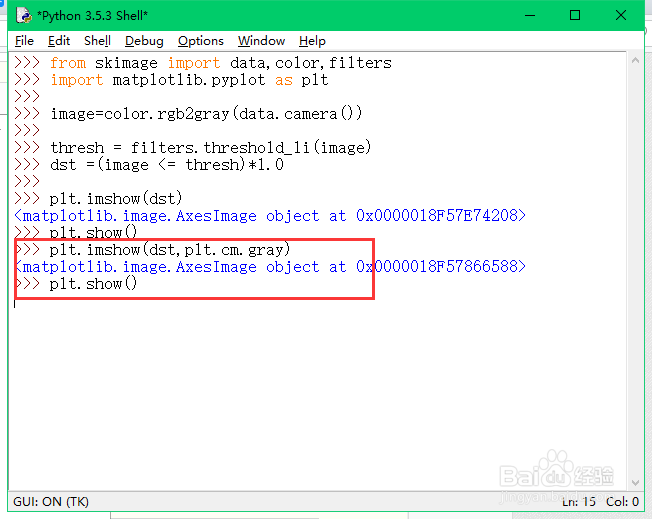
5、查看我们的图片效果如下。

