1、首先,我们打开Ae软件

2、新建合成,新建图层,添加Particular插件

3、这时我们可以看到预览窗口出现红叉,并且提示"xxx"is using the same serial number. Please re-install the plug-in with a unique serial number.

1、这时我们可以使用乐多的Trapcode系列冲突解决软件一键解决
2、我们右键-以管理员身份运行-打开软件
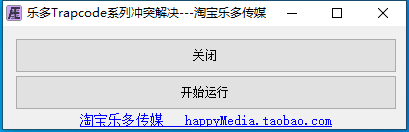
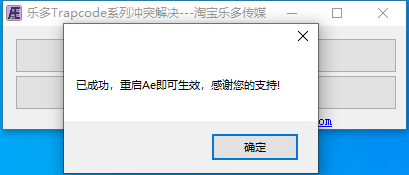
3、点开始运行,提示成功,这时我们重启Ae,就能看到,就已经没有这个问题了(软件仅需一次运行即可解决,以后重启电脑等等,不需要再次打开软件运行)