1、登录gitlab管理界面

2、此时显示项目列表

3、点击要查看的项目,进入项目界面,然后点击【settings>repository】
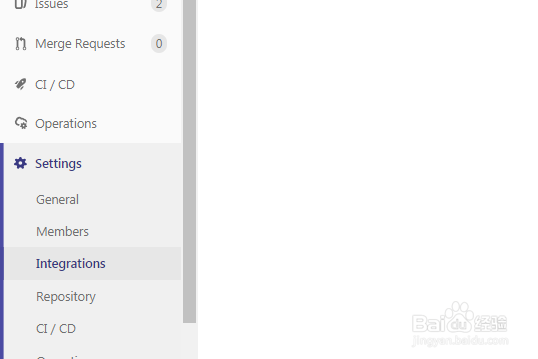
4、点击【collapse】展开【Repository cleanup】

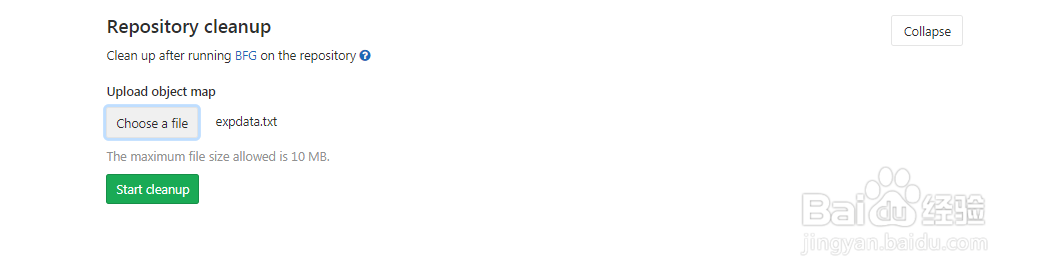
5、配置Repository cleanup,然后点击【start cleanup】
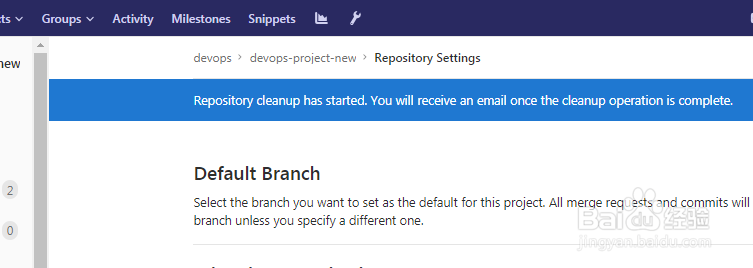
6、此时项目的Repository cleanup就配置完成了
时间:2026-04-25 12:32:25
1、登录gitlab管理界面
2、此时显示项目列表
3、点击要查看的项目,进入项目界面,然后点击【settings>repository】
4、点击【collapse】展开【Repository cleanup】
5、配置Repository cleanup,然后点击【start cleanup】
6、此时项目的Repository cleanup就配置完成了
