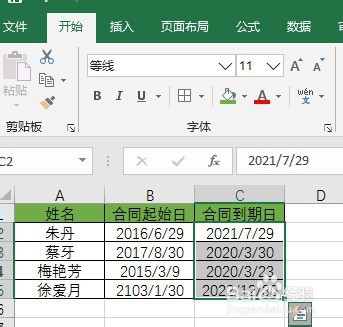
1、选中合同到期日期数据
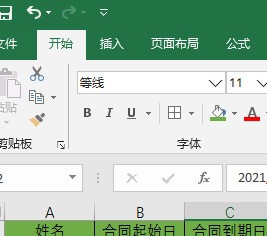
2、选中开始选项卡
3、选择条件格式功能选项
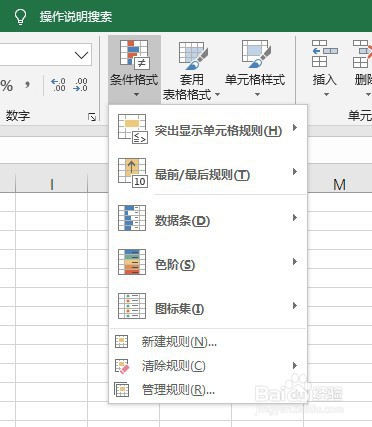
4、点击新建规则功能选项
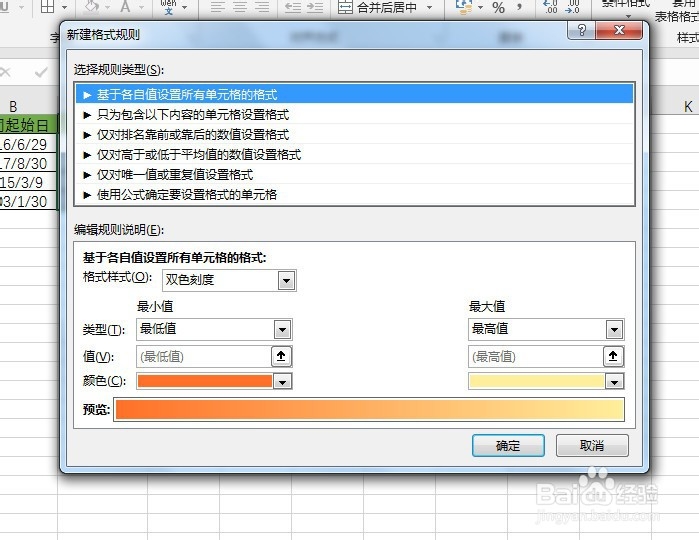
5、选择使用公式确定要设置的单元格功能选项
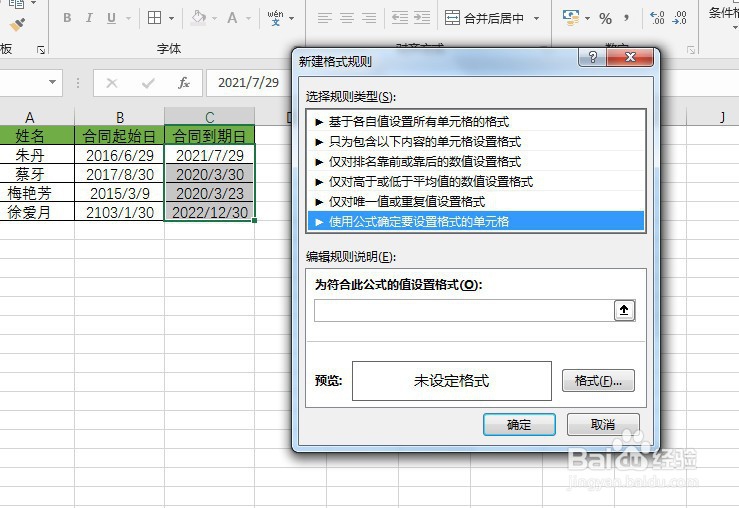
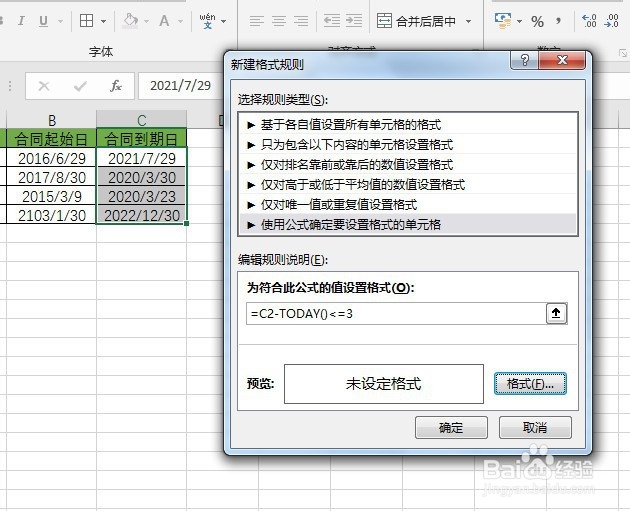
6、输入公式=C2-TODAY()<=3
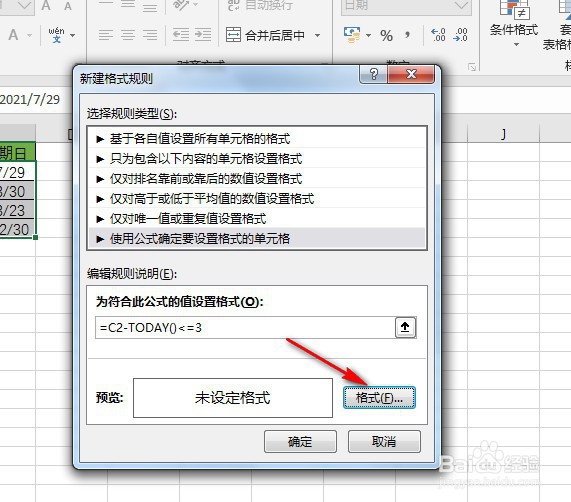
7、点击格式功能选项,选择一个颜色,起到提醒作用

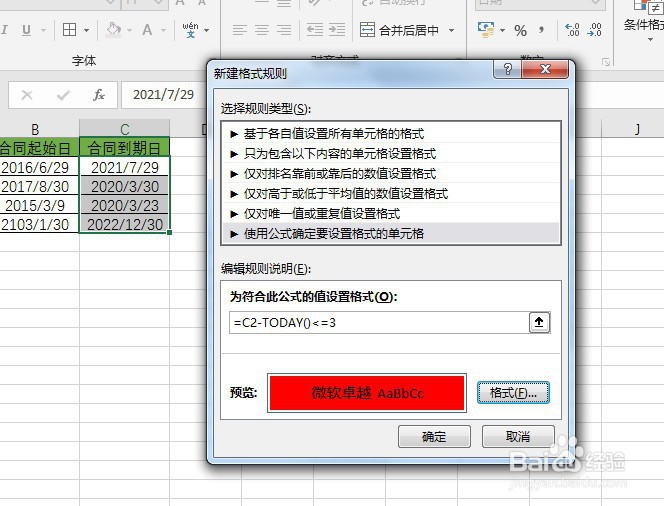
8、按确定功能选项,完成合同到期日的自动提醒

时间:2026-04-21 17:04:08
1、选中合同到期日期数据
2、选中开始选项卡
3、选择条件格式功能选项
4、点击新建规则功能选项
5、选择使用公式确定要设置的单元格功能选项
6、输入公式=C2-TODAY()<=3
7、点击格式功能选项,选择一个颜色,起到提醒作用
8、按确定功能选项,完成合同到期日的自动提醒
