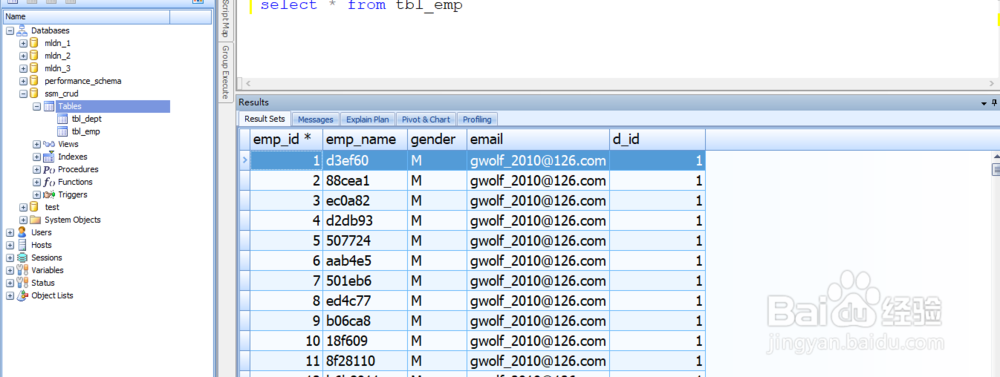
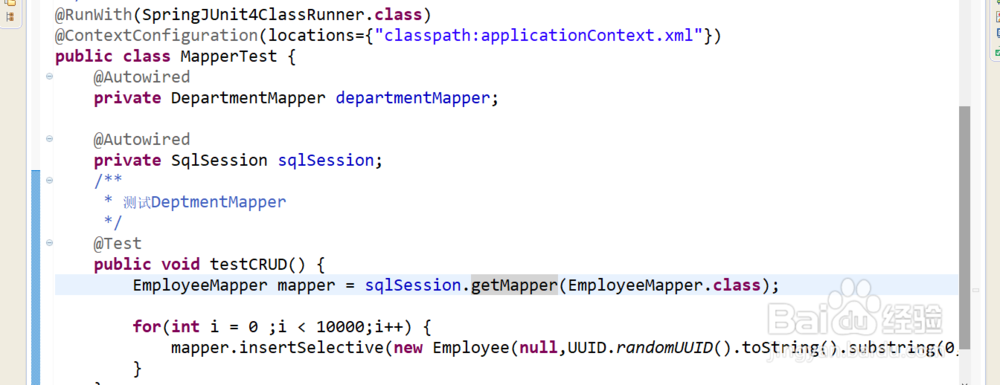
1、使用执行批量操作的sqlSession执行员工批量插入
package com.gwolf.crud.test;
import java.util.UUID;
import org.apache.ibatis.session.SqlSession;
import org.junit.Test;
import org.junit.runner.RunWith;
import org.springframework.beans.factory.annotation.Autowired;
import org.springframework.test.context.ContextConfiguration;
import org.springframework.test.context.junit4.SpringJUnit4ClassRunner;
import com.gwolf.crud.bean.Employee;
import com.gwolf.crud.dao.DepartmentMapper;
import com.gwolf.crud.dao.EmployeeMapper;
/**
* 测试dao层的工作
* @author CaoChuanPing
*
*/
@RunWith(SpringJUnit4ClassRunner.class)
@ContextConfiguration(locations={"classpath:applicationContext.xml"})
public class MapperTest {
@Autowired
private DepartmentMapper departmentMapper;
@Autowired
private SqlSession sqlSession;
/**
* 测试DeptmentMapper
*/
@Test
public void testCRUD() {
EmployeeMapper mapper = sqlSession.getMapper(EmployeeMapper.class);
for(int i = 0 ;i < 10000;i++) {
mapper.insertSelective(new Employee(null,UUID.randomUUID().toString().substring(0, 5) + i,"M","gwolf_2010@126.com",1));
}
}
}
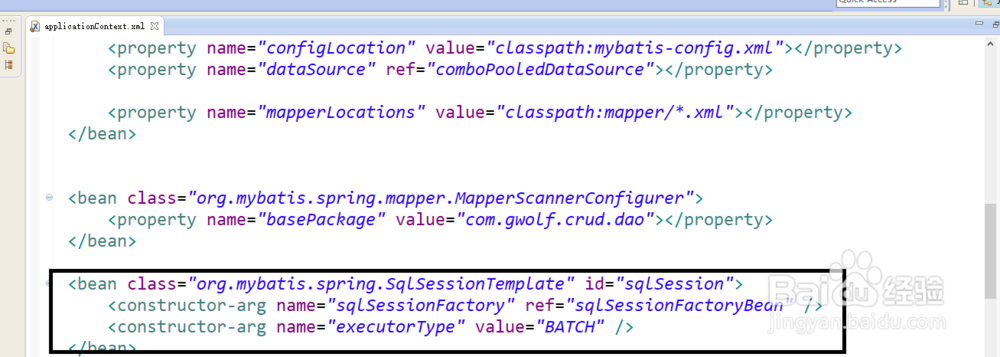
2、首先配置一个可以执行批量的sqlSession
<bean class="org.mybatis.spring.SqlSessionTemplate" id="sqlSession">
<constructor-arg name="sqlSessionFactory" ref="sqlSessionFactoryBean" />
<constructor-arg name="executorType" value="BATCH" />
</bean>

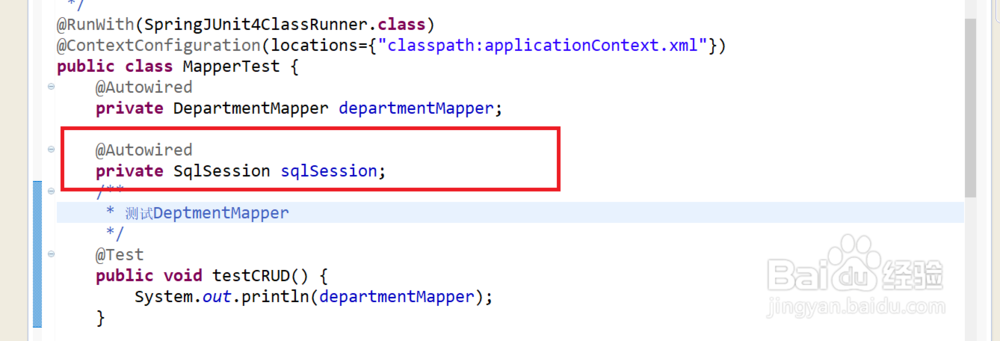
3、package com.gwolf.crud.test;
import org.apache.ibatis.session.SqlSession;
import org.junit.Test;
import org.junit.runner.RunWith;
import org.springframework.beans.factory.annotation.Autowired;
import org.springframework.test.context.ContextConfiguration;
import org.springframework.test.context.junit4.SpringJUnit4ClassRunner;
import com.gwolf.crud.dao.DepartmentMapper;
/**
* 测试dao层的工作
* @author CaoChuanPing
*
*/
@RunWith(SpringJUnit4ClassRunner.class)
@ContextConfiguration(locations={"classpath:applicationContext.xml"})
public class MapperTest {
@Autowired
private DepartmentMapper departmentMapper;
@Autowired
private SqlSession sqlSession;
/**
* 测试DeptmentMapper
*/
@Test
public void testCRUD() {
System.out.println(departmentMapper);
}
}
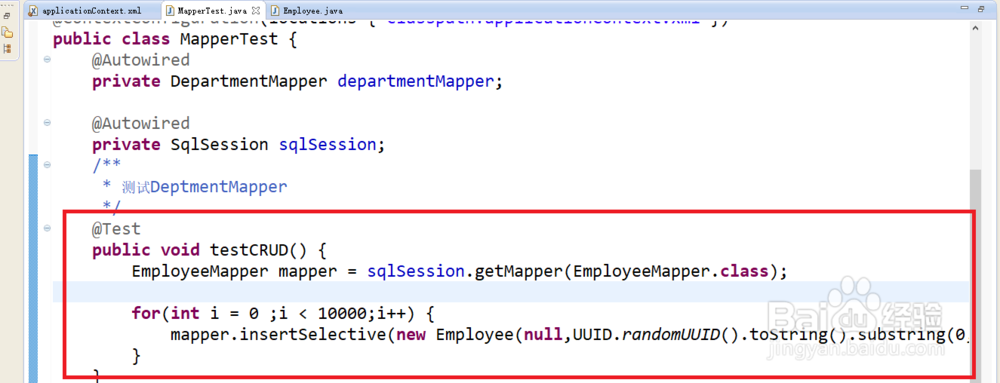
4、在测试方法中执行批量插入的方法。使用
@Test
public void testCRUD() {
EmployeeMapper mapper = sqlSession.getMapper(EmployeeMapper.class);
for(int i = 0 ;i < 10000;i++) {
mapper.insertSelective(new Employee(null,UUID.randomUUID().toString().substring(0, 5) + i,"M","gwolf_2010@126.com",1));
}
}
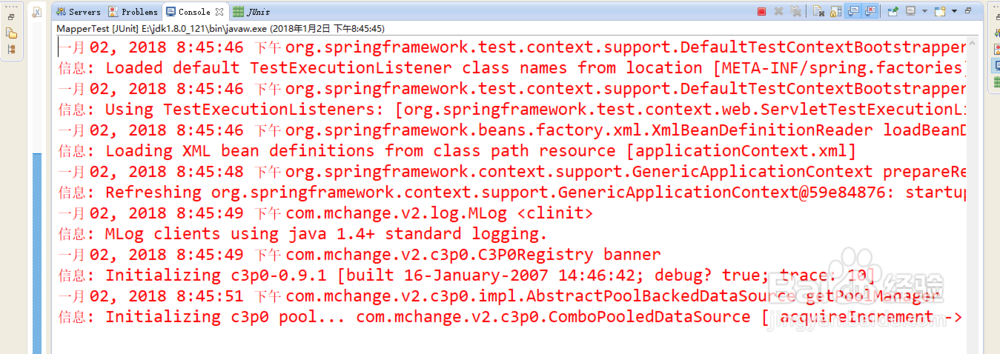
5、执行单元测试类:
6、在mysql中查看数据是否插入成功了。