1、打开操作系统,点击桌面底部的开始按钮;

2、在开始菜单——附件——Windows Powershell文件夹中,可以找到Powershell程序;

3、点击Powershell程序图标后,Powershell窗口自动打开;
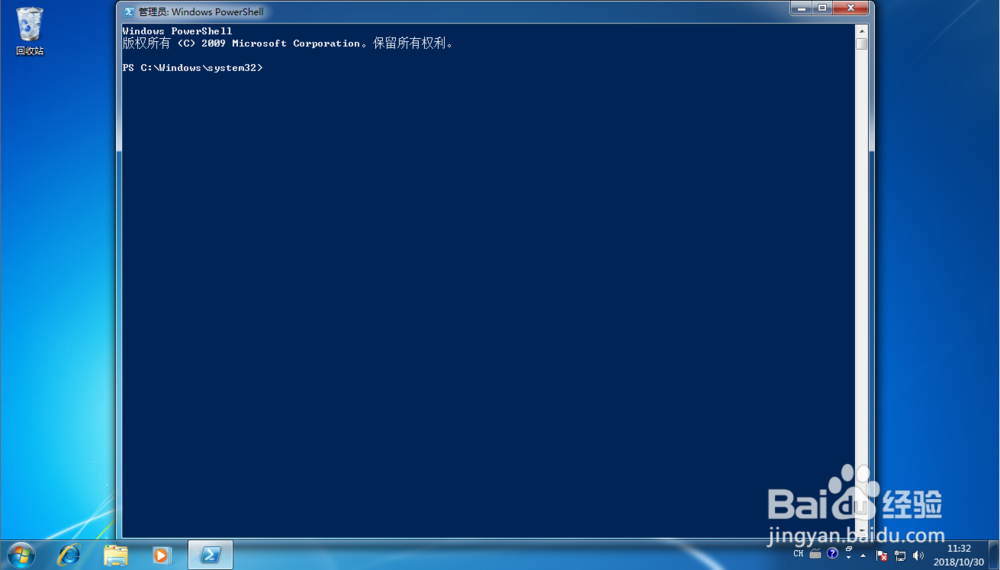
4、在Powershell窗口中输入“Restart-Computer”;

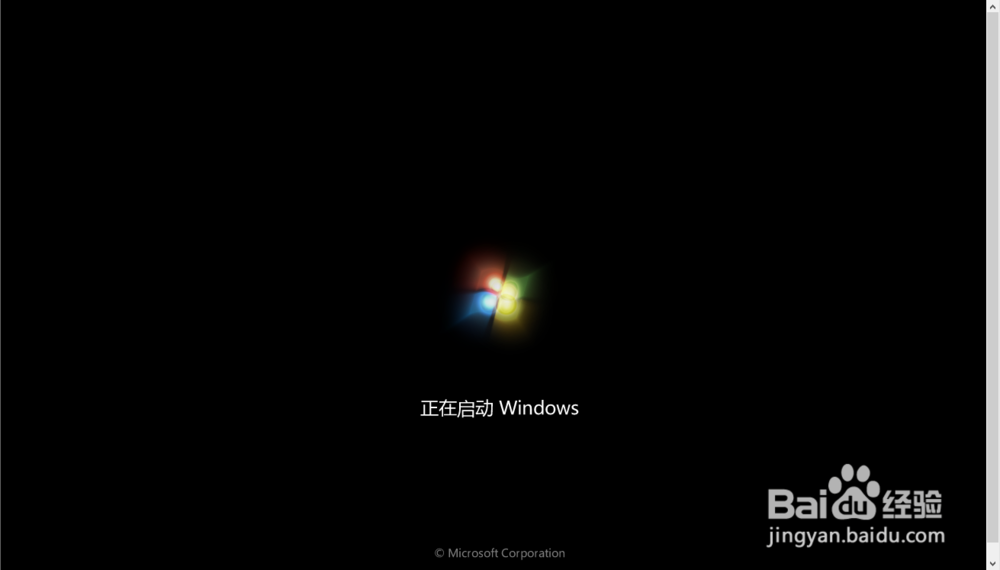
5、点击回车后,系统自动重启;

6、提示:Restart-Computer”中没有空格,如果输入空格,命令行会报错。


时间:2026-04-22 07:19:12
1、打开操作系统,点击桌面底部的开始按钮;
2、在开始菜单——附件——Windows Powershell文件夹中,可以找到Powershell程序;
3、点击Powershell程序图标后,Powershell窗口自动打开;
4、在Powershell窗口中输入“Restart-Computer”;
5、点击回车后,系统自动重启;
6、提示:Restart-Computer”中没有空格,如果输入空格,命令行会报错。
