1、点击打开PowerPoint2007。

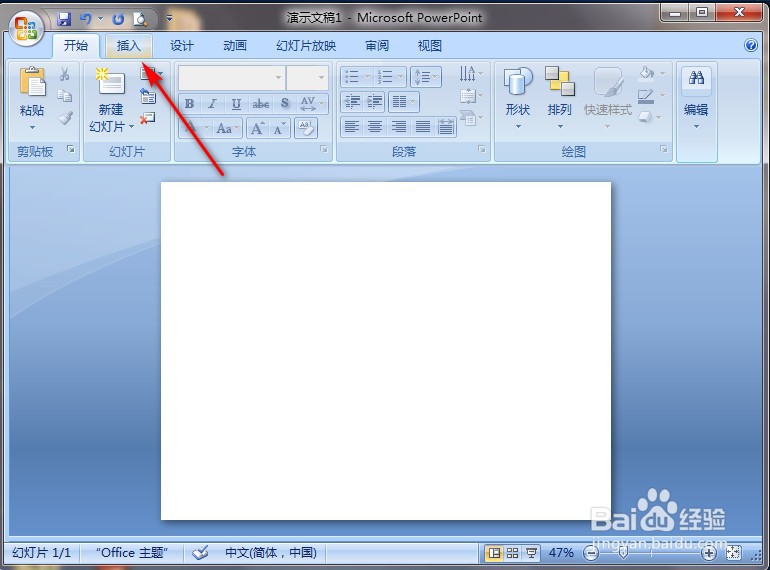
2、点击PowerPoint2007左上角“插入”。
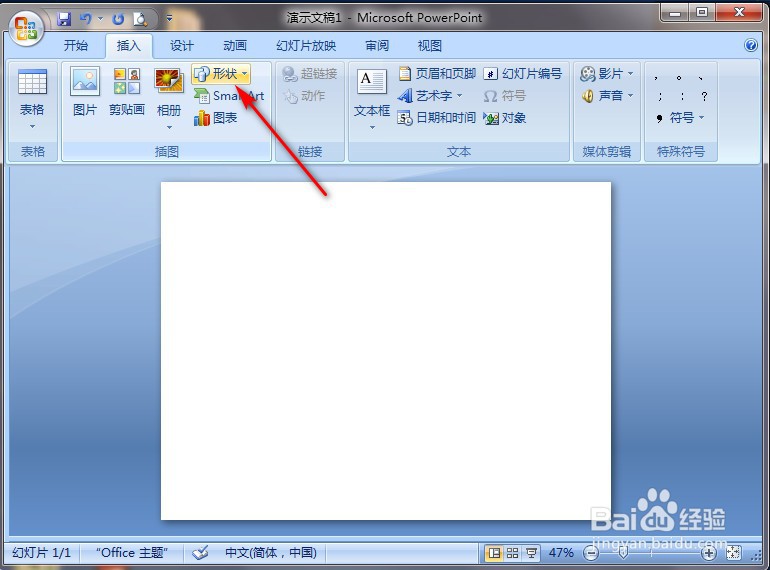
3、切换功能区后,点击“形状”。
4、弹出选择框中点击“平行四边形”图案。

5、在PowerPoint2007空白处长按鼠标左键进行划拉,就完成了。

时间:2026-05-04 15:07:57
1、点击打开PowerPoint2007。
2、点击PowerPoint2007左上角“插入”。
3、切换功能区后,点击“形状”。
4、弹出选择框中点击“平行四边形”图案。
5、在PowerPoint2007空白处长按鼠标左键进行划拉,就完成了。
