1、打开ubuntu系统

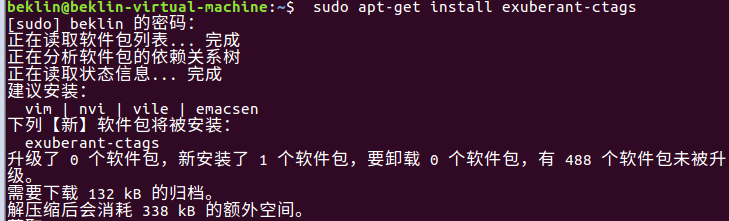
2、安装ctags
apt-get install exuberant-ctags
3、官网下载webbench
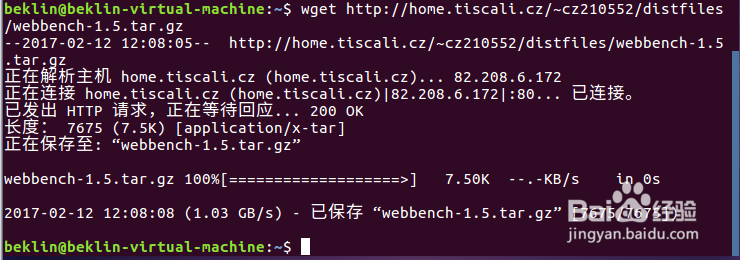
4、解压缩
tar zxvf webbench-1.5.tar.gz

5、进入webbench-1.5目录
执行make命令

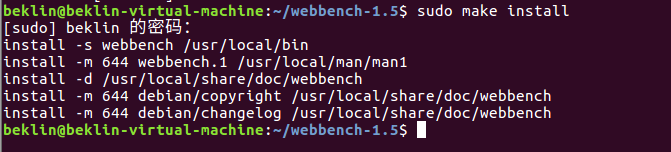
6、make install
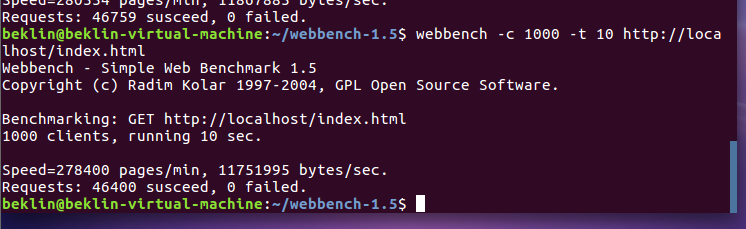
7、测试
用法:webbench -c 并发数 -t 运行测试时间 URL
时间:2026-04-30 03:59:12
1、打开ubuntu系统
2、安装ctags
apt-get install exuberant-ctags
3、官网下载webbench
4、解压缩
tar zxvf webbench-1.5.tar.gz
5、进入webbench-1.5目录
执行make命令
6、make install
7、测试
用法:webbench -c 并发数 -t 运行测试时间 URL
