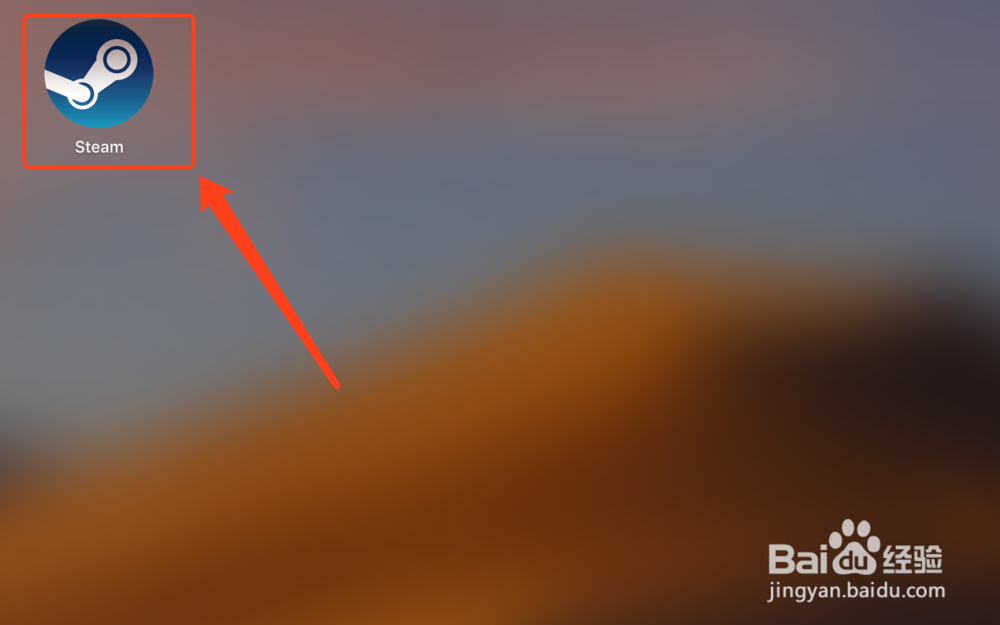
1、打开Steam软件。
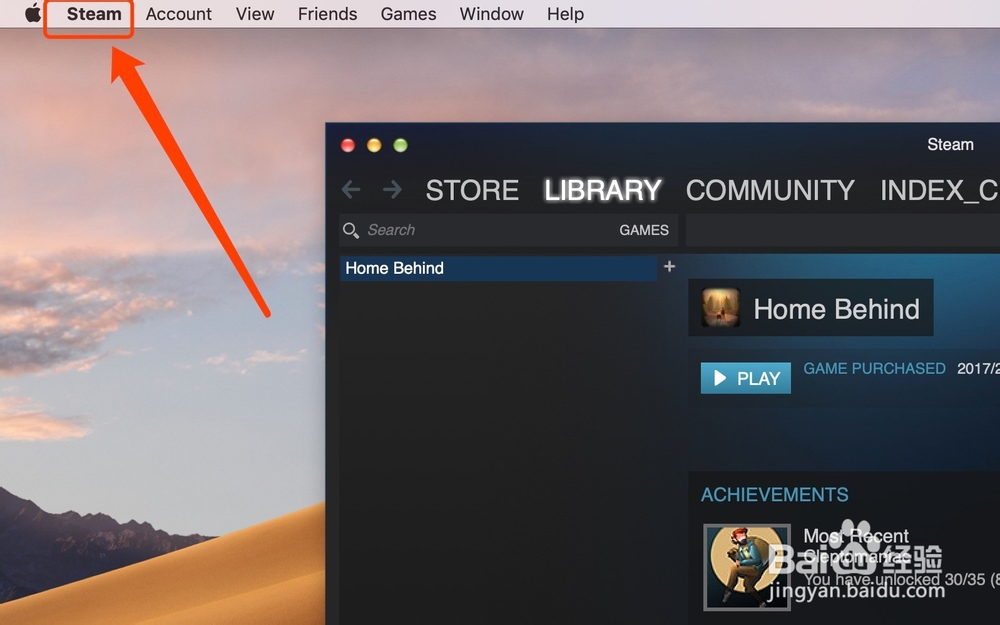
2、点击屏幕左上角的【Steam】功能。
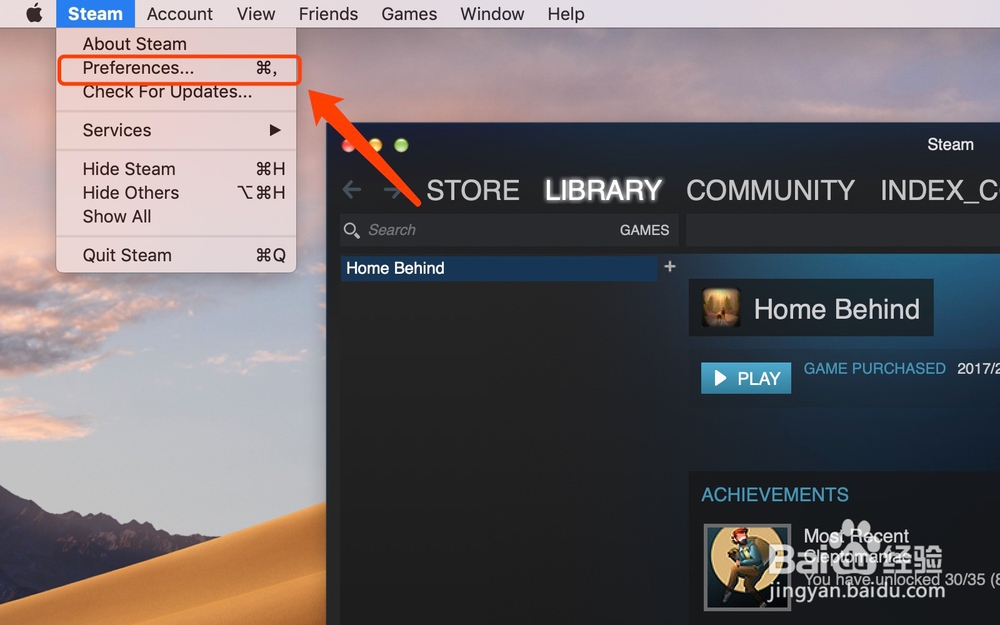
3、点击【Preferences】功能。
4、切换到【Interface】操作界面。

5、找到【Select the language you wish Steam to use】功能。
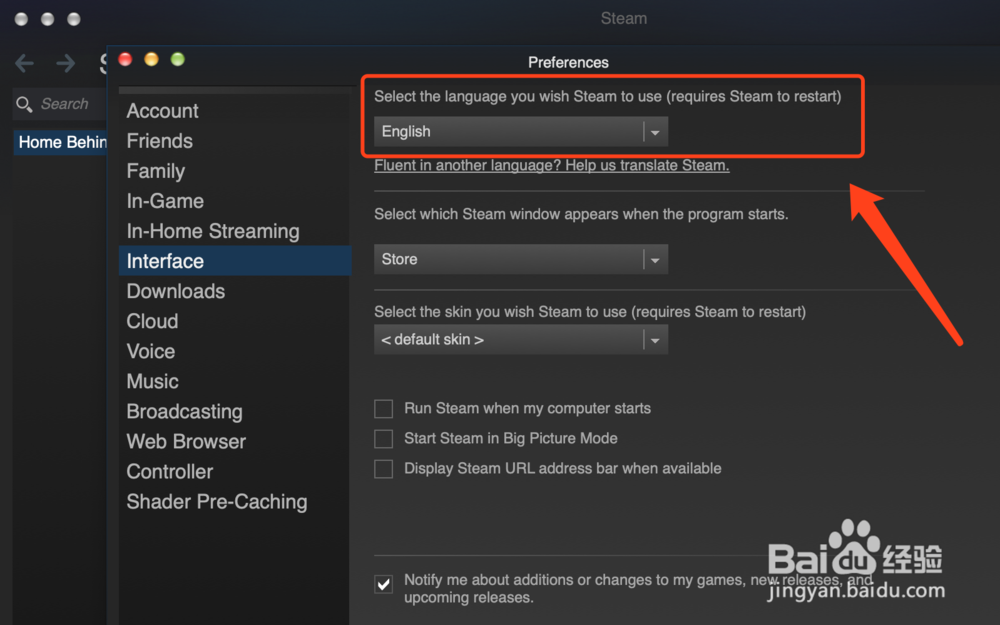
6、将English语言切换到【简体中文】。

7、点击【OK】按扭完成设置操作。

8、点击【RESTART STEAM】重启Steam软件。

9、即可在mac版steam中设置中文操作。
1、打开Steam软件。
2、点击屏幕左上角的【Steam】功能。
3、点击【Preferences】功能。
4、切换到【Interface】操作界面。
5、找到【Select the language you wish Steam to use】功能。
6、将English语言切换到【简体中文】,点击【OK】按扭完成设置操作。
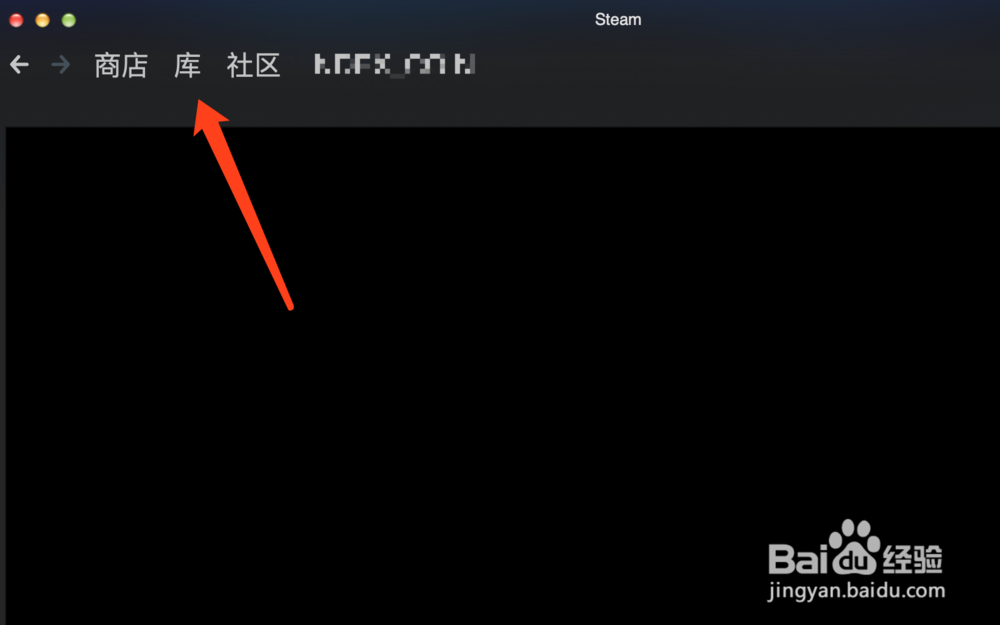
7、点击【RESTART STEAM】重启Steam软件,即可在mac版steam中设置中文操作。