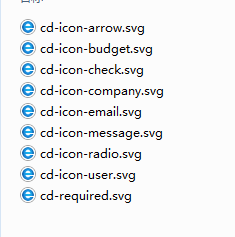
1、准备好需要用到的SVG图标。
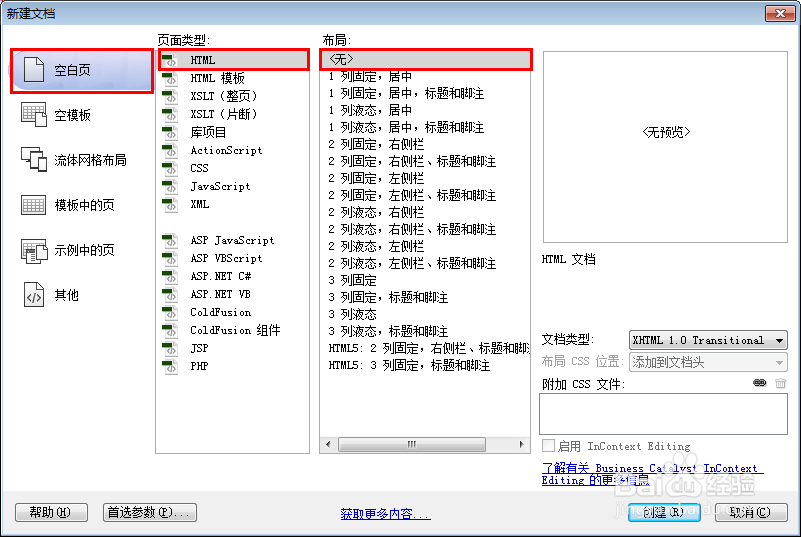
2、新建html文档。
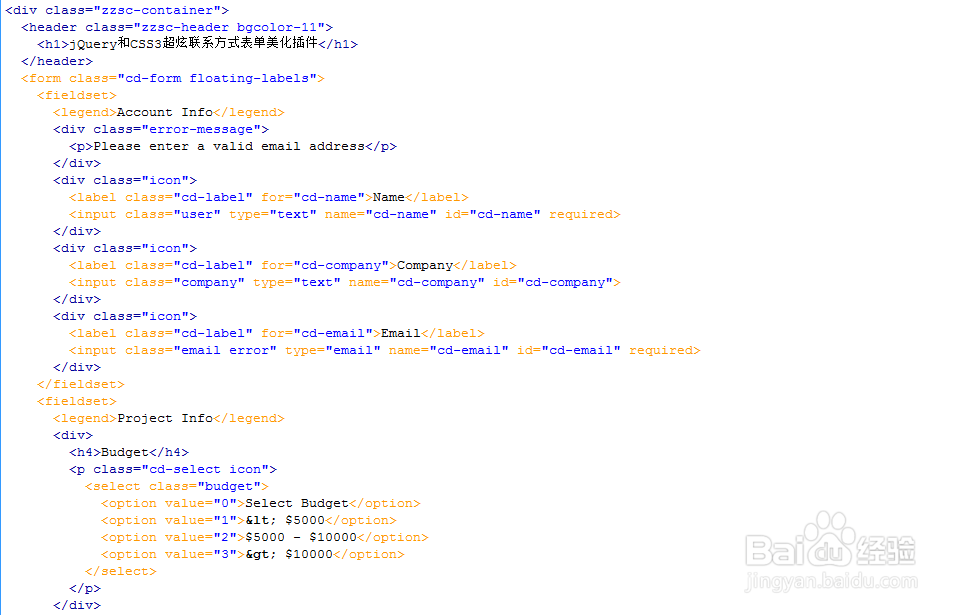
3、书写hmtl代码。
<div class="zzsc-container">
<header class="zzsc-header bgcolor-11">
<h1>jQuery和CSS3超炫联系方式表单美化插件</h1>
</header>
<form class="cd-form floating-labels">
<fieldset>
<legend>Account Info</legend>
<div class="error-message">
Please enter a valid email address
</div>
<div class="icon">
<label class="cd-label" for="cd-name">Name</label>
<input class="user" type="text" name="cd-name" id="cd-name" required>
</div>
<div class="icon">
<label class="cd-label" for="cd-company">Company</label>
<input class="company" type="text" name="cd-company" id="cd-company">
</div>
<div class="icon">
<label class="cd-label" for="cd-email">Email</label>
<input class="email error" type="email" name="cd-email" id="cd-email" required>
</div>
</fieldset>
<fieldset>
<legend>Project Info</legend>
<div>
<h4>Budget</h4>
<p class="cd-select icon">
<select class="budget">
<option value="0">Select Budget</option>
<option value="1">< $5000</option>
<option value="2">$5000 - $10000</option>
<option value="3">> $10000</option>
</select>
</div>
4、书写css代码。
html, body, div, span, applet, object, iframe, h1, h2, h3, h4, h5, h6, p, blockquote, pre, a, abbr, acronym, address, big, cite, code, del, dfn, em, img, ins, kbd, q, s, samp, small, strike, strong, sub, sup, tt, var, b, u, i, center, dl, dt, dd, ol, ul, li, fieldset, form, label, legend, table, caption, tbody, tfoot, thead, tr, th, td, article, aside, canvas, details, embed, figure, figcaption, footer, header, hgroup, menu, nav, output, ruby, section, summary, time, mark, audio, video { margin: 0; padding: 0; border: 0; font-size: 100%; font: inherit; vertical-align: baseline; }
article, aside, details, figcaption, figure, footer, header, hgroup, menu, nav, section, main { display: block; }
body { line-height: 1; }
ol, ul { list-style: none; }
blockquote, q { quotes: none; }
blockquote:before, blockquote:after, q:before, q:after { content: ''; content: none; }
table { border-collapse: collapse; border-spacing: 0; }

5、代码整体结构。
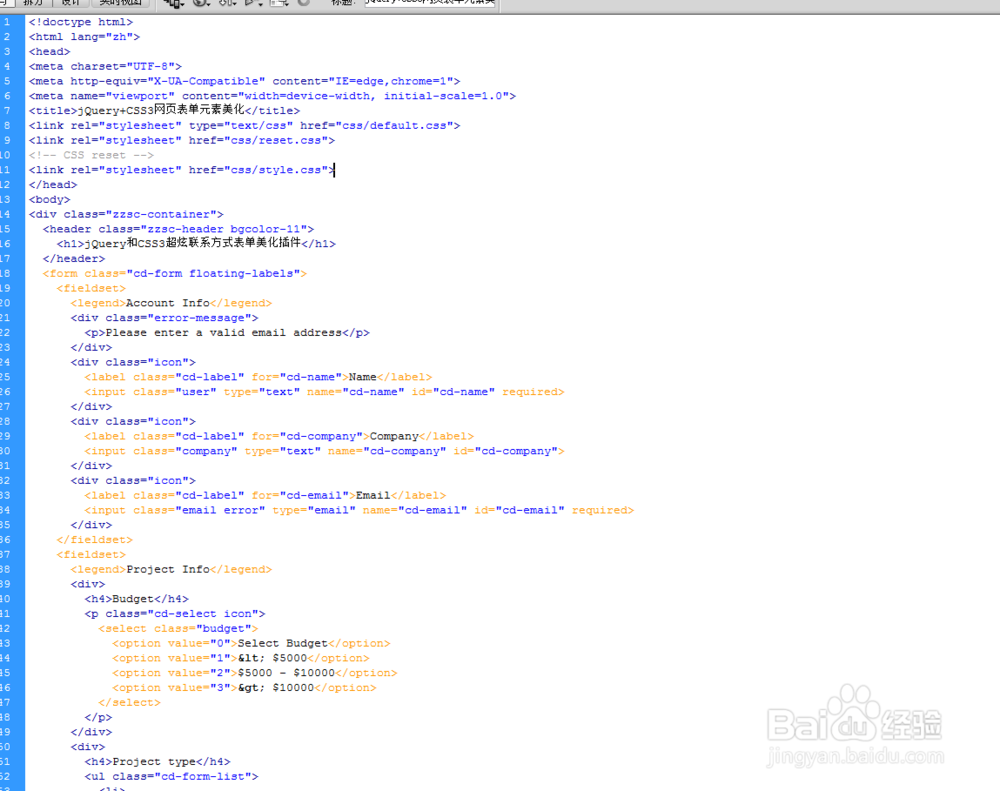
6、查看效果。

