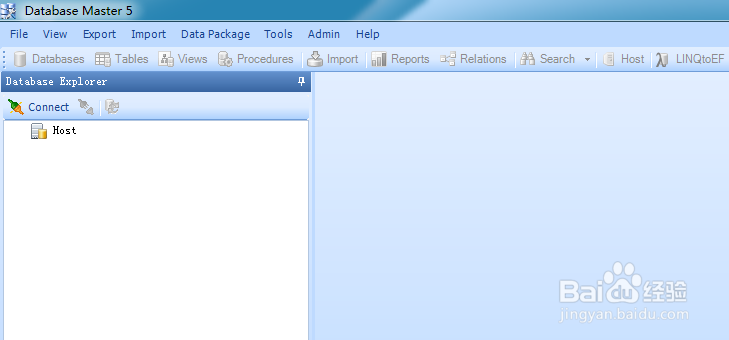
1、打开Database Master

2、点击【database explorer】下的【connect】
3、此时弹出对话框,显示已有的数据库连接
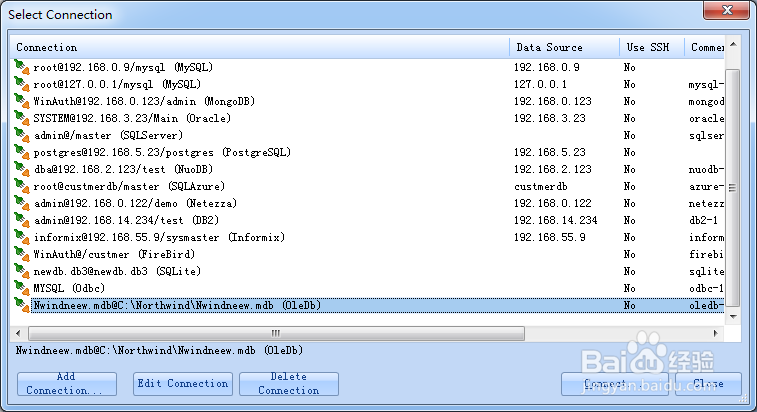
4、点击【add connection...】
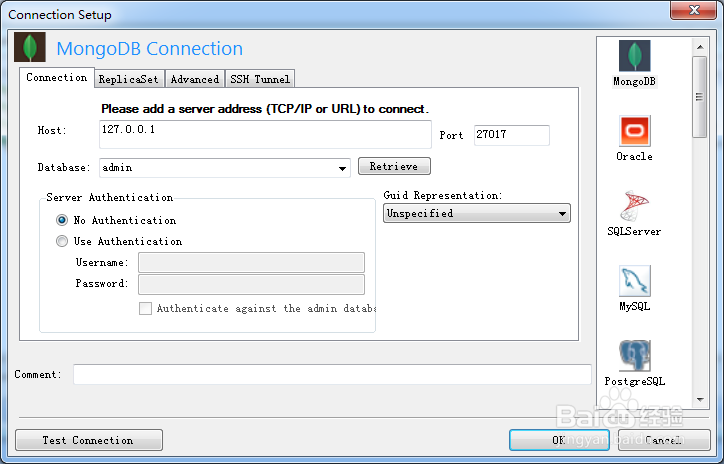
5、选择【ingres】,输入ingres的连接信息,然后点击【ok】
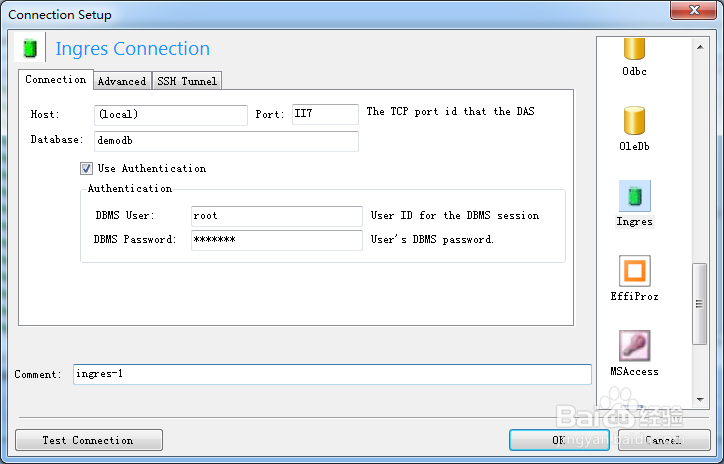
6、此时ingres数据库连接就创建了

时间:2026-04-23 05:52:35
1、打开Database Master
2、点击【database explorer】下的【connect】
3、此时弹出对话框,显示已有的数据库连接
4、点击【add connection...】
5、选择【ingres】,输入ingres的连接信息,然后点击【ok】
6、此时ingres数据库连接就创建了
