windows7如何打开windows PowerShell

 时间:2026-04-22 08:50:02

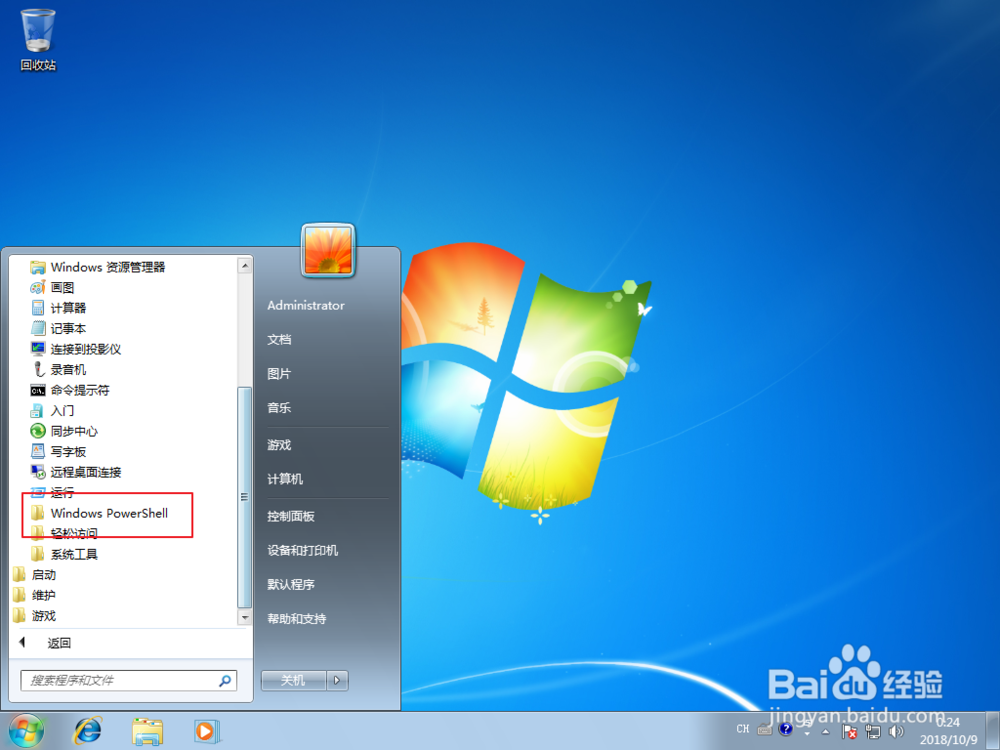
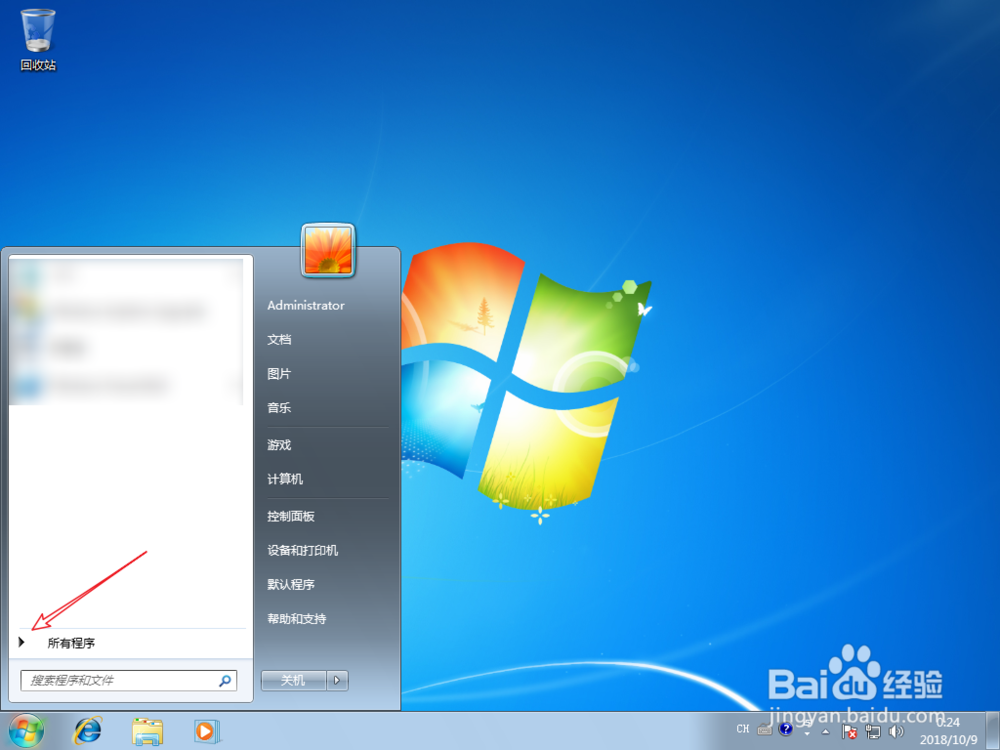
1、点击田,点击所有程序。

windows7如何打开windows PowerShell

windows7如何打开windows PowerShell

2、点击附件,点击这个shell。

windows7如何打开windows PowerShell

windows7如何打开windows PowerShell

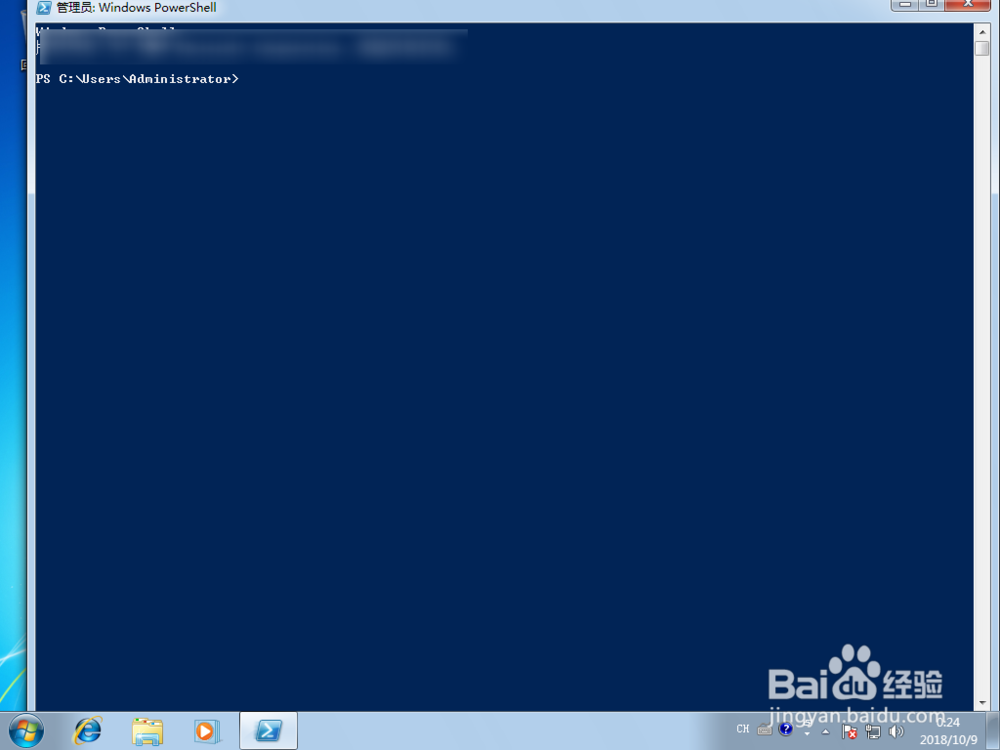
3、然后点击图一的软件,那么就可以打开了它了的。

windows7如何打开windows PowerShell

windows7如何打开windows PowerShell

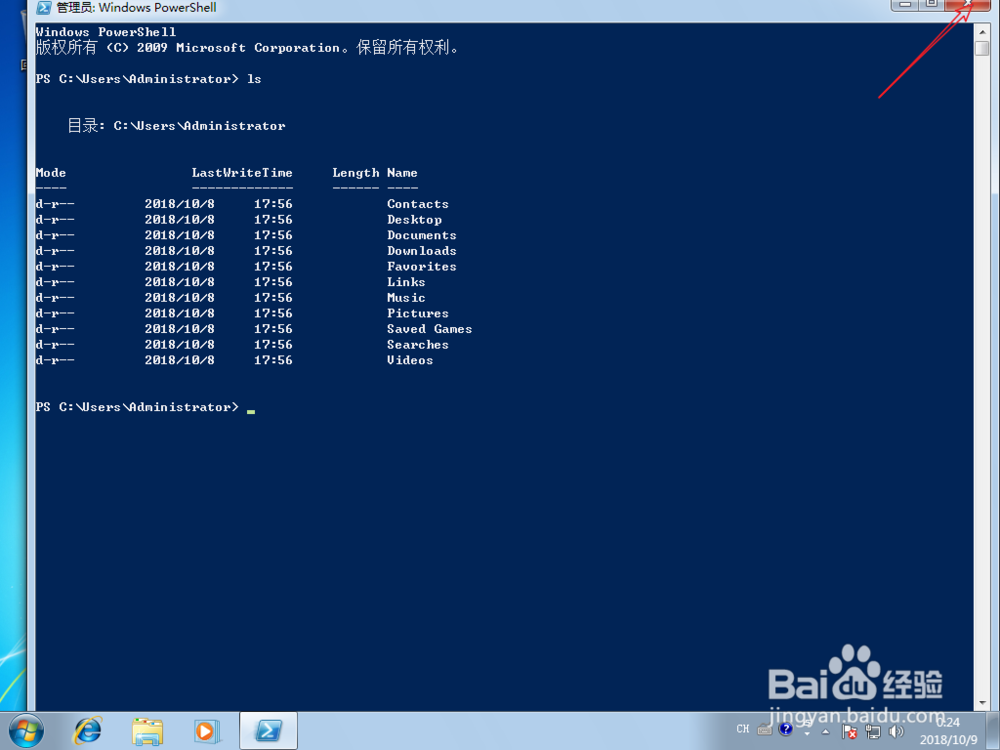
4、打开之后,输入:【ls】,可以看到列出文件了的,可以使用了它。

windows7如何打开windows PowerShell

windows7如何打开windows PowerShell

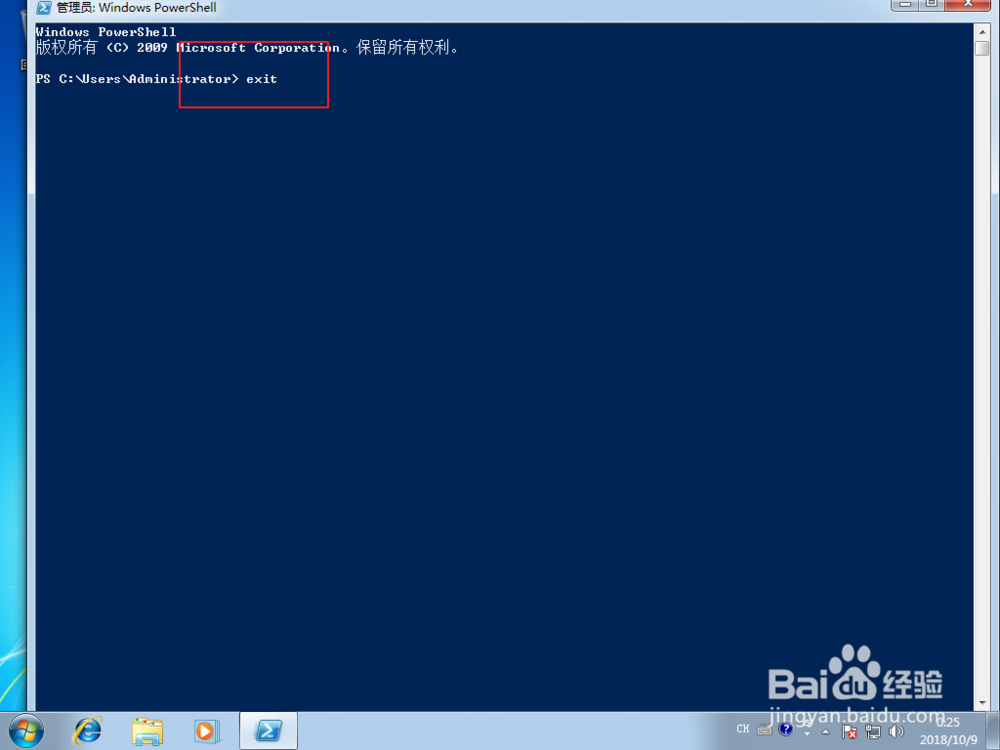
5、如果要退出软件了,点击右上角的x,或者是说输入【exit】。

windows7如何打开windows PowerShell

windows7如何打开windows PowerShell

6、更快的打开方式是,搜索power,然后会搜索到软件,点了它就可以打开了的。

windows7如何打开windows PowerShell

windows7如何打开windows PowerShell

  • 手机版Edge怎么修改页面布局
  • 在桌面上创建本地组策略编辑器快捷方式
  • Windows系统中添加永久路由方法
  • windows系统中本地html文件打开时无法加载
  • win10系统如何隐藏系统盘文件的方法
  • 热门搜索
    云南旅游信息网 美国拉斯维加斯旅游 旅游攻略网站排名 马尔代夫旅游要多少钱 去韩国旅游要多少钱 旅游的英文 出国旅游需要什么证件 甘肃旅游网 洛阳的旅游景点 去冰岛旅游