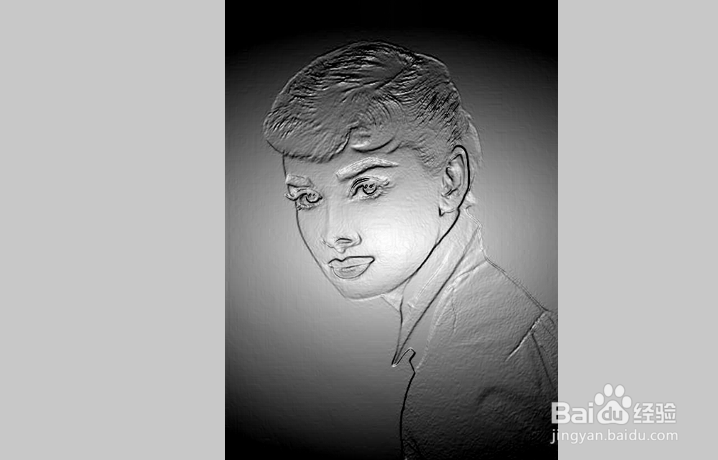
FastStone Image Viewer图像浮雕效果

 时间:2026-05-03 02:16:40

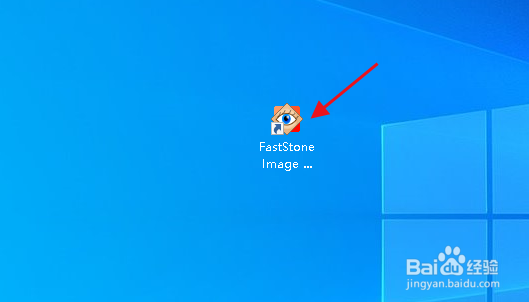
1、双击 FastStone Image Viewer 桌面快捷方式图标,打开软件。

FastStone Image Viewer图像浮雕效果

2、在 FastStone Image Viewer 中打开图片,点击“特效>浮雕”。

FastStone Image Viewer图像浮雕效果

3、调整参数,满意后点击“确定”。

FastStone Image Viewer图像浮雕效果

FastStone Image Viewer图像浮雕效果

  • ps怎么用camera raw调整图像
  • 怎么把图片变成浮雕画
  • PS如何合并图层通道
  • PS烟雾光束制作方法
  • PS制作晶体字效果
  • 热门搜索
    荷兰旅游 常州旅游商贸高等职业技术学校 世界旅游组织 户外旅游 郑州旅游景点 旅游卫视 研学旅游 欧洲旅游攻略 迪拜旅游价格 衡水旅游