1、启动失败了,错误如下:
Provide your license server administrator with the following information:
Error Code = -15
Cannot connect to license server system.
The license server manager (lmgrd) has not been started yet,
the wrong port@host or license file is being used, or the
port or hostname in the license file has been changed.
Feature: ARC/INFO
Server name: localhost
License path: @localhost;
FLEXnet Licensing error:-15,570
或者如截图:


2、这两种错误提示都是软件的服务没有启动或者启动服务失败造成的,解决方法是重新启动服务!打开license manager

3、点击启动,启动成功后确定!

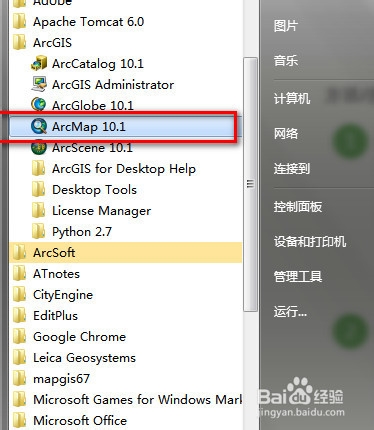
4、然后再启动arcmap,如图,已经成功启动了。所以看看你的license服务是否已经正常启动了,如果没有正常启动,则启动再打开arcgis软件!否则无法正常打开使用!

5、有时候,由于软件破解照成的问题,license服务无法启动,点击启动没有反应,这时候需要从新破解,方法:1.卸载license;2.安装新的license!3.重新破解,替换license文件夹BIN目录下的service.txt文件!
这三步骤即可重新破解了license,就会解决问题了!
