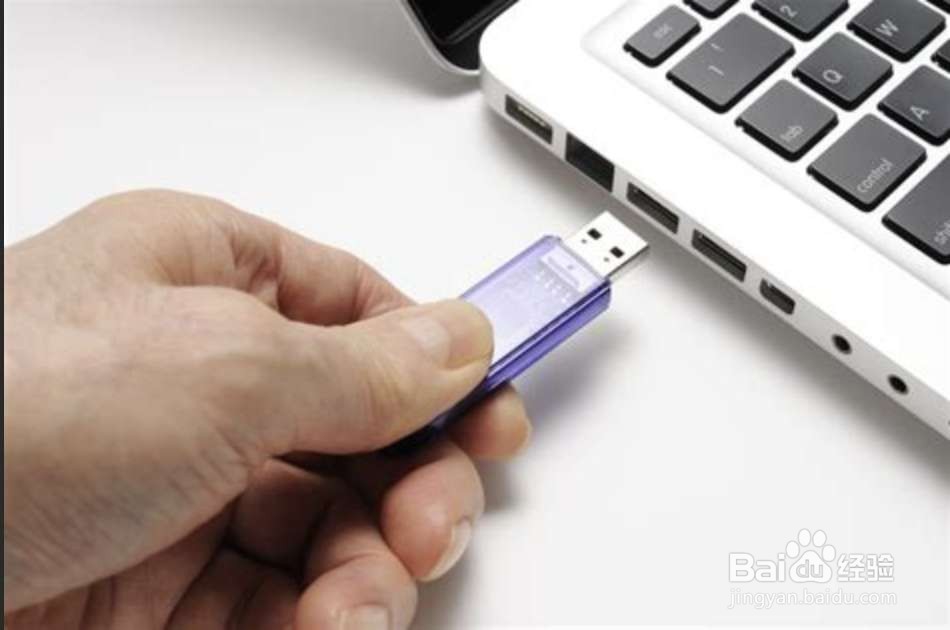
1、把【启动盘】放入到笔记本上,然后【fn+f2】。

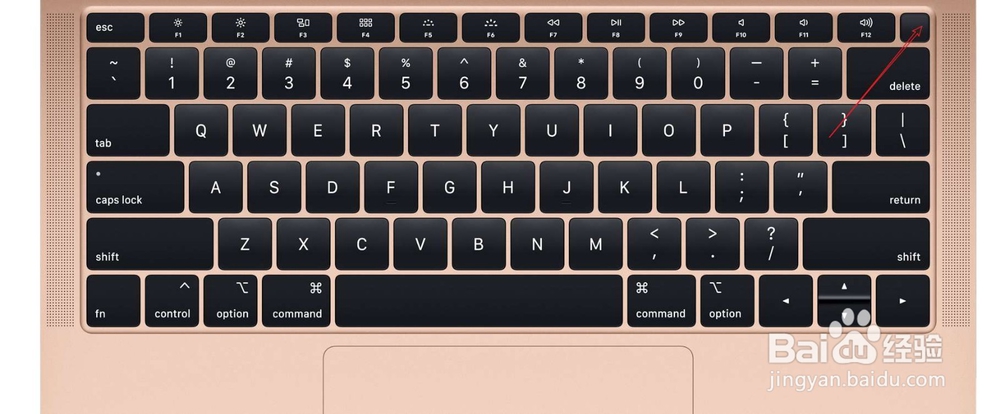
2、然后按电源开机,选择【boot】。
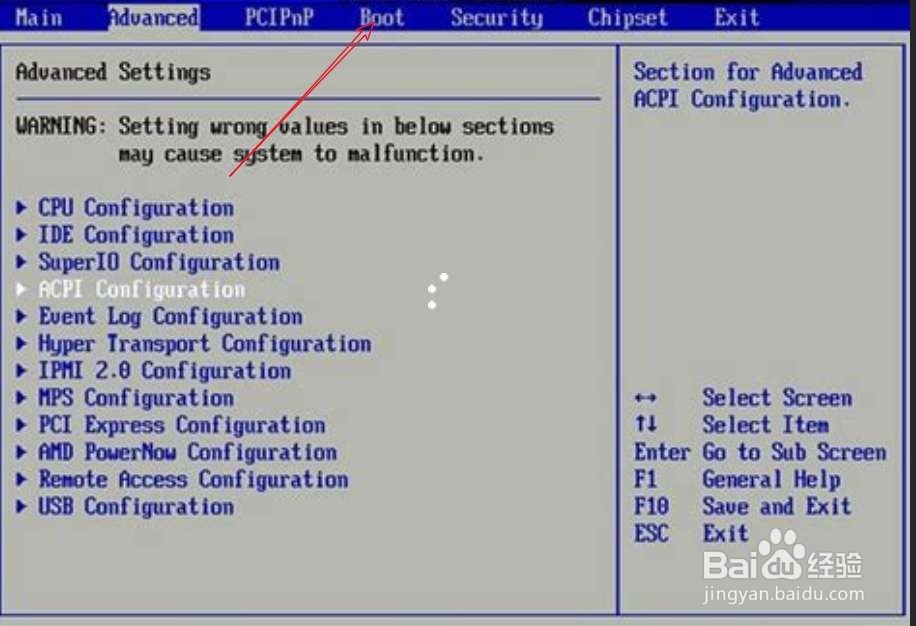
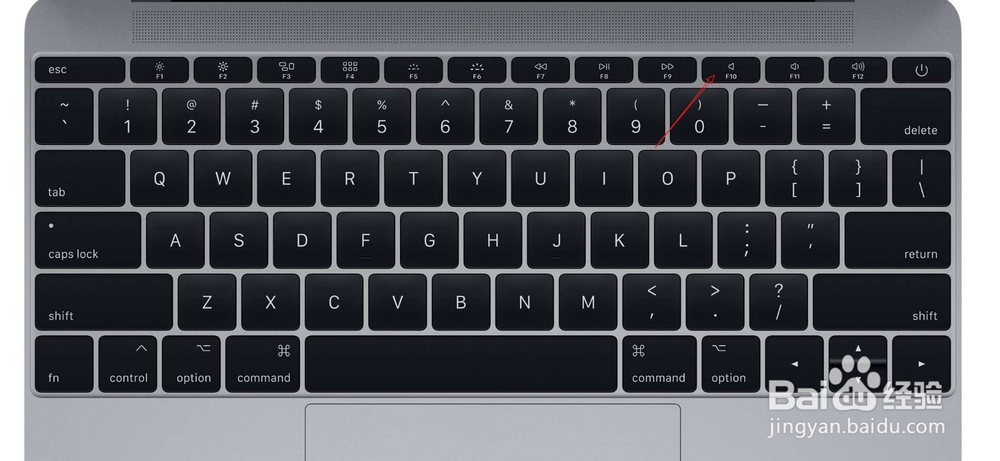
3、【1st boot device 】选择设置为USB,此时按【f10】,此时选择【OK】。

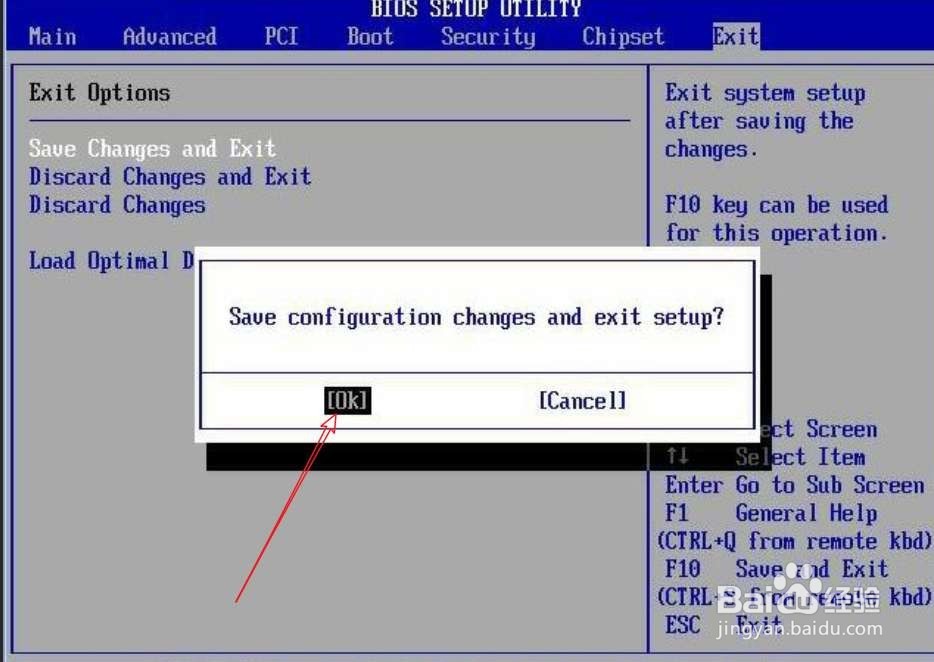
4、选择第一个运行,选择工具上的C盘。
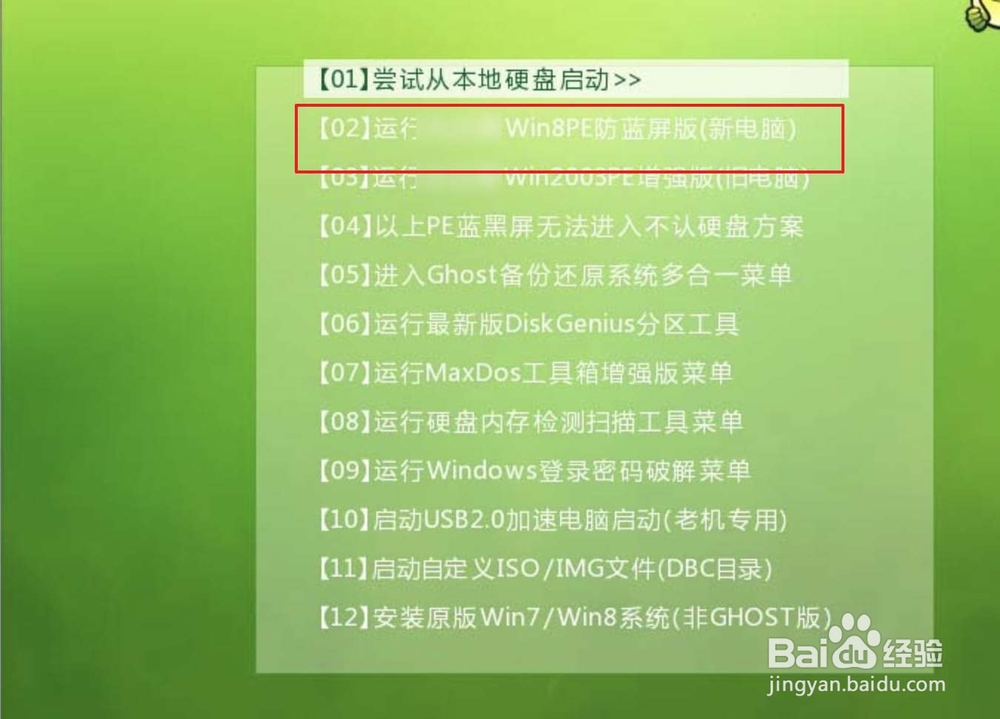
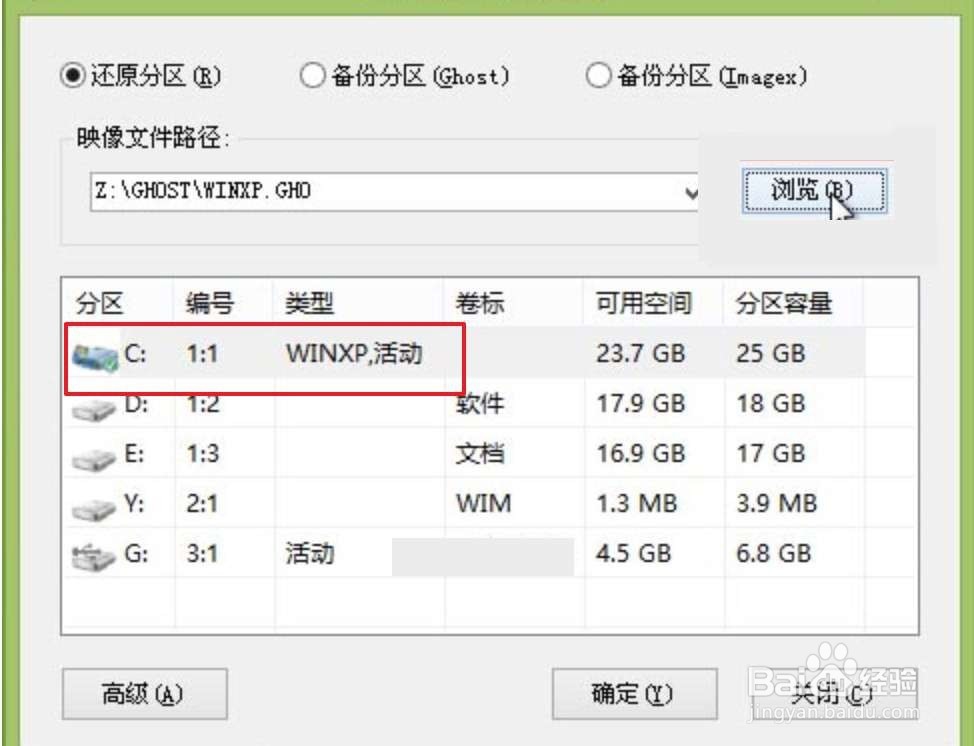
5、选择确定,选择第二个确定。
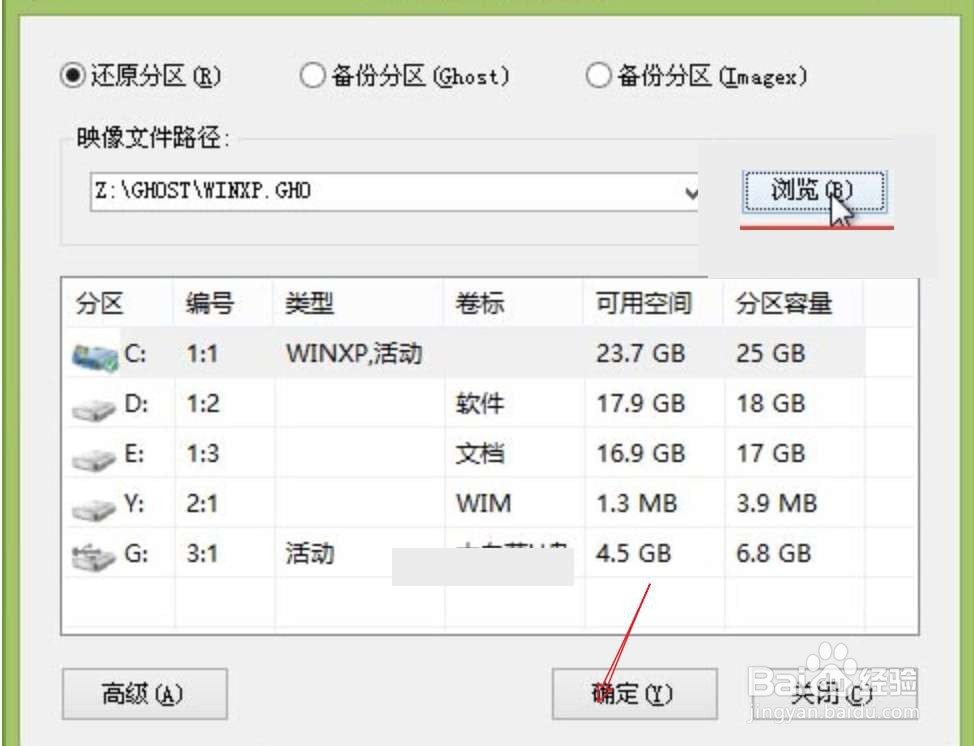
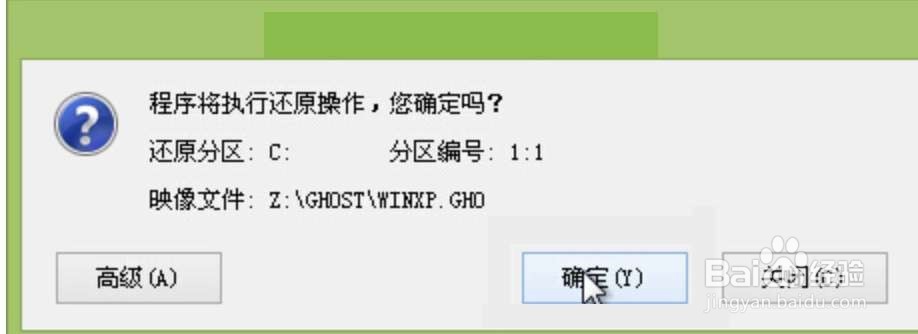
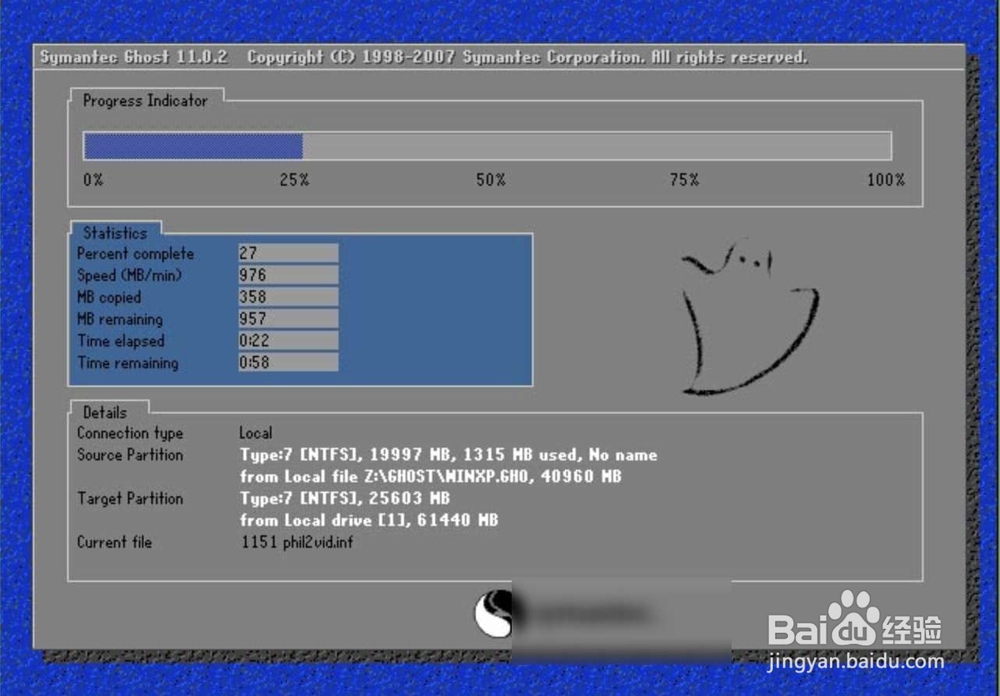
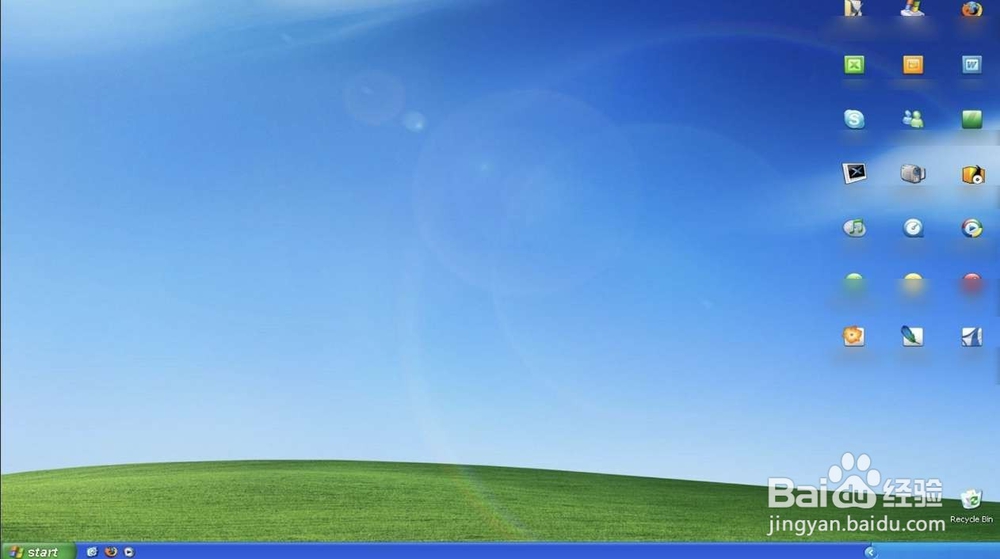
6、此时即可安装系统到电脑上,然后会自动重启了,重启了进入到XP系统了。
时间:2026-04-29 18:54:38
1、把【启动盘】放入到笔记本上,然后【fn+f2】。
2、然后按电源开机,选择【boot】。
3、【1st boot device 】选择设置为USB,此时按【f10】,此时选择【OK】。
4、选择第一个运行,选择工具上的C盘。
5、选择确定,选择第二个确定。
6、此时即可安装系统到电脑上,然后会自动重启了,重启了进入到XP系统了。
