1、打开Word,注意不是wps。
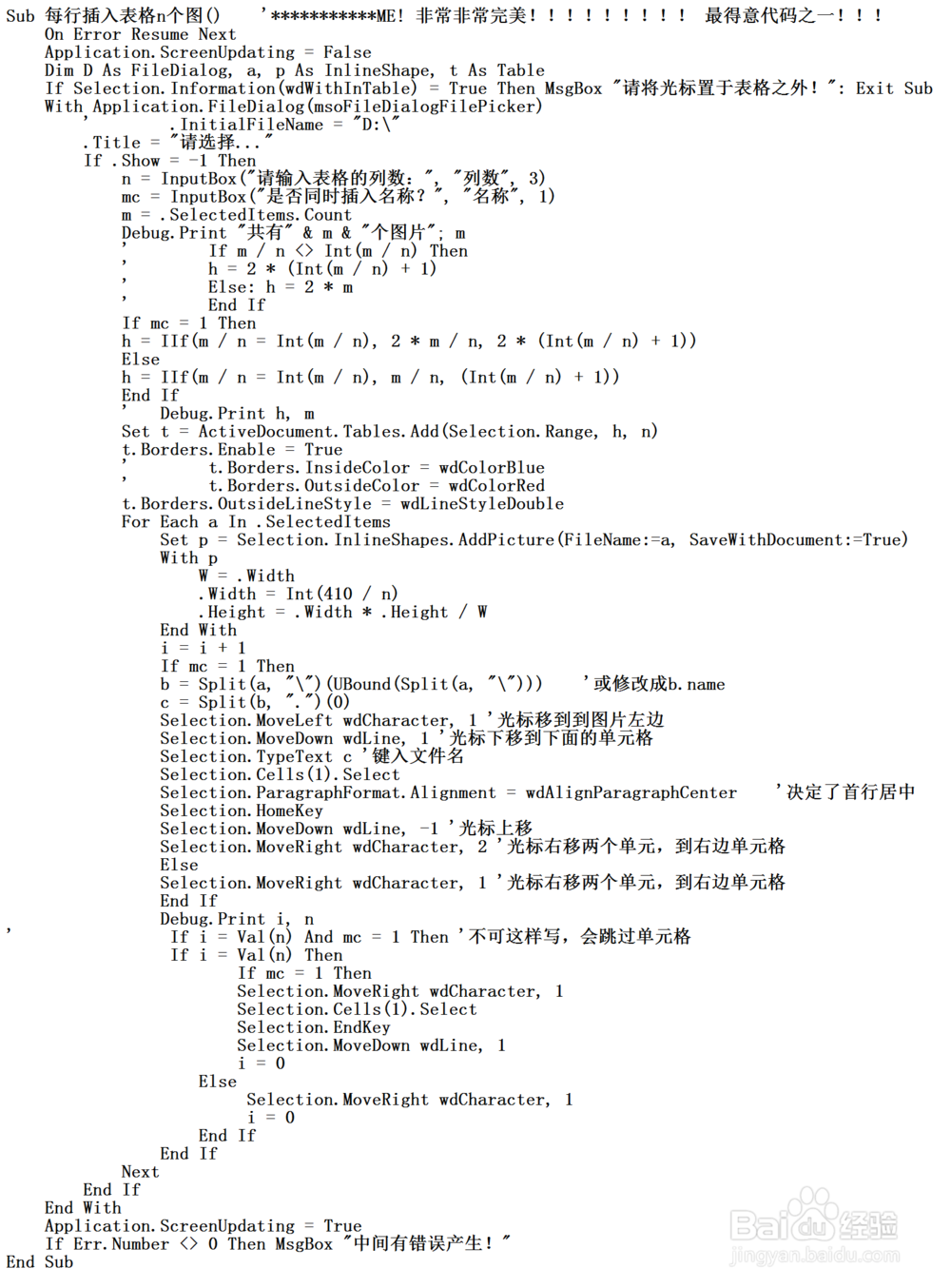
2、将下面代码粘贴进去:
Sub 每行插入表格n个图()
On Error Resume Next
Application.ScreenUpdating = False
Dim D As FileDialog, a, p As InlineShape, t As Table
If Selection.Information(wdWithInTable) = True Then MsgBox "请将光标置于表格之外!": Exit Sub
With Application.FileDialog(msoFileDialogFilePicker)
' .InitialFileName = "D:\"
.Title = "请选择..."
If .Show = -1 Then
n = InputBox("请输入表格的列数:", "列数", 3)
mc = InputBox("是否同时插入名称?", "名称", 1)
m = .SelectedItems.Count
Debug.Print "共有" & m & "个图片"; m
' If m / n <> Int(m / n) Then
' h = 2 * (Int(m / n) + 1)
' Else: h = 2 * m
' End If
If mc = 1 Then
h = IIf(m / n = Int(m / n), 2 * m / n, 2 * (Int(m / n) + 1))
Else
h = IIf(m / n = Int(m / n), m / n, (Int(m / n) + 1))
End If
' Debug.Print h, m
Set t = ActiveDocument.Tables.Add(Selection.Range, h, n)
t.Borders.Enable = True
' t.Borders.InsideColor = wdColorBlue
' t.Borders.OutsideColor = wdColorRed
t.Borders.OutsideLineStyle = wdLineStyleDouble
For Each a In .SelectedItems
Set p = Selection.InlineShapes.AddPicture(FileName:=a, SaveWithDocument:=True)
With p
W = .Width
.Width = Int(410 / n)
.Height = .Width * .Height / W
End With
i = i + 1
If mc = 1 Then
b = Split(a, "\")(UBound(Split(a, "\"))) '或修改成b.name
c = Split(b, ".")(0)
Selection.MoveLeft wdCharacter, 1 '光标移到到图片左边
Selection.MoveDown wdLine, 1 '光标下移到下面的单元格
Selection.TypeText c '键入文件名
Selection.Cells(1).Select
Selection.ParagraphFormat.Alignment = wdAlignParagraphCenter '决定了首行居中
Selection.HomeKey
Selection.MoveDown wdLine, -1 '光标上移
Selection.MoveRight wdCharacter, 2 '光标右移两个单元,到右边单元格
Else
Selection.MoveRight wdCharacter, 1 '光标右移两个单元,到右边单元格
End If
Debug.Print i, n
' If i = Val(n) And mc = 1 Then '不可这样写,会跳过单元格
If i = Val(n) Then
If mc = 1 Then
Selection.MoveRight wdCharacter, 1
Selection.Cells(1).Select
Selection.EndKey
Selection.MoveDown wdLine, 1
i = 0
Else
Selection.MoveRight wdCharacter, 1
i = 0
End If
End If
Next
End If
End With
Application.ScreenUpdating = True
If Err.Number <> 0 Then MsgBox "中间有错误产生!"
End Sub
3、图片示意:

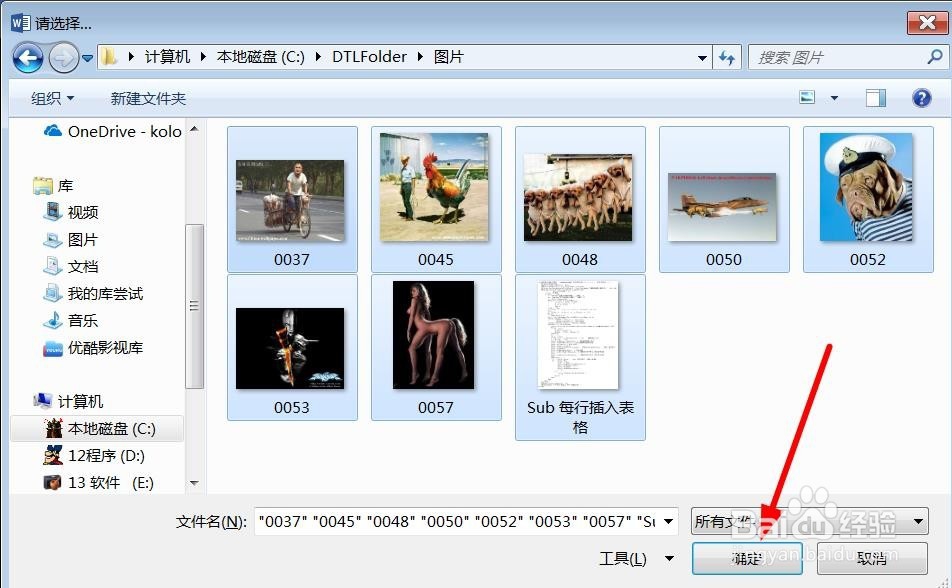
4、按F5运行,于是会弹出图片选择的窗口:
5、选择要显示几列表格,以及是否要显示图片名称:


6、最终效果:

