1、第一步:搭建springboot环境。
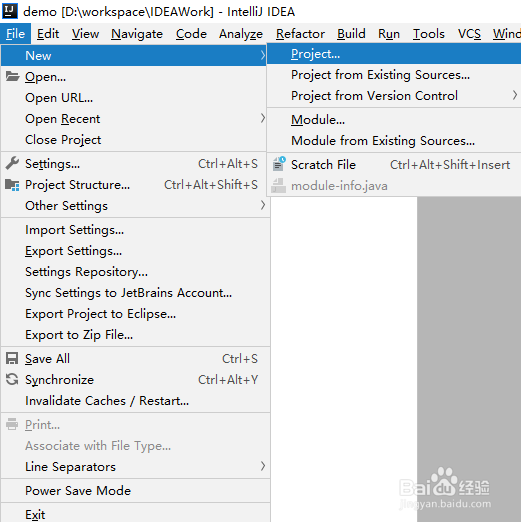
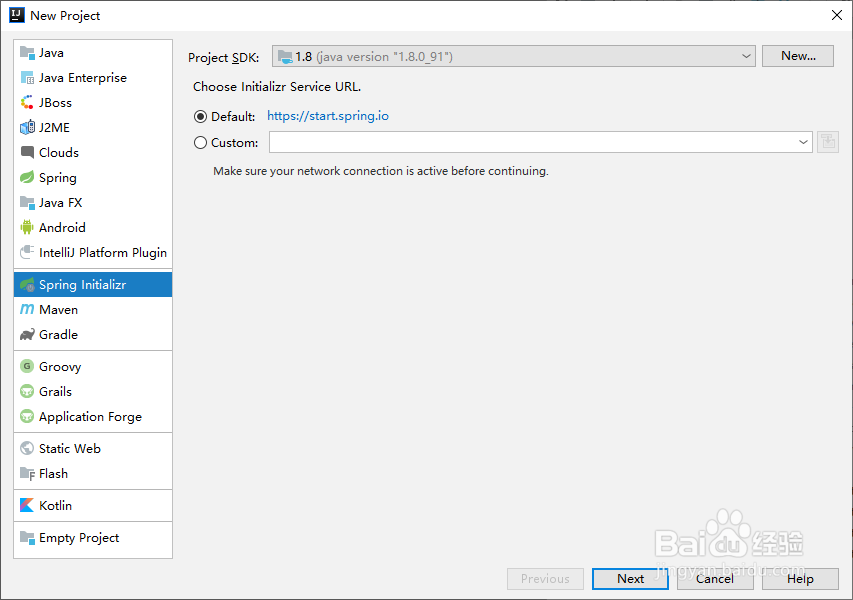
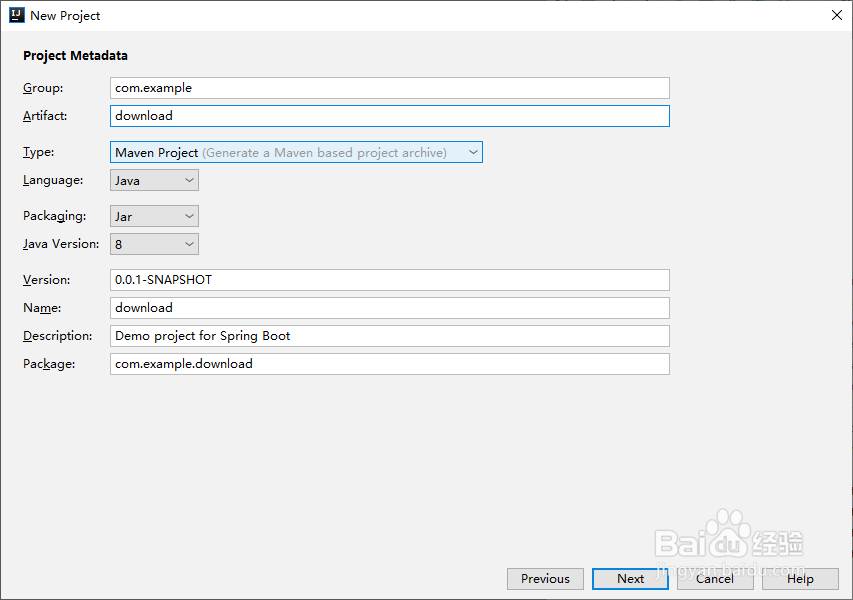
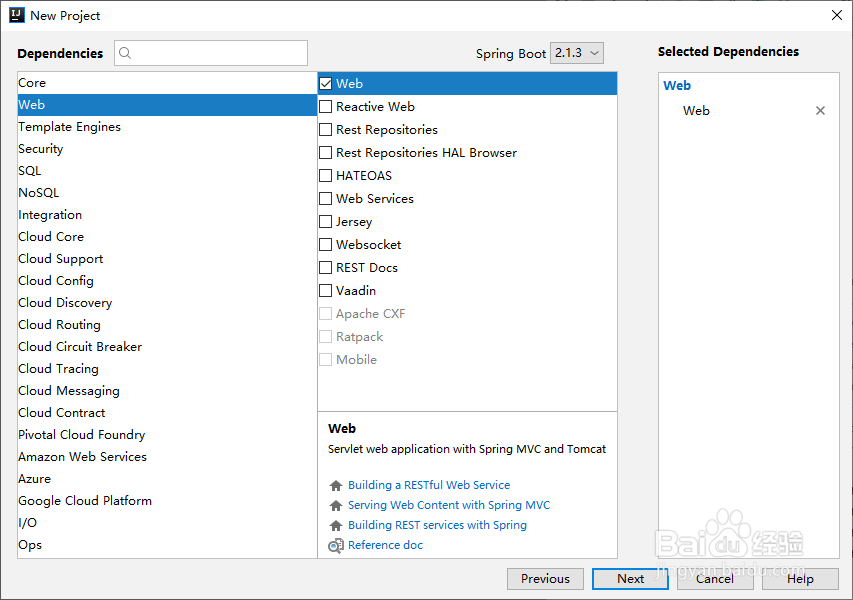
file---》new--》project..--》设置项目名称download,添加web依赖

2、第二步:编辑代码。
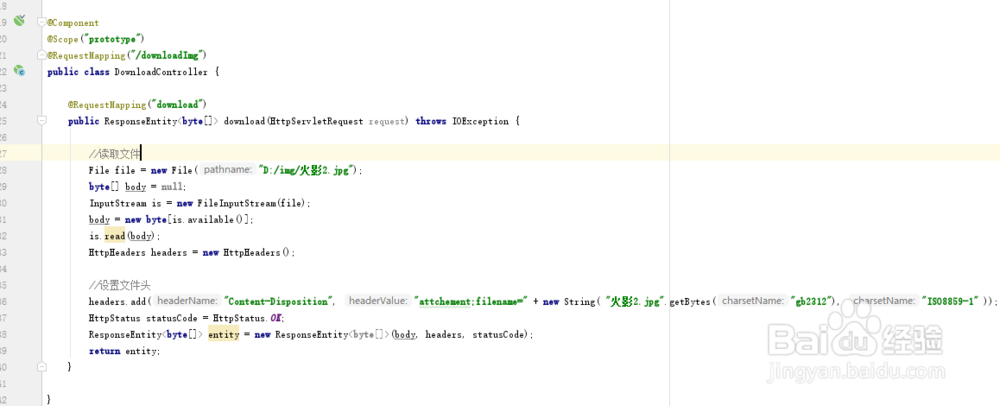
具体代码如下所示
@Component@Scope("prototype")@RequestMapping("/downloadImg")public class DownloadController { @RequestMapping("download") public ResponseEntity<byte[]> download(HttpServletRequest request) throws IOException { //读取文件 File file = new File("D:/img/火影2.jpg"); byte[] body = null; InputStream is = new FileInputStream(file); body = new byte[is.available()]; is.read(body); HttpHeaders headers = new HttpHeaders(); //设置文件头 headers.add("Content-Disposition", "attchement;filename=" + new String( "火影2.jpg".getBytes("gb2312"), "ISO8859-1" )); HttpStatus statusCode = HttpStatus.OK; ResponseEntity<byte[]> entity = new ResponseEntity<byte[]>(body, headers, statusCode); return entity; }}
3、第三步:测试功能。
1、打开谷歌或者其它浏览器。
2、输入地址如下图所示
3,、素材如下