时间:2026-05-01 05:58:21
1、打开微信
选择“我”
点击设置
2、选择“通用”
进入下一步
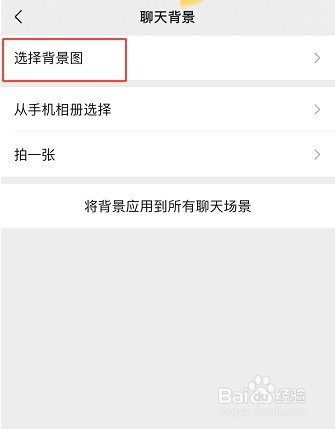
3、再选择“聊天背景”
点击确定
4、选择背景图
点击进入
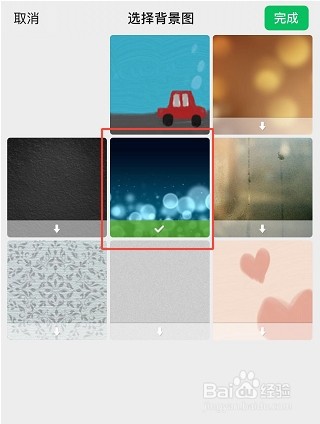
5、下载背景图
点击完成
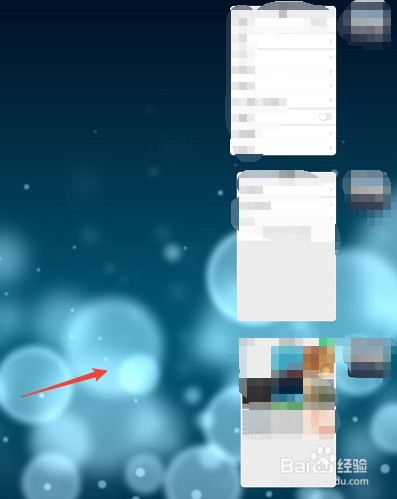
6、返回微信
查看背景图层
完成操作