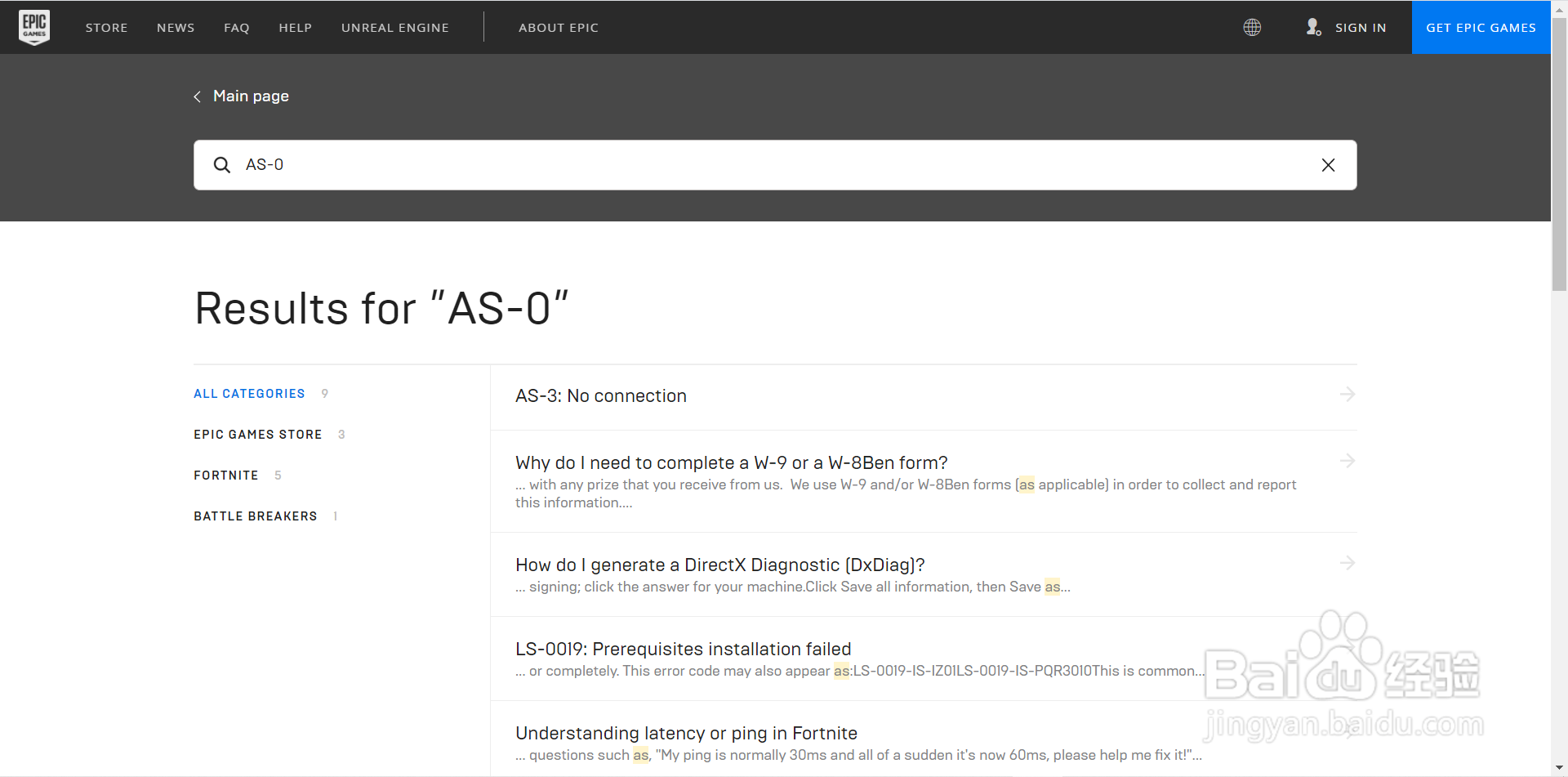
1、进入epic官网,下载好epic游戏平台
2、登录进入epic平台界面

3、点击箭头处设置

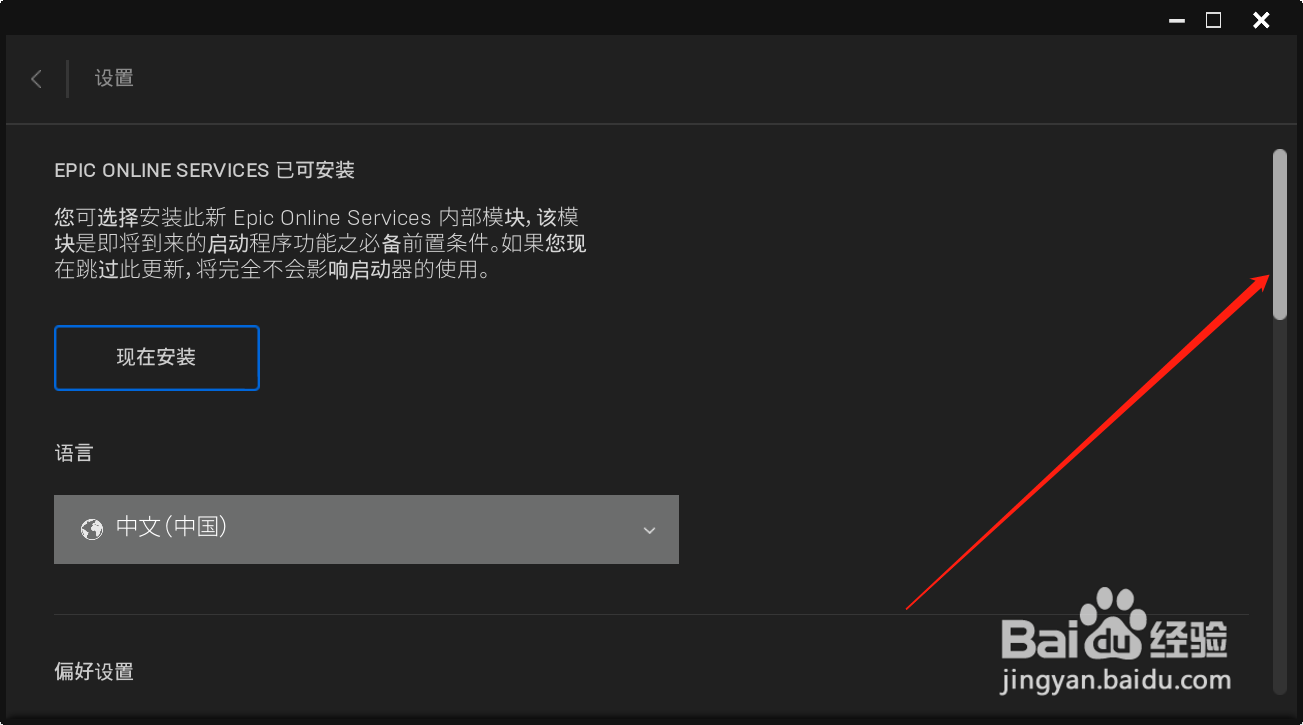
4、拖动滑动条,拖到最下方
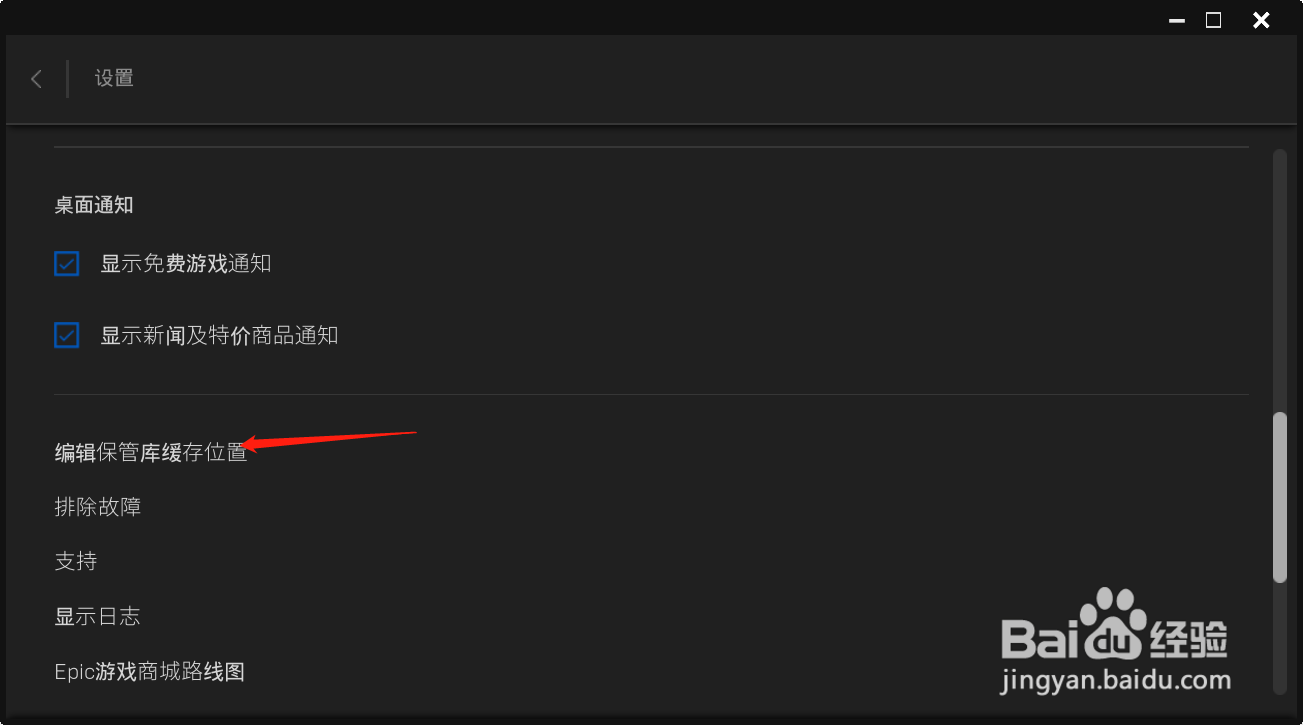
5、点击编辑保管库缓存位置
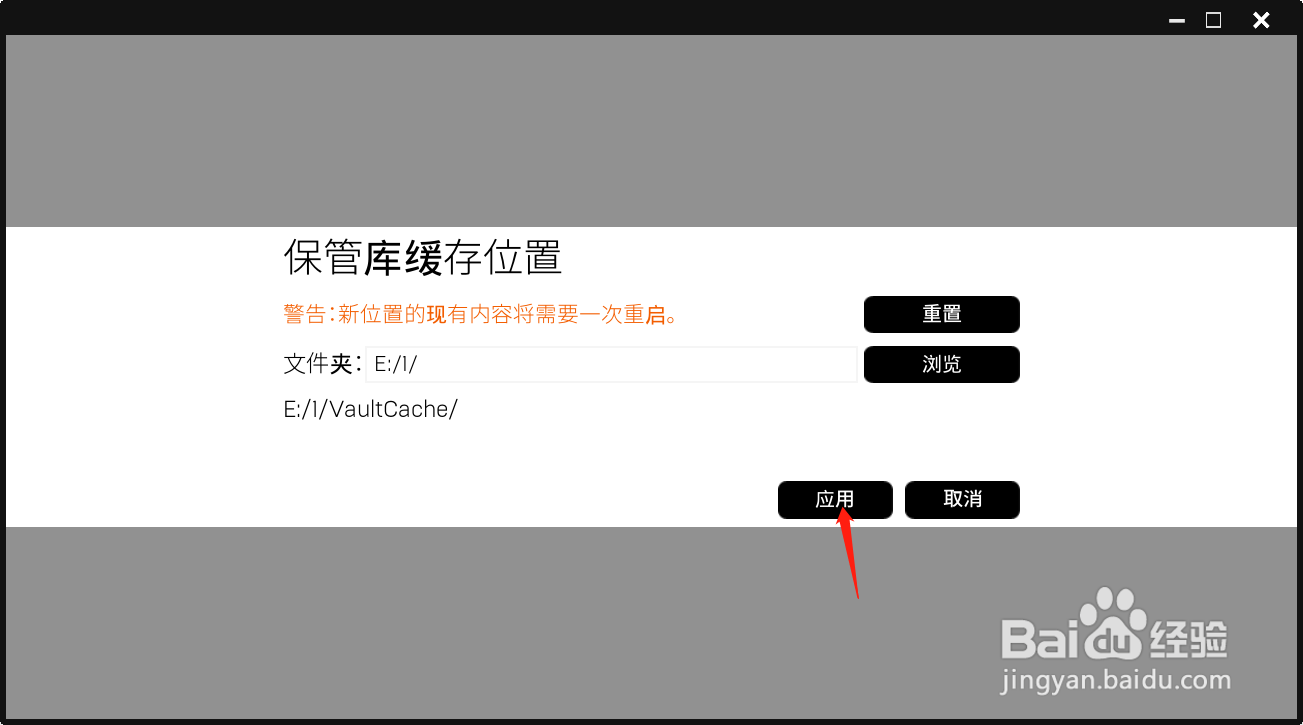
6、点击浏览,选择需要保存到的文件夹或位置

7、点击启用,即可完成编辑,小伙伴快去试一下吧!
时间:2026-05-01 04:40:29
1、进入epic官网,下载好epic游戏平台
2、登录进入epic平台界面
3、点击箭头处设置
4、拖动滑动条,拖到最下方
5、点击编辑保管库缓存位置
6、点击浏览,选择需要保存到的文件夹或位置
7、点击启用,即可完成编辑,小伙伴快去试一下吧!
