1、打开IDLE。

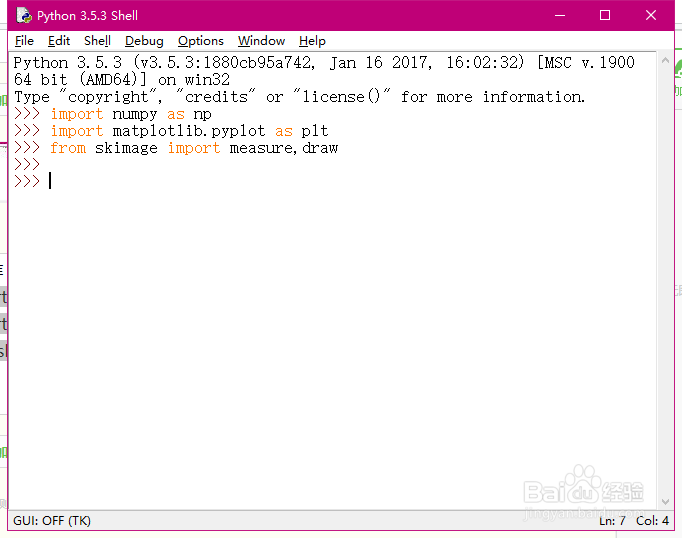
2、导入库,和其他语言一样在编写程序的时候需要导入先关的库文件。
import numpy as np
import matplotlib.pyplot as plt
from skimage import measure,draw
3、产生一个图像,这里采用手工的方式画出了一张图。
img=np.zeros([100,100])
img[20:40,60:80]=1
rr,cc=draw.circle(60,60,10)
rr1,cc1=draw.circle(20,30,15)
img[rr,cc]=1
img[rr1,cc1]=1

4、采用下面的程序进行查询图片的轮廓。
contours = measure.find_contours(img, 0.5)

5、采用下面代码,显示我们的结果。
fig, (ax0,ax1) = plt.subplots(1,2)
ax0.imshow(img,plt.cm.gray)
ax1.imshow(img,plt.cm.gray)
for n, contour in enumerate(contours):
ax1.plot(contour[:, 1], contour[:, 0], linewidth=2)
plt.show()

6、显示的结果如下图所示。

